Kuwait Home IT Care

Home Network Maintenance Services in Kuwait

Keep your villa or apartment connected with proactive WiFi care, router updates, mesh tuning, smart home stability, and hands-on support—so small issues do not become family-wide outages.

  • Villas, apartments & compounds
  • Zain, Ooredoo & STC homes
  • Mesh, CCTV & smart devices
  • Remote + on-site visits
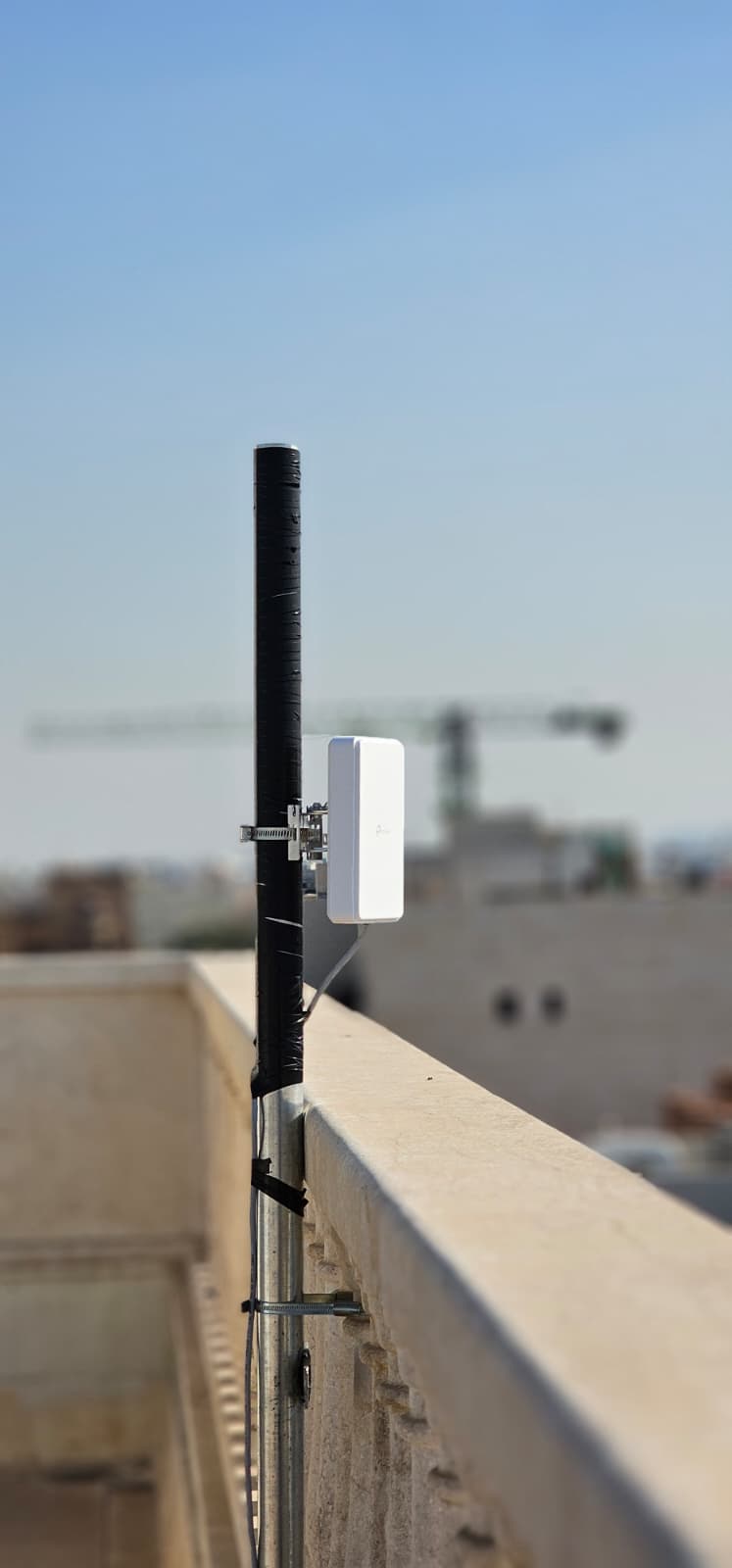
Outdoor 5G router installation and home network maintenance in Kuwait

What Our Home Maintenance Covers

Preventive care for the technology your household relies on every day—from streaming and gaming to CCTV, intercoms, and work-from-home video calls.

WiFi Health & Coverage Review

We audit router placement, channel overlap, mesh node positions, and dead zones across your villa or apartment—common in Kuwait homes with thick concrete walls.

Router & Firmware Updates

Security patches, firmware upgrades, and configuration backups for TP-Link, Huawei, Ubiquiti, MikroTik, and ISP-provided routers used with Zain, Ooredoo, and STC.

Mesh & Extender Optimization

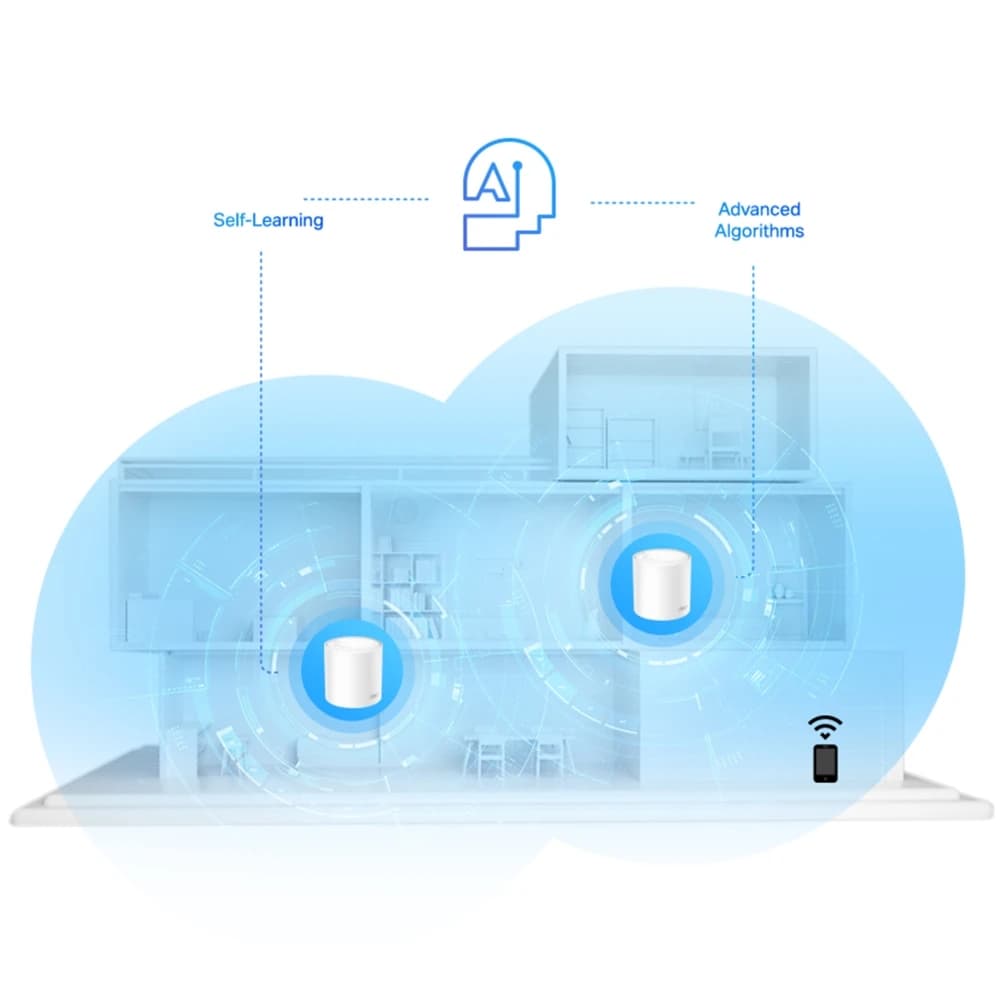
Tune Deco, OneMesh, UniFi, and third-party mesh systems so bedrooms, majlis, and outdoor areas get stable coverage without constant reconnects.

Smart Home & IoT Stability

Separate guest networks, fix device drop-offs, and keep cameras, doorbells, Alexa/Google Home, and smart TVs reliably online.

Home CCTV & Intercom Checks

Recording health, NVR storage, mobile app access, and intercom/door-phone troubleshooting for residential compounds and villas.

5G & Fiber Link Maintenance

Signal checks, outdoor CPE alignment, SIM failover, and coordination when issues sit with your ISP versus your home network.

Home Maintenance Plans

Choose the level of care that matches your home size and how critical reliable WiFi is for your family. Every plan is scoped after a free assessment—contact us for a tailored proposal.

Essential Home Care
Ideal for: Apartments & small homes
  • Quarterly WiFi and router health check
  • Firmware and security update assistance
  • Email support for common home IT questions
  • Basic performance and device inventory report
Request This Plan
Most popular for villas
Family Home Care
Ideal for: Villas & multi-floor homes
  • Bi-monthly on-site or remote maintenance visits
  • Mesh coverage tuning and dead-zone fixes
  • Smart home and CCTV connectivity review
  • Priority support for outages and slow WiFi
  • Parental controls and guest network setup help
Request This Plan
Premium Home Care
Ideal for: Large villas, home offices & power users
  • Scheduled proactive maintenance visits
  • Full network documentation and backup configs
  • 24/7 escalation path for critical home connectivity
  • Multi-ISP and 5G backup link optimization
  • Dedicated technician familiarity with your setup
Request This Plan

Common Home Network Problems We Fix

Recognize your symptom, understand the likely cause, and see how professional maintenance helps before you spend on the wrong equipment.

WiFi works in the living room but not upstairs

Likely cause: Router placement, concrete walls, or single-router limits in large Kuwait villas.

How we help: Mesh placement survey, wired backhaul where possible, and channel planning.

Network setup services

Internet drops when many devices connect

Likely cause: Outdated router, ISP congestion, or missing QoS for streaming and gaming.

How we help: Router upgrade assessment, band steering, and fair bandwidth rules.

Troubleshooting help

Smart cameras keep going offline

Likely cause: Weak WiFi, VLAN issues, or NVR/storage misconfiguration.

How we help: Dedicated camera VLAN or 2.4 GHz optimization and recording health checks.

Home CCTV support

Zain / Ooredoo / STC works on phone but not on TV

Likely cause: DNS, MAC filtering, or router mode mismatch after ISP changes.

How we help: Router mode verification, DNS hardening, and device-specific setup.

ISP troubleshooting

Kids' devices slow down the whole network

Likely cause: No guest network or parental bandwidth controls.

How we help: Guest SSID, schedule rules, and device prioritization for work video calls.

Request a home assessment

Old router never got a firmware update

Likely cause: Missed security patches and known vulnerabilities on aging hardware.

How we help: Firmware audit, replacement planning, and secure default configuration.

Browse home networking products

Homeowner Guides: Quick Fixes Before You Call Us

Safe first steps for Kuwait homeowners. If the problem returns or involves cabling, outdoor antennas, or security, our technicians can take over.

Restart your home network the right way

  1. Power off your main router and any mesh nodes.
  2. Wait 60 seconds—this clears stuck sessions on many Kuwait ISP links.
  3. Power on the main router first; wait until the internet LED is stable.
  4. Power on mesh nodes one at a time, starting closest to the router.
  5. Reconnect phones and laptops; run a speed test near the router before testing far rooms.

Improve WiFi without buying new equipment

  1. Place the router centrally and elevated—not inside a closed cabinet.
  2. Switch crowded 2.4 GHz devices to 5 GHz where supported.
  3. Change WiFi channel in router settings if neighbors overlap (common in dense areas).
  4. Disable unused guest networks and old WPS if you do not need them.
  5. Update router firmware from the manufacturer's app or web interface.

When to call a technician instead of DIY

  1. Physical fiber cuts, outdoor 5G antenna alignment, or new cabling in walls.
  2. Repeated outages after ISP confirms the line is healthy.
  3. Security incidents, unknown devices on your network, or ransomware concerns.
  4. Whole-home mesh design for villas over 300 sqm with multiple floors.
  5. Integrating CCTV, PBX, or smart home hubs into one reliable network.

Still stuck? Try our troubleshooting resources or book a technician visit.

Products We Supply, Install & Maintain

Mesh systems, home routers, and WiFi gear we recommend for Kuwait homes—installed correctly and kept healthy through ongoing maintenance.

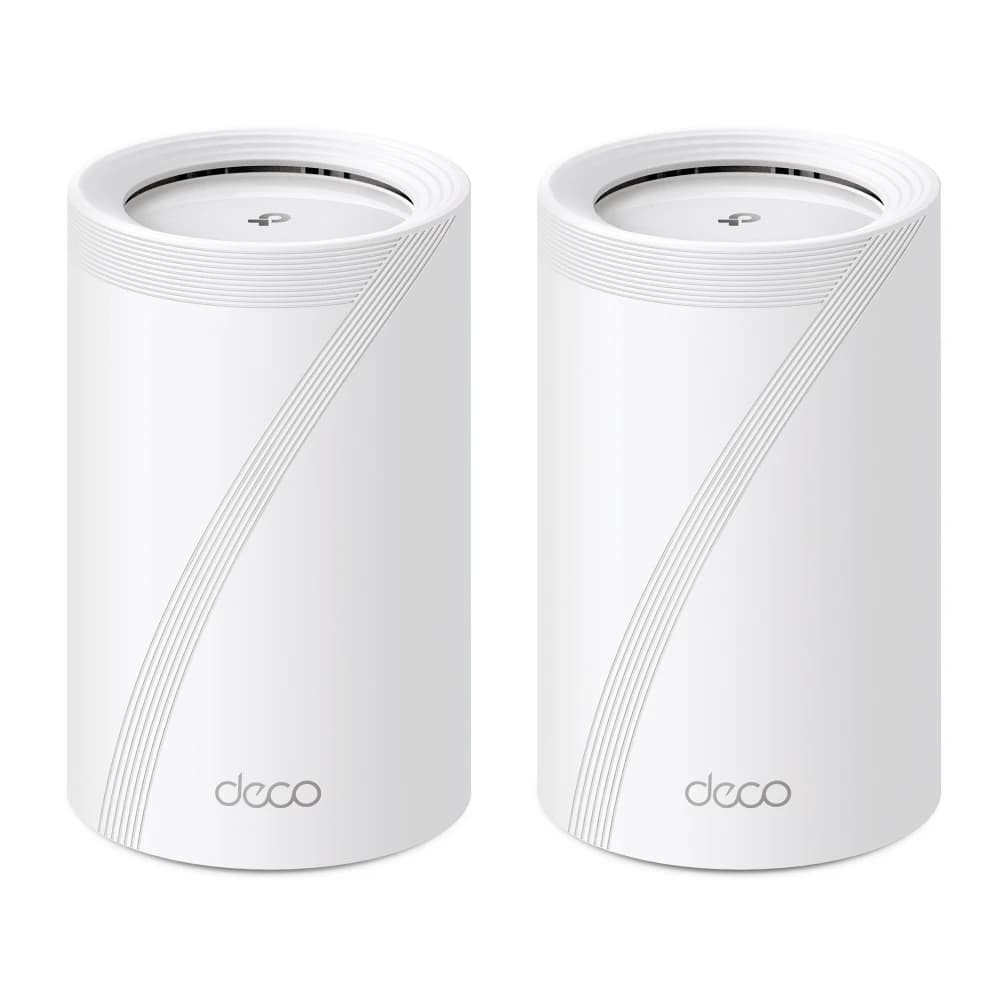
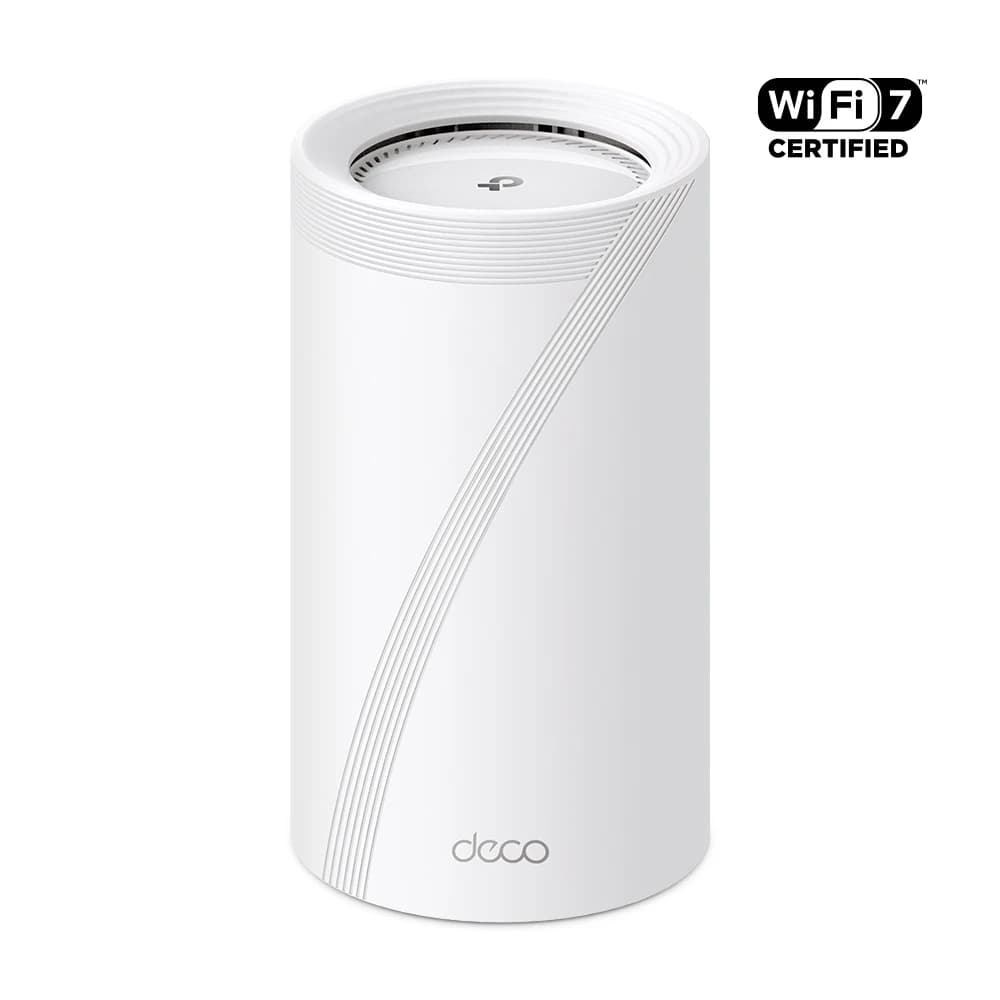
TP-Link Deco BE63 BE10000 Whole Home Mesh WiFi 7 System
Home networking
TP-Link Deco BE63 BE10000 Whole Home Mesh WiFi 7 System

BE10000 Whole Home Mesh WiFi 7 System with up to 10 Gbps speeds

View product
TP-Link Deco BE85 BE22000 Tri-Band Whole Home Mesh WiFi 7 System
Home networking
TP-Link Deco BE85 BE22000 Tri-Band Whole Home Mesh WiFi 7 System

BE22000 Tri-Band Whole Home Mesh WiFi 7 System with up to 22 Gbps speeds

View product
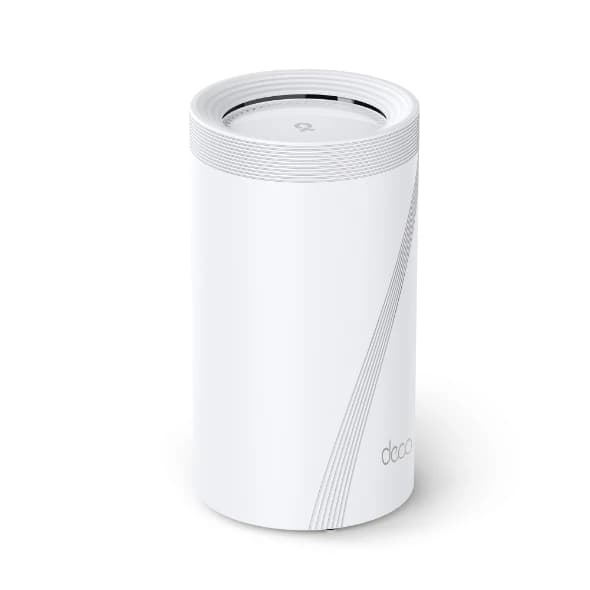
TP-Link Deco BE95 BE33000 Quad-Band Whole Home Mesh WiFi 7 System
Home networking
TP-Link Deco BE95 BE33000 Quad-Band Whole Home Mesh WiFi 7 System

BE33000 Quad-Band Whole Home Mesh WiFi 7 System with up to 33 Gbps speeds

View product
TP-Link Deco M5 AC1300 Whole Home Mesh Wi-Fi System
Home networking
TP-Link Deco M5 AC1300 Whole Home Mesh Wi-Fi System

AC1300 Whole Home Mesh Wi-Fi System with built-in antivirus protection

View product
TP-Link Deco M9 Plus AC2200 Whole Home Mesh Wi-Fi System
Home networking
TP-Link Deco M9 Plus AC2200 Whole Home Mesh Wi-Fi System

AC2200 Whole Home Mesh Wi-Fi System with built-in antivirus protection

View product
TP-Link Deco X20 AX1800 Whole Home Mesh Wi-Fi 6 System
TP-Link
TP-Link Deco X20 AX1800 Whole Home Mesh Wi-Fi 6 System

AX1800 Whole Home Mesh Wi-Fi 6 System with two Gigabit ports

View product
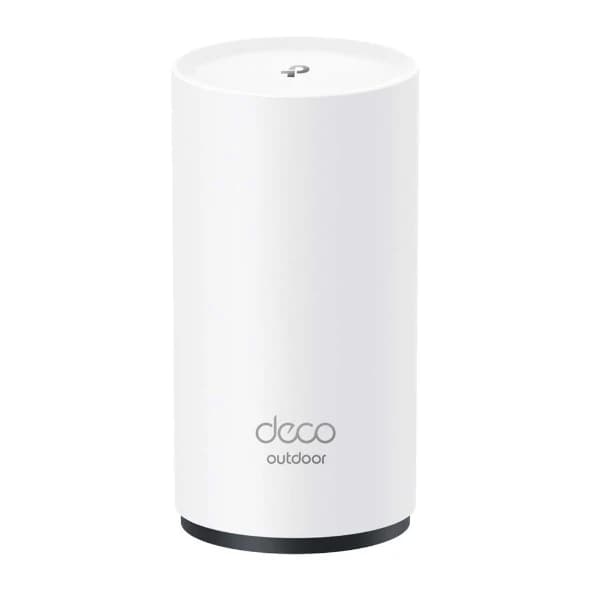
TP-Link Deco X50-Outdoor AX3000 Outdoor Whole Home Mesh WiFi 6 Unit
Home networking
TP-Link Deco X50-Outdoor AX3000 Outdoor Whole Home Mesh WiFi 6 Unit

AX3000 Outdoor Whole Home Mesh WiFi 6 Unit with waterproof design

View product
TP-Link Deco X55 AX3000 Whole Home Mesh WiFi 6 System
Home networking
TP-Link Deco X55 AX3000 Whole Home Mesh WiFi 6 System

AX3000 Whole Home Mesh WiFi 6 System with three Gigabit ports

View product
TP-Link Deco X55 Pro AX3000 Whole Home Mesh WiFi 6 System
Home networking
TP-Link Deco X55 Pro AX3000 Whole Home Mesh WiFi 6 System

AX3000 Whole Home Mesh WiFi 6 System with two 2.5 Gbps ports

View product
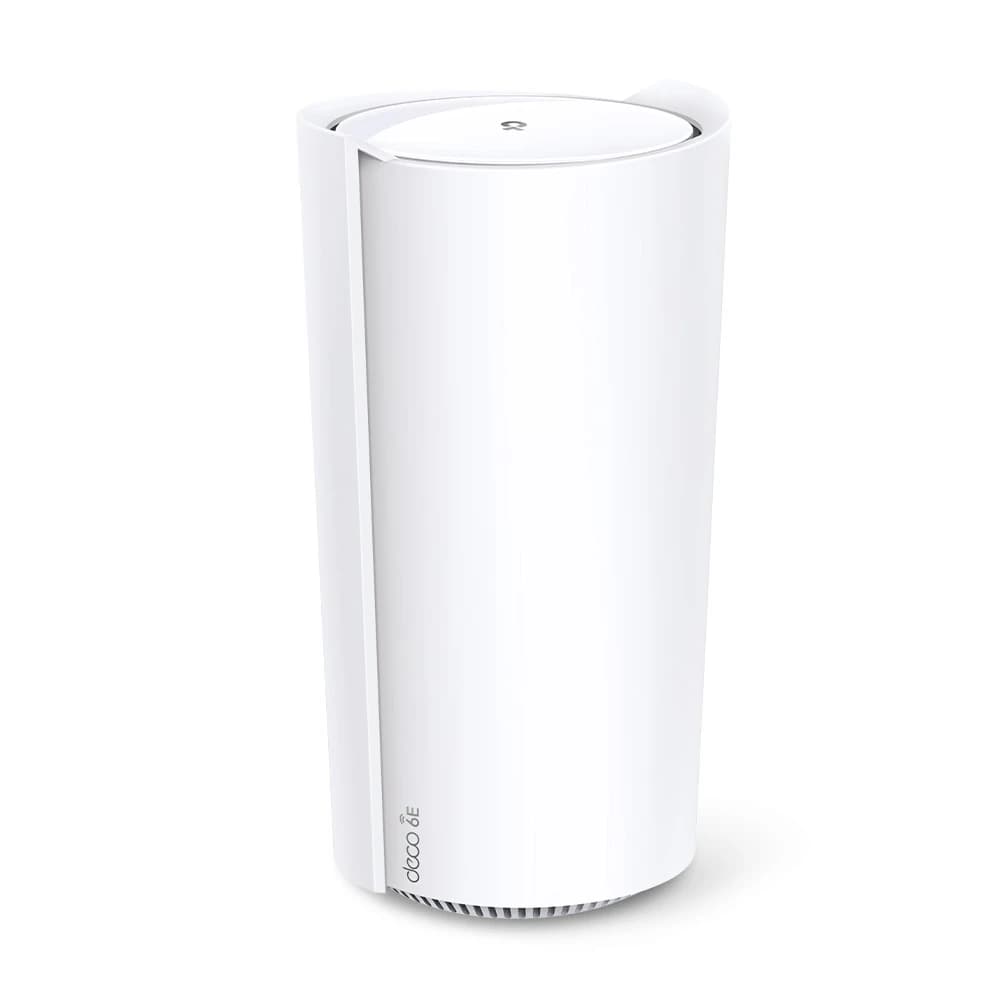
TP-Link Deco XE200 AXE11000 Whole Home Mesh Wi-Fi 6E System
Home networking
TP-Link Deco XE200 AXE11000 Whole Home Mesh Wi-Fi 6E System

AXE11000 Whole Home Mesh Wi-Fi 6E System with 16-stream WiFi

View product
TP-Link Deco XE75 AXE5400 Tri-Band Mesh Wi-Fi 6E System
Home networking
TP-Link Deco XE75 AXE5400 Tri-Band Mesh Wi-Fi 6E System

AXE5400 Tri-Band Mesh Wi-Fi 6E System with 6 GHz band support

View product
TP-Link Deco XE75 Pro AXE5400 Tri-Band Mesh Wi-Fi 6E System
Home networking
TP-Link Deco XE75 Pro AXE5400 Tri-Band Mesh Wi-Fi 6E System

AXE5400 Tri-Band Mesh Wi-Fi 6E System with 6 GHz band support

View product

Our Home & Residential Work in Kuwait

Real field projects: outdoor 5G installs, network cabinet organization, intercom systems, and structured cabling for homes and small sites.

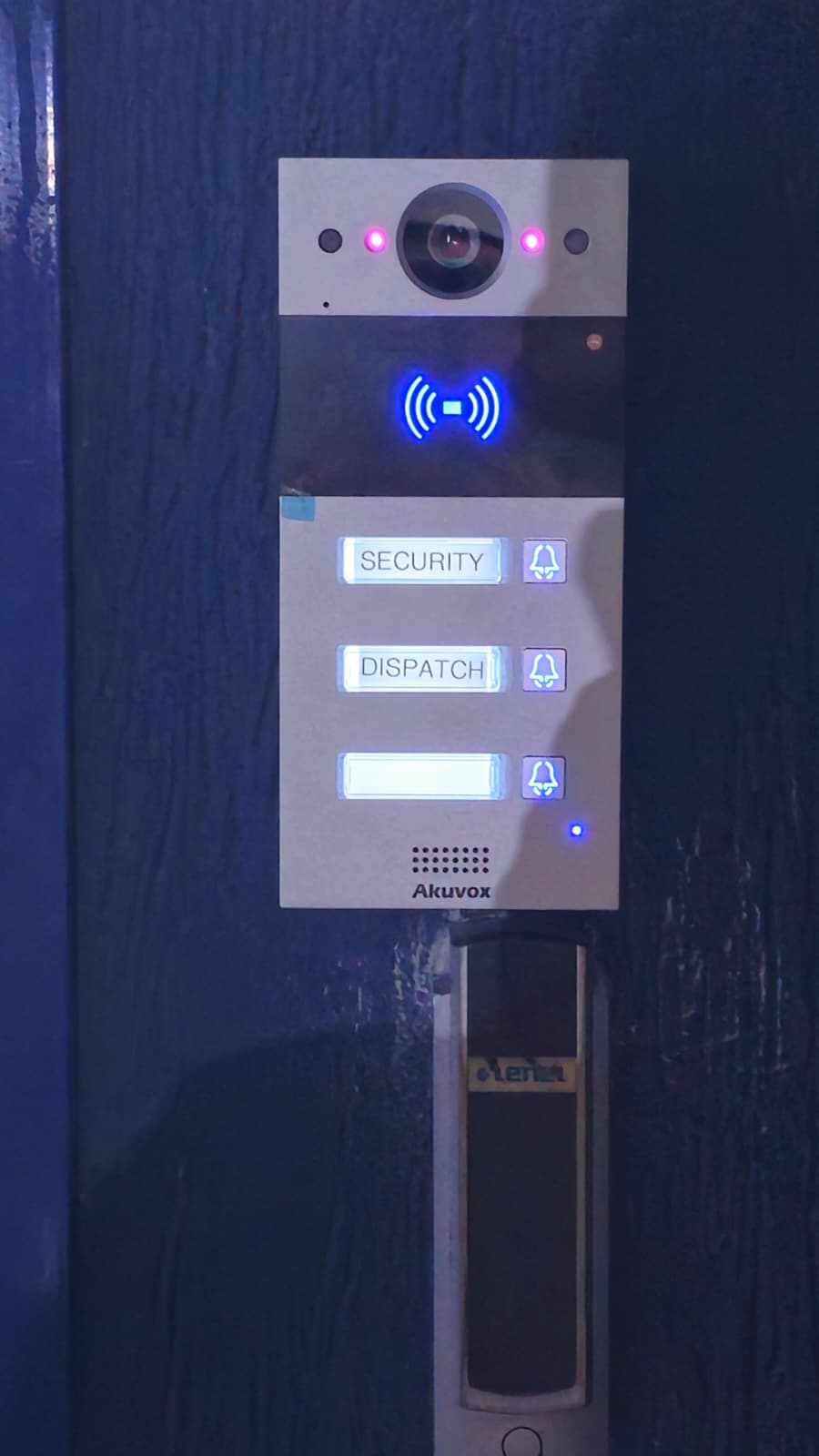
Akuvox push-button video intercom unit for building access control
Akuvox intercom hardware supports secure visitor communication and entry control for offices and residential compounds in Kuwait.
5.5G high-speed outdoor router and antenna installation in Kuwait
Outdoor wireless broadband installation delivering high-speed connectivity for sites where fiber or traditional last-mile options are limited.
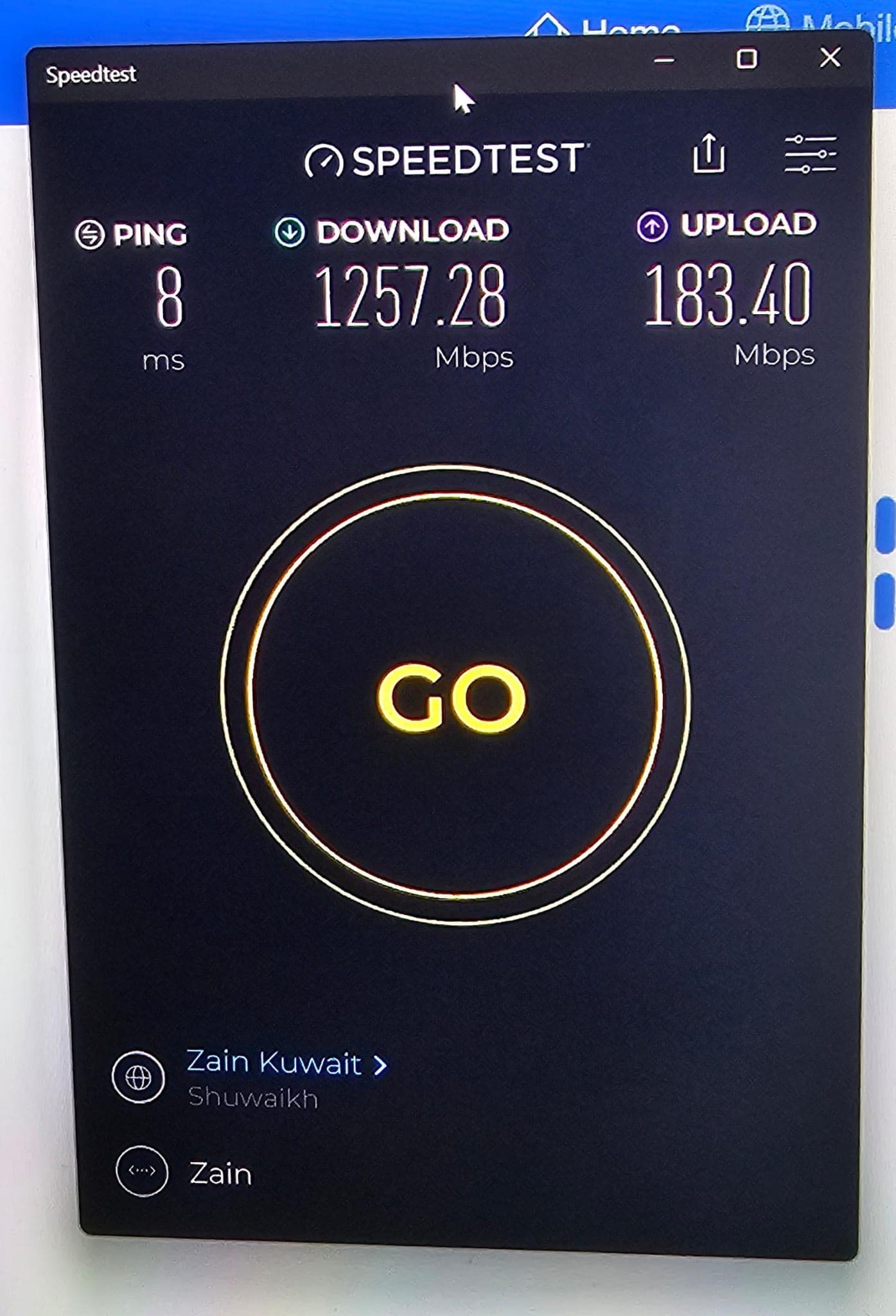
5.5G network speed test results on installed link in Kuwait
Field speed test validating throughput after 5G or fixed-wireless outdoor installation, confirming performance for business connectivity.
Additional network outlet and structured cabling installation in progress
New network points and cabling pulled to floor boxes or cabinets during an office or facility network upgrade in Kuwait.
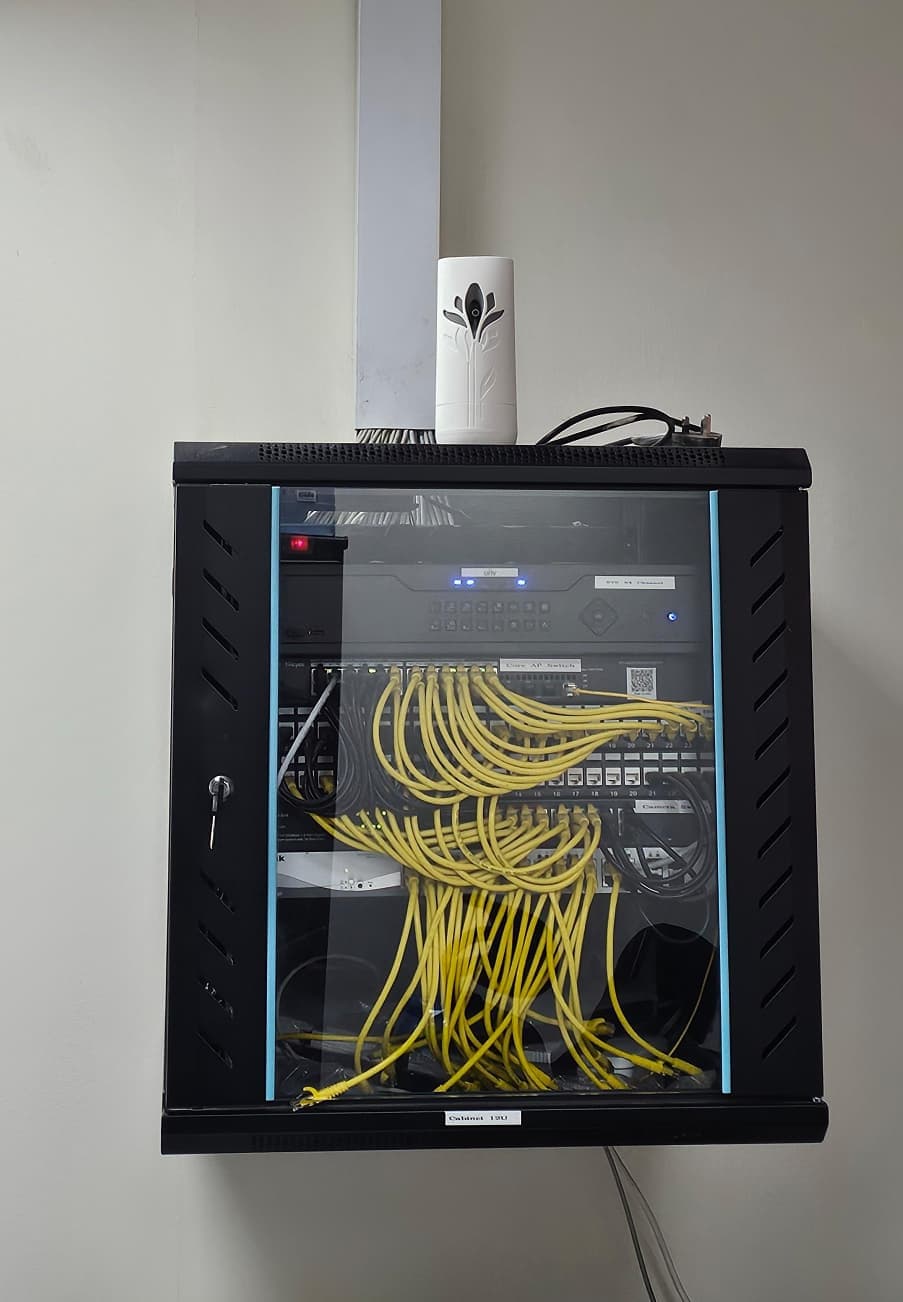
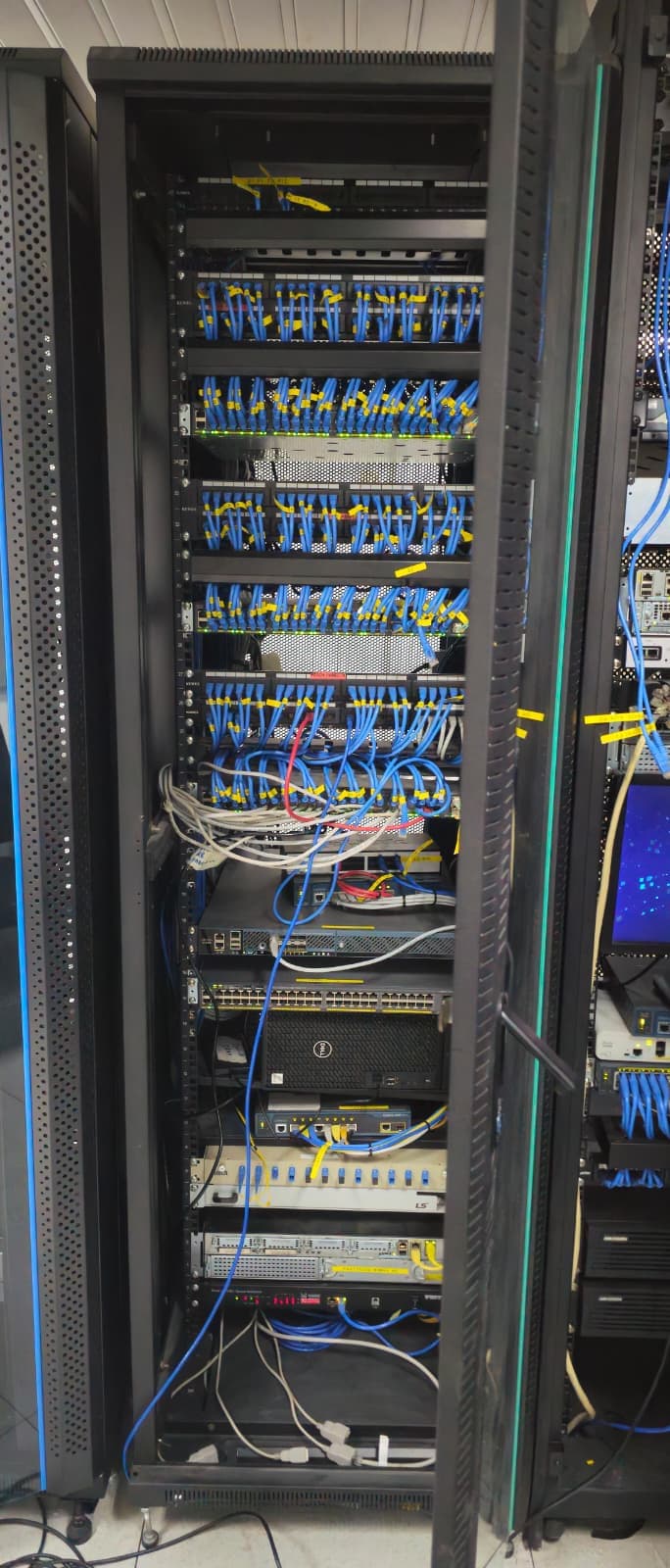
Network cabinet revamp and cable management work in progress
Server or communications cabinet being reorganized with cleaner cable routing, labeling, and equipment layout for maintainability.
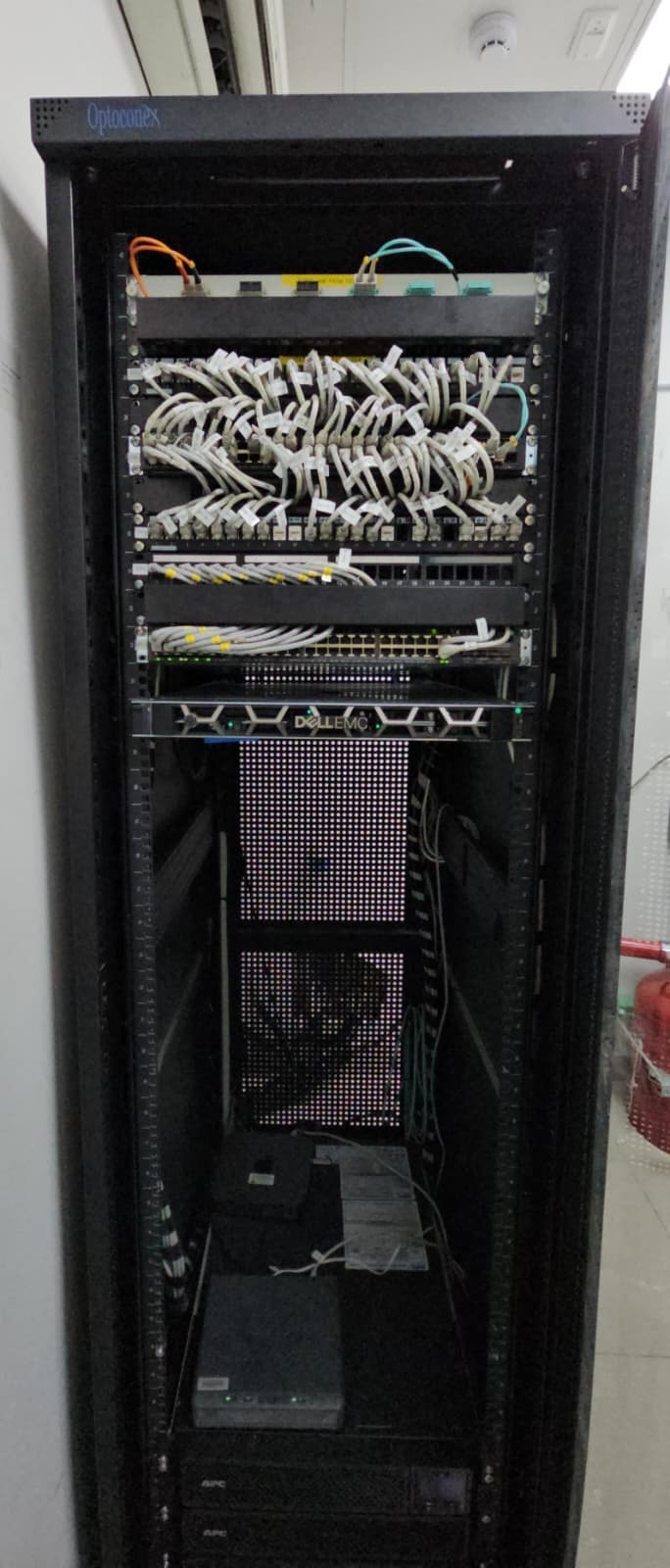
Completed network cabinet after revamp with improved cable management
After shot of a tidy rack or cabinet installation supporting network and ELV infrastructure for the customer site.

Areas We Serve in Kuwait

On-site home maintenance visits across Kuwait with remote support available nationwide.

  • Kuwait City
  • Salmiya
  • Hawally
  • Fahaheel
  • Jahra
  • Ahmadi
  • Farwaniya
  • Mubarak Al-Kabeer
  • Sabah Al Salem
  • Mangaf
  • Abu Halifa
  • Mishref

Frequently Asked Questions

What is included in home network maintenance in Kuwait?

Home network maintenance typically includes WiFi health checks, router firmware updates, mesh tuning, smart device connectivity review, security hardening, and optional CCTV or 5G link checks. UltraTech Kuwait tailors visits to your home size, ISP, and equipment.

How often should I maintain my home WiFi network?

Most Kuwait homes benefit from a check every 2–3 months, or after ISP changes, renovations, or new smart devices. Villas with mesh, CCTV, and home offices often need more frequent proactive care.

Do you support Zain, Ooredoo, and STC home internet?

Yes. We maintain and optimize home networks regardless of whether you use fiber, 5G CPE, or hybrid setups with Zain, Ooredoo, or STC. We help separate ISP issues from in-home WiFi problems.

Can you maintain TP-Link Deco and mesh systems?

Yes. We install, optimize, and maintain TP-Link Deco and other mesh platforms, including node placement, backhaul options, and firmware updates—without requiring you to replace working hardware unnecessarily.

Do you offer maintenance for home CCTV and intercom?

Yes. We verify camera recording, mobile app access, storage health, and intercom systems such as Akuvox and residential door phones as part of broader home technology maintenance.

Is remote support available for home owners in Kuwait?

Yes. Many issues—DNS, WiFi settings, device conflicts—can be resolved remotely. On-site visits are scheduled when physical access, cabling, or outdoor antennas are required.

What is the difference between maintenance and troubleshooting?

Troubleshooting fixes an active problem (no internet, camera offline). Maintenance is preventive—updates, optimization, and checks before issues disrupt your family or home office.

Do you sell and install the products you recommend?

Yes. We supply and professionally install routers, mesh systems, CCTV, and related equipment from brands we partner with, then maintain them under ongoing home care plans.
Ready for Reliable Home WiFi?

Tell us about your home—villa or apartment, ISP, and pain points. We will recommend the right maintenance plan and schedule your first visit.