Villa in Al-Siddiq: Wi-Fi, Cameras and a Custom Two-Door Intercom in 2 Days
A villa in Al-Siddiq in its final finishing stage, surveyed, quoted and then fitted in two days with seven Wi-Fi 6 wall access points, five outdoor cameras and a custom Akuvox intercom where each of the two doors rings its own profile.
The job in short
UltraTech Kuwait installed the Wi-Fi, CCTV and video intercom for a villa in its final finishing stage in Al-Siddiq, Kuwait. After a site survey and a written answer to each of the owner's technical questions, the installation took two days: 7 TP-Link Omada EAP655-Wall Wi-Fi 6 access points on one roaming network managed by the free Omada Cloud Controller, a 28-port PoE+ Omada switch in a 6U cabinet with spare ports, 5 Uniview ColorHunter outdoor cameras (four 8MP, one 5MP) on an 8-channel Uniview NVR with a 6TB drive and a second bay, and an Akuvox intercom with two door stations, six indoor units and a separate doorbell profile for each door. Doors open from any indoor monitor and from the mobile app.
- Wi-Fi 6 access points
- 7
- Outdoor cameras
- 5
- Doors, each with its own profile
- 2
- Installation
- 2 days
At a glance
- Area
- Al-Siddiq, Kuwait
- Property
- Villa in its final finishing stage, two entrance doors
- Client
- Residential
- Time on site
- Survey to handover: about 3 weeks; installation 2 days
- Team
- Eng. M. Ahmed, Medhat M., Zayan K., Omar A.
Before and after
| Before | After |
|---|---|
| A long list of questions on models, controller, warranty and price | Written answers with model numbers before approval |
| Two doors that should ring different people | Each door rings its own profile; the owner’s account reaches all |
| A fifth camera added after the quotation | Price changed by that camera only |
| Survey, quotation and questions | Installed and working in 2 days |
The problem
The owner's villa was in its final finishing stage when he contacted us. On our visit we surveyed the house and confirmed what he needed: Wi-Fi throughout, cameras outside and a video intercom for two separate doors.
He wanted to know exactly what he was buying before he agreed. After the quotation he sent us a detailed list of questions: the exact intercom models and whether the door opens from every screen and from his phone, whether the access points work as one network with seamless roaming, which controller manages them and whether it costs extra, the switch and recorder models and their spare capacity, how long recordings are kept, whether the cabinet is big enough, what the installation covers, the warranty, and the final price after adding a fifth camera.
The intercom also had to work the way his household lives: two doorbells that each reach different people, plus full access for the owner.
What we did
We answered every question in writing, with model numbers and plain explanations (the main answers are below). Adding the fifth camera changed the price by that camera only. Once he was satisfied, he approved the quotation, and two days later we were on site.
The installation took two days, and everything was installed and working at the end of it.
What we installed:
- Wi-Fi: 7 TP-Link Omada EAP655-Wall Wi-Fi 6 wall-plate access points on one network with seamless roaming, managed through the Omada Cloud Controller, with full access for the owner in the Omada app on his phone
- Network: a 28-port gigabit PoE+ Omada switch with about 16 ports in use and the rest free for later, in a 6U wall cabinet with power distribution and cable management
- Cameras: 4 Uniview 8MP and 1 Uniview 5MP ColorHunter outdoor cameras with full-colour night video, recording to an 8-channel Uniview AI NVR with two drive bays and a 6TB surveillance drive
- Intercom: 2 Akuvox 3-button video door stations, 4 indoor 7-inch Akuvox monitors, a 7-inch Wi-Fi monitor in the basement and an Akuvox C310A handset monitor
- Cat6 wall network points for the devices that need a cable
The intercom was set up to fit the household rather than left on factory settings: each of the two doors has its own doorbell linked to its own profile, and the owner's main account reaches every intercom. Doors open from any indoor monitor and from the mobile app, at home or away.
The project team: Eng. M. Ahmed and Medhat M. carried out the site survey; Eng. M. Ahmed led the installation with Zayan K., Omar A. and Yasin.
The result
Two days after approval the villa had whole-house Wi-Fi 6 on one network, five outdoor cameras recording to one recorder, and an intercom that rings the right people at each door.
The owner controls everything from his phone: the Wi-Fi in the Omada app, the cameras and the doors in their own apps, at home or away.
There is room to grow: free switch ports for new devices and a second drive bay in the recorder for longer recording.
Equipment used on this job
What we installed, how many, and what each device does here.
- 7×TP-Link Omada EAP655-Wall Wi-Fi 6 wall-plate access points — One network with seamless roaming, managed through the free Omada Cloud Controller; the owner has full access in the Omada app.
- 1×28-port gigabit PoE+ Omada switch — About 16 ports in use, the rest free for later.
- 1×6U wall cabinet with power distribution and cable management — Holds the switch and the recorder.
- 4×Uniview 8MP ColorHunter outdoor cameras — Full-colour video at night.
- 1×Uniview 5MP ColorHunter outdoor camera — The fifth camera, added at the camera’s price only.
- 1×8-channel Uniview AI NVR with two drive bays and a 6TB surveillance drive — Second bay free for more recording days later.
- 2×Akuvox 3-button video door stations — Each door has its own doorbell linked to its own profile; the owner’s main account reaches every intercom.
- 4×Akuvox 7-inch indoor monitors — Open either door from any monitor.
- 1×Akuvox 7-inch Wi-Fi indoor monitor — In the basement.
- 1×Akuvox C310A handset monitor — Handset unit for private answering.
- Cat6 wall network points — For the devices that need a cable.
What other owners can learn from this job
- 1Ask for model numbers in writing before you approve a quotation; a good installer answers every question.
- 2An intercom can be set to how your household lives: each door can ring its own people.
- 3Leave room to grow: free switch ports and a second drive bay in the recorder cost little now and save a replacement later.
- 4The Omada Cloud Controller is free, so whole-house Wi-Fi with roaming has no monthly software fee.
Questions the customer asked
Can the door be opened from every indoor screen and from the phone, inside and outside the house?
Yes. The villa uses Akuvox intercom monitors, and the door can be opened and fully controlled from any indoor monitor and from the mobile app, at home or away.
Do the seven wall access points work as one network with seamless roaming?
Yes. All seven TP-Link Omada EAP655-Wall access points share one network and one Wi-Fi name, and phones move between them around the house without dropping the connection.
Is there a controller to manage the access points, and does it cost extra?
The network is managed by the Omada Cloud Controller, which is free to use. The owner has full access to it in the Omada app on his phone.
Does the PoE switch have enough capacity, with room to expand?
Yes. The 28-port PoE+ switch powers the access points and cameras over the network cable, about 16 ports are in use, and the rest are free for new devices later.
How long are camera recordings kept, and can that be extended?
Recording time depends on the cameras' resolution and settings, so we sized it with the owner for his five cameras on a 6TB drive. The 8-channel Uniview NVR takes two drives, so adding a second one extends the recording time.
Is a 6U cabinet big enough?
Yes. For this villa the 6U wall cabinet holds the switch, the recorder and the power distribution, with cable management.
Does the installation include programming, testing and setting up the apps on the phone?
Yes. Installing, programming and testing every system and setting up the apps on the owner's phone were all part of the installation, with no extra charges.
What warranty comes with the equipment and the installation?
The equipment has a one-year warranty, and the installation work on this job had a one-month warranty. Visits or maintenance after that are charged on request.
Planning something similar?
Send us the floor plan or a few photos on WhatsApp. An engineer replies with what the job needs and what it involves.
More projects
All projects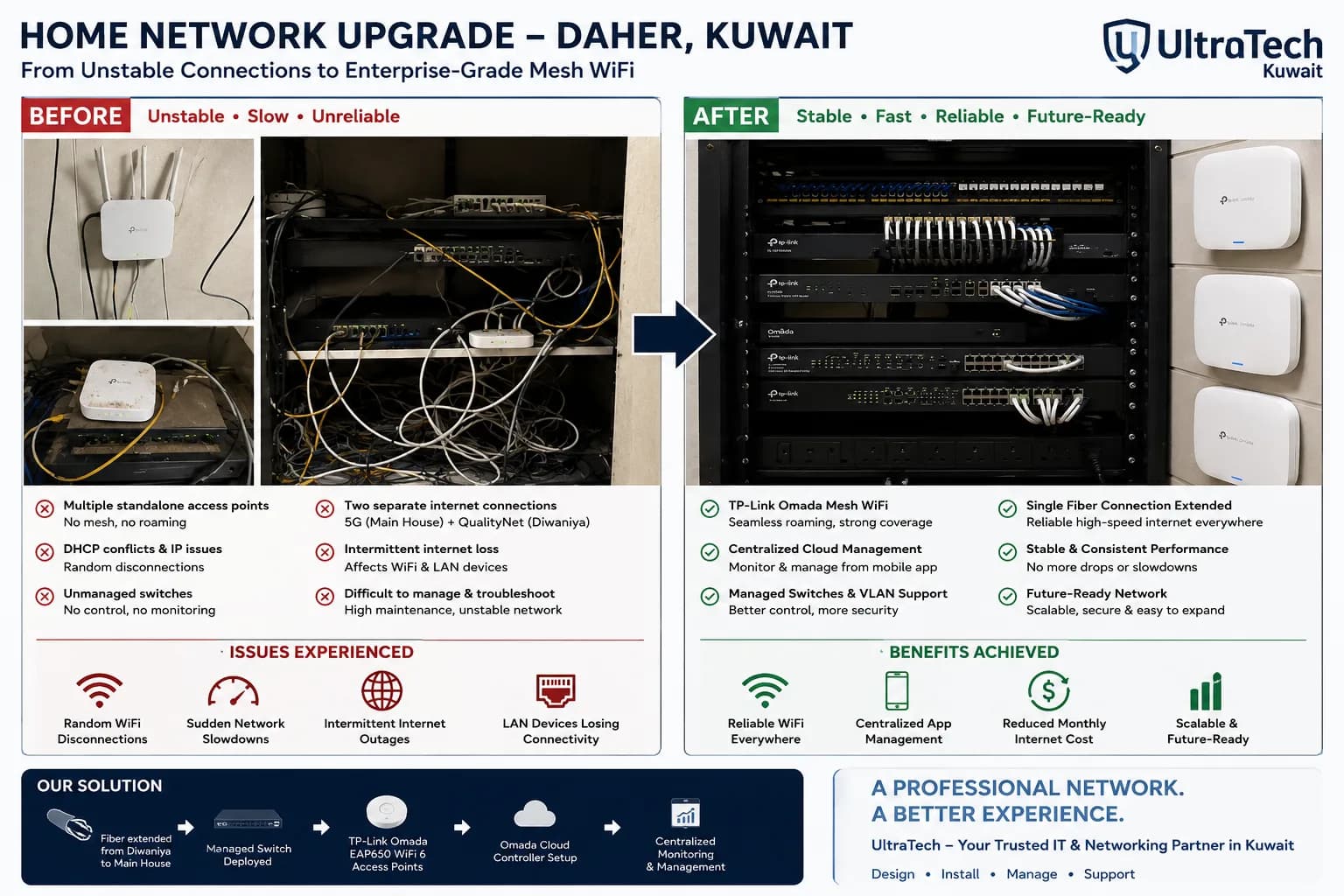 Project record Daher
Enterprise-Grade Omada Mesh Network for a Two-Building Property in Daher
A homeowner in Daher suffered constant Wi-Fi drops and outages across 7–8 standalone access points. UltraTech rebuilt the network around TP-Link Omada with a wired backbone unifying the main house and Diwaniya on one managed system.
- 2 Buildings unified
- 7+ Old APs replaced
- Wi-Fi 6 Wi-Fi standard
- 1 Controller
1 Jun 2026Read- Project record Sabah Al-Ahmad
New Villa in Sabah Al-Ahmad: Wi-Fi, Cameras and Intercom Planned Before Plaster
A newly built villa in Sabah Al-Ahmad, cabled by the owner's electricians to our network plan while the house was still under construction, then fitted by UltraTech with whole-house Wi-Fi 6, outdoor cameras and a two-door video intercom on one network.
- 14 Wi-Fi 6 access points
- 5 Outdoor cameras
- 2 Doors on the intercom
- 6 Indoor monitors
29 Aug 2026Read - Project record Abu Fatira
Abu Fatira Villa: From 10+ Clashing Routers to One Wi-Fi 6 System in a Day
A three-storey villa with a basement in Abu Fatira lost its whole network after a new fiber router was connected. UltraTech brought it back online on the first visit, then replaced two mesh units and more than ten old routers with 12 Ruijie Wi-Fi 6 access points in one day.
- 10+ Old routers removed
- 12 Wi-Fi 6 access points
- 200 Mbps Fiber speed in every room
- 1 day Installation
19 Sept 2026Read