Switching, routing & SD-WAN in Kuwait
The switches every device plugs into, the routing between networks, and the links that put your branches on one network.
Switching, routing and SD-WAN are the parts of a network that move traffic: switches connect and power the devices in a building, routing passes traffic between networks and sites, and SD-WAN runs the internet lines of many branches from one console. UltraTech Kuwait supplies, configures and documents business switching, routing and SD-WAN across Kuwait, from a single PoE switch with separate VLANs to VPN links between a head office and its branches.
Reviewed by Eng. M. Ahmed, Team Leader, Network & Project Specialist · Updated
Key facts
- Covers
- Managed and PoE switches, VLANs, Layer 3 cores, branch VPN, SD-WAN
- Separation
- Staff, guests, voice, cameras and servers on their own VLANs
- Branch links
- Site-to-site VPN between firewalls, or SD-WAN for many branches
- Brands
- Ubiquiti UniFi, TP-Link Omada, Ruijie, Aruba, Cisco, Fortinet, MikroTik
- Handover
- Port map, VLAN and IP plan, configuration backups
- Coverage
- All six governorates of Kuwait
Switching, routing and SD-WAN services
Three jobs, from the switch in one rack to the links between every branch. Each is quoted on request after a site visit.
Core / access switching & VLANs
Replace or segment the switches
Managed switches that separate the network into VLANs, power devices over PoE and show which port is at fault.
- Access switches sized to the PoE load
- A Layer 3 core where several VLANs meet
- Uplinks in fiber or multi-gig copper
- Existing switches reused when they still fit
Routing & inter-branch VPN
Connect branches to head office
Branches and head office on one private network over the internet, through encrypted VPN tunnels between firewalls.
- IPsec or WireGuard tunnels between sites
- Shared servers, phones and printers across branches
- Backup internet line on each branch
- Routes documented for every site
SD-WAN for multi-branch
Run many branches from one console
Several internet lines per branch, steered by measured line quality and managed from one console.
- Traffic sent over the best line at that moment
- Calls and payments kept on the healthiest link
- One policy applied to every branch
- From about three branches, or when a branch must never go offline
Where switching and routing sit
Traffic leaves a device, crosses an access switch, is routed at the core and leaves through the firewall. Each step is chosen to match the step before.
- 1
Devices and cabling
Every desk, access point, phone and camera has its own cable back to an access switch.
- 2
Access switches
Managed PoE switches put each port on the right VLAN and power the devices on it.
- 3
Core and routing
A Layer 3 core or the firewall routes between VLANs and applies the rules between them.
- 4
Uplinks and backbone
Fiber or multi-gig links between floor racks and the core, so one slow link does not hold back a floor.
- 5
Internet lines
Two lines on different providers, with failover or load balancing at the edge.
- 6
Branches
VPN tunnels or SD-WAN carry the same networks to every branch.
Switching and SD-WAN brands we configure
We match the switches to the Wi-Fi and firewall already on site where we can, so one dashboard manages the lot.
Ubiquiti UniFi
Offices on UniFi Wi-Fi
Switches, Wi-Fi and gateway in one app
TP-Link Omada
Offices on a budget
Low cost per PoE port; cloud or local controller
Ruijie Reyee
Shops, clinics, small offices
Free cloud management of switches and Wi-Fi
Aruba (HPE)
Growing and enterprise sites
Instant On for small sites; CX for Layer 3 cores
Cisco
Enterprise and regulated sectors
Long support life and familiar to IT teams
Fortinet
Branch networks with security
FortiGate SD-WAN and VPN; FortiSwitch managed from the firewall
MikroTik
Routing-heavy and multi-site setups
Flexible routing and VPN; needs an engineer
Recent network work in Kuwait
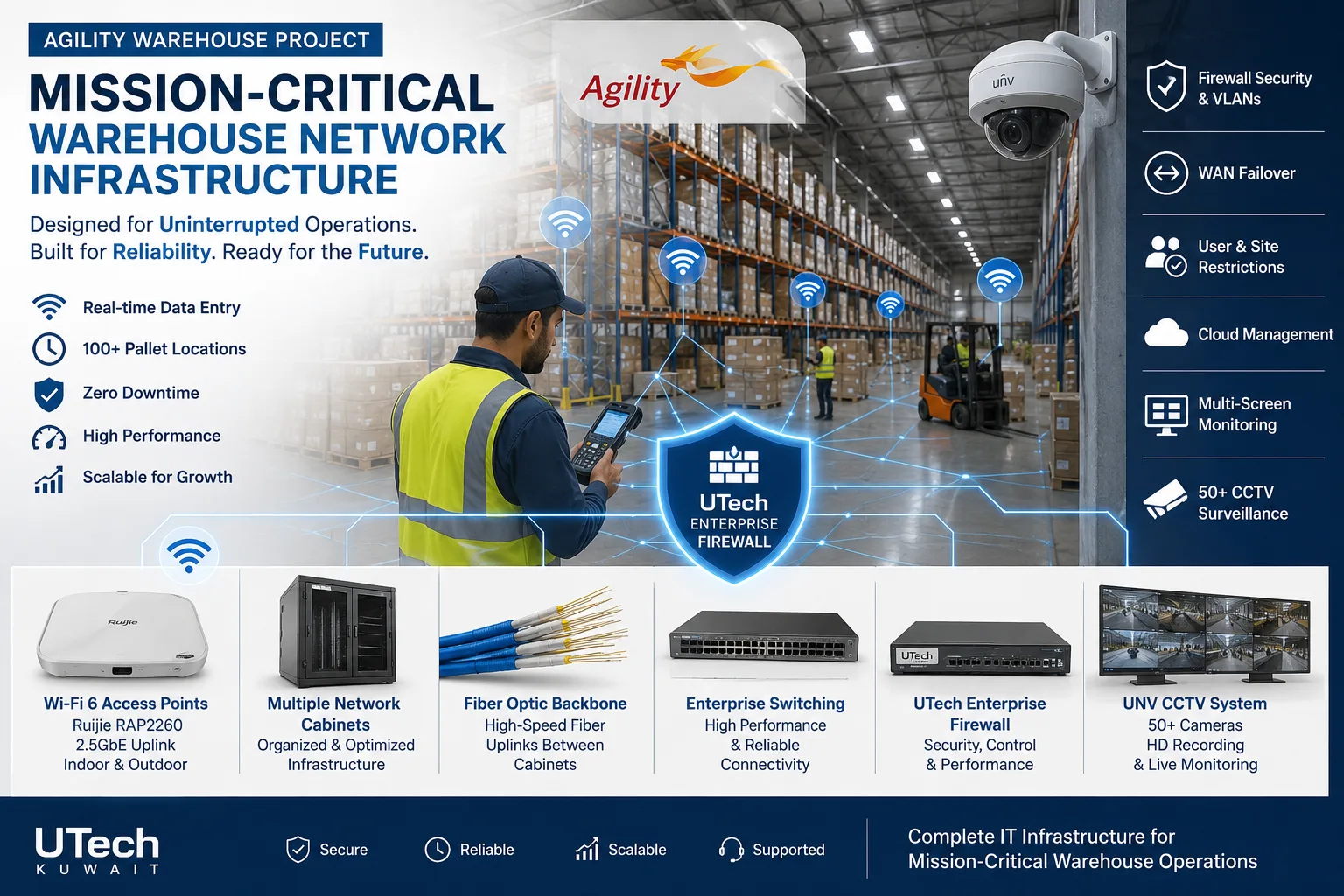 Mission-critical warehouse networkEnterprise Wi-Fi and switching for a major logistics operator's warehouse in Kuwait.Read the case study
 Multi-floor commercial Wi-Fi upgradeEnterprise Wi-Fi rebuilt across every floor of a commercial facility.Read the case study
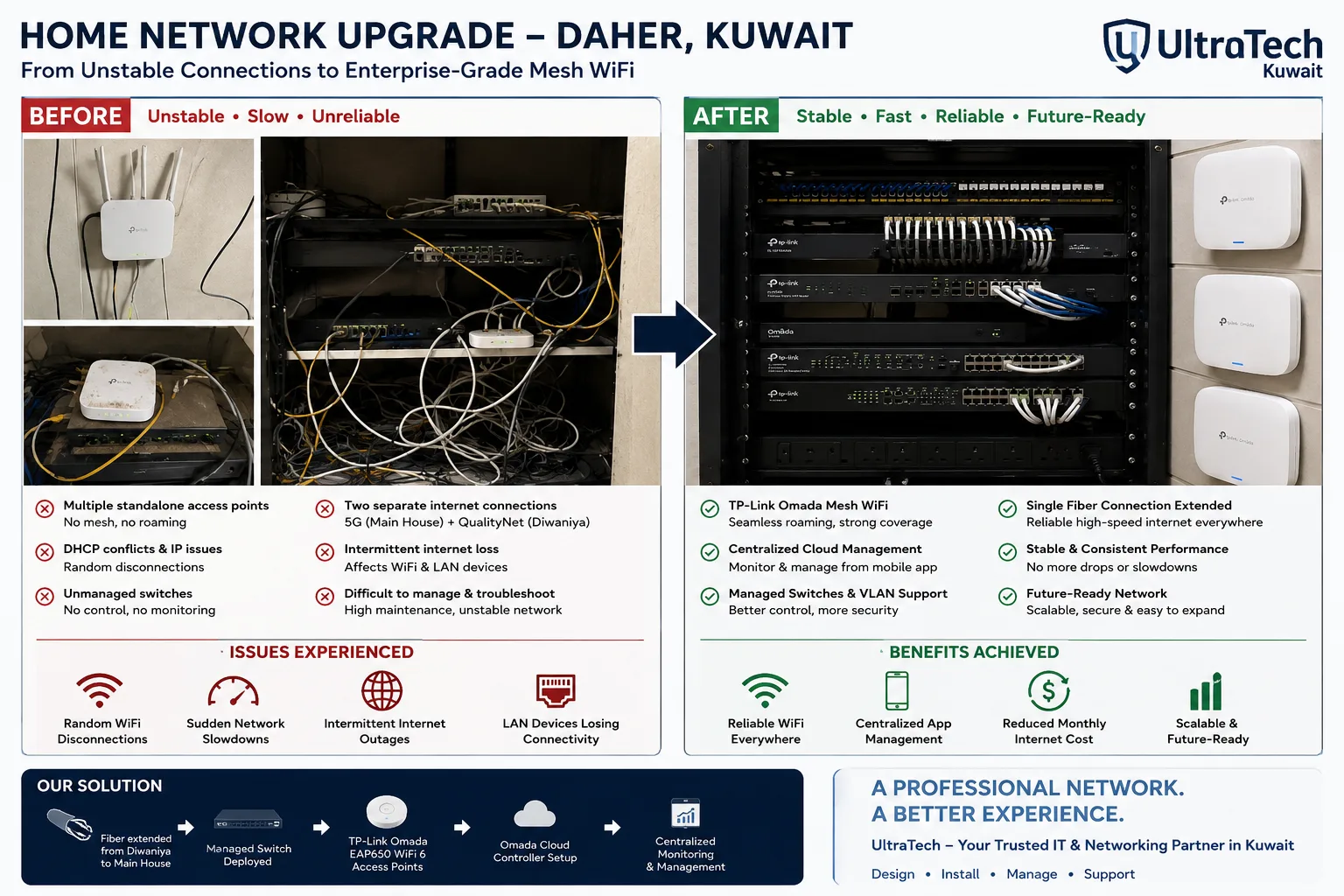 Two-building Omada mesh network, Daher7–8 unstable access points replaced by one managed Omada network across two buildings.Read the case study
How we deliver switching and branch links
- 1
Survey
Devices per floor, PoE load, existing switches and their support status, branches and their lines.
- 2
Design and quote
VLAN and IP plan, switch models, branch topology and a written quotation.
- 3
Configure and install
Switches configured before installation; changes to a live network done after hours.
- 4
Test and hand over
Every VLAN, route and tunnel tested, with the port map and configuration backups.
At handover:Port mapVLAN and IP planBranch topology drawingConfiguration backupsFirmware versions recordedAdmin access and passwords
More explanation
Why a business network is split into VLANs
- Guests never reach the office
- Guest Wi-Fi sits on its own VLAN that only reaches the internet, so a visitor cannot see a PC, a printer or the accounting server.
- Cameras stay with the recorder
- Cameras and the recorder share a VLAN with no way out to the internet, which closes the most common route into a CCTV system.
- Calls get priority
- IP phones on a voice VLAN are given priority by the switches, so a large download does not break up a call.
- Faults stay small
- A looped cable or a faulty device floods only its own VLAN, not the whole building.
- Rules in one place
- Traffic between VLANs passes the core or the firewall, where the rules for who reaches what are written once.
Connecting branches: VPN, SD-WAN or leased line
- Site-to-site VPN
- Encrypted tunnels between firewalls over ordinary internet lines. It suits most companies with a few branches and costs nothing beyond the firewalls and lines.
- SD-WAN
- Each branch has two or more lines and the firewall chooses between them by measured quality. It is worth it from about three branches, or when a branch cannot afford to go offline.
- Leased line
- A dedicated line from the provider with a guaranteed speed. It is ordered through the provider and suits sites that need fixed capacity or a fixed address.
- 5G lines and inbound access
- A 5G line usually shares its public address with other customers, so a branch on 5G connects out to the head office rather than waiting for connections in.
Unmanaged, smart, managed and Layer 3 switches
| Type | What it does | Use it for |
|---|---|---|
| Unmanaged | Connects devices; no settings | A desk or a home, not an office |
| Smart / cloud-managed | VLANs, PoE control and monitoring from an app | Most small and medium offices |
| Managed (Layer 2) | Full VLAN, priority and port security settings | Larger offices and floor racks |
| Layer 3 | Also routes between VLANs | The core of a multi-floor or multi-building network |
PoE standards and what they power
Power at the switch port, by IEEE standard. The switch's total PoE budget must cover every device on it.
| Standard | Power per port | Typical devices |
|---|---|---|
| 802.3af (PoE) | up to 15.4 W | IP phones, basic cameras, small access points |
| 802.3at (PoE+) | up to 30 W | Wi-Fi 6 access points, PTZ cameras, video phones |
| 802.3bt Type 3 (PoE++) | up to 60 W | Wi-Fi 7 access points, outdoor PTZ cameras |
| 802.3bt Type 4 | up to 90 W | Displays, heated outdoor cameras, small switches |
Switching and routing terms explained
- Managed switch
- A switch you can configure: VLANs, PoE, priority and port security.
- Layer 3 switch
- A switch that also routes traffic between VLANs.
- VLAN
- A separate network on the same switches.
- Trunk
- A link that carries several VLANs between two switches.
- PoE budget
- The total power a switch can deliver to all its PoE devices at once.
- Uplink
- The link from an access switch back to the core.
- QoS
- Quality of service: rules that give calls and critical traffic priority.
- Site-to-site VPN
- An encrypted tunnel joining two offices over the internet.
- IPsec
- The standard most firewalls use to build VPN tunnels.
- WireGuard
- A newer, lightweight VPN protocol.
- SD-WAN
- Software that steers each branch's traffic across several internet lines by their measured quality.
- Link aggregation (LACP)
- Several cables between two switches bundled into one link.
Other networking services
Tell us about your network or branches
Send the number of devices, floors and branches, or a photo of your current rack, and an engineer will tell you what to keep and what to change.