Abu Fatira Villa: From 10+ Clashing Routers to One Wi-Fi 6 System in a Day
A three-storey villa with a basement in Abu Fatira lost its whole network after a new fiber router was connected. UltraTech brought it back online on the first visit, then replaced two mesh units and more than ten old routers with 12 Ruijie Wi-Fi 6 access points in one day.
The job in short
UltraTech Kuwait repaired and upgraded the home network of a three-storey villa with a basement in Abu Fatira, Kuwait. After a new fiber router was connected, the network failed because more than ten old TP-Link routers, two new mesh units and the old fiber router were all handing out addresses (DHCP). On the first visit UltraTech switched the routers to access-point mode with DHCP off and removed the old fiber router, restoring the network. The owner then approved a proper system: in one day UltraTech removed the mesh units and old routers, installed 12 Ruijie Reyee RG-RAP2266 Wi-Fi 6 ceiling access points with a planned channel layout, delivered the full 200 Mbps fiber speed in every room, and gave the owner cloud control in the Ruijie app.
- Old routers removed
- 10+
- Wi-Fi 6 access points
- 12
- Fiber speed in every room
- 200 Mbps
- Installation
- 1 day
At a glance
- Area
- Abu Fatira, Kuwait
- Property
- 3-storey villa with basement
- Client
- Residential
- Time on site
- Fixed on the first visit; upgrade installed in 1 day
- Team
- Eng. M. Ahmed, Zayan K., Omar A.
Before and after
| Before | After |
|---|---|
| 10+ old routers, each handing out addresses | One DHCP source for the whole house |
| Two mesh units on a house already cabled everywhere | 12 Wi-Fi 6 ceiling access points on the existing cables |
| Internet only on the main router | Full 200 Mbps, download and upload, in every part of the house |
| No roaming between floors | One Wi-Fi name and seamless roaming |
| Owner locked out of the main router | Owner controls the Wi-Fi from the Ruijie app |
The problem
The family messaged us on WhatsApp: since their new fiber router from the internet provider was connected, the internet worked only on that router and the rest of the house network was cut off. They suspected an old switch. The house is a three-storey villa with a basement.
On the visit we found a different story. Two new mesh routers had been installed: one in the basement as the fiber uplink and one on the first floor as an extender, connected by cable. Mesh is meant to extend Wi-Fi where there are no cables, but this villa already had network cables in every corner of every floor, all running back to one cabinet.
More surprising, there were more than ten old TP-Link routers of different models, from the Archer AX10 to older ones, fixed around the house, each with its own DHCP server switched on. The old fiber router was also still handing out addresses. With that many devices giving out addresses on one network, devices kept getting the wrong settings and the network went down; adding the mesh units had made it worse.
What we did
On the first visit we brought the house back online: we reset the existing routers and turned each one into an access point with DHCP switched off, and removed the old fiber router, which was also giving out addresses. We then sent the owner a report of what we found and what we changed.
Before leaving we recommended a proper Wi-Fi system of access points with roaming, instead of a mix of routers. The owner asked for a quotation and approved it.
The installation took one day:
- Removed the two mesh units and all the old routers, and kept the best of them as the router on the fiber line
- Installed 12 Ruijie Reyee RG-RAP2266 Wi-Fi 6 ceiling access points across the basement and all three floors for full coverage, on the cables already in place, so no new cable runs were needed
- Rearranged all the cabling in the cabinet onto Ruijie Reyee smart switches
- Designed the radio plan: which frequency band and channel each access point uses, so neighbouring access points do not interfere with each other
- Made sure the full 200 Mbps of the fiber line, download and upload, reached every part of the house
- Handed the owner full cloud control of his Wi-Fi system in the Ruijie app
The project team: Eng. M. Ahmed led the visit and the installation, with Zayan K., Omar A. and Ahsan.
The result
The villa now runs as one network with one source of addresses: one Wi-Fi name on every floor, roaming between access points, and the full 200 Mbps of the fiber line, download and upload, everywhere in the house.
The owner controls and monitors his Wi-Fi from his phone, and the whole upgrade was done in one day.
The full diagnosis, with the lessons for other villa owners, is in our blog post on this job.
Equipment used on this job
What we installed, how many, and what each device does here.
- Ruijie Reyee smart PoE switches — All the cabling in the cabinet rearranged onto them; they power every access point over its network cable.
- 1×Fiber router (the best of the old routers, kept) — The only device handing out addresses: one DHCP source for the whole house.
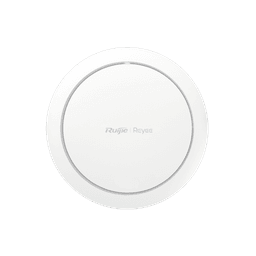
Ruijie Reyee · RG-RAP2266
12×Ruijie Reyee RG-RAP2266 Wi-Fi 6 Access Point
Spread across the basement and all three floors on the cables already in place, each on its own planned band and channel so neighbouring access points do not interfere. One Wi-Fi name, roaming between floors.
Key specifications
- Number of 10/100/1000BASE-T ports
- 1
- Antenna
- 2.4 GHz: 2 built-in omnidirectional antennas; 5 GHz: 3 built-in omnidirectional antennas
- 5 GHz wireless data rate
- 2401 Mbps
- 2.4 GHz wireless data rate
- 573 Mbps
- Maximum wireless data rate
- 2974 Mbps
- Maximum number of associated wireless clients
- 64 (2.4 GHz), 512 (5 GHz), 512 (2.4 GHz and 5 GHz enabled)
What other owners can learn from this job
- 1When a new router goes in, the old one must be removed or switched to access-point mode: two devices handing out addresses take the network down.
- 2If your house already has network cables in every room, cabled access points beat mesh: mesh is for where there is no cable.
- 3More routers do not give better Wi-Fi; several standalone routers make several networks with no roaming.
- 4Keep the admin passwords of your own equipment, and ask any installer to hand them over.
- 5Plan the channel of each access point, so neighbouring ones in a concrete villa do not interfere.
Planning something similar?
Send us the floor plan or a few photos on WhatsApp. An engineer replies with what the job needs and what it involves.
More projects
All projects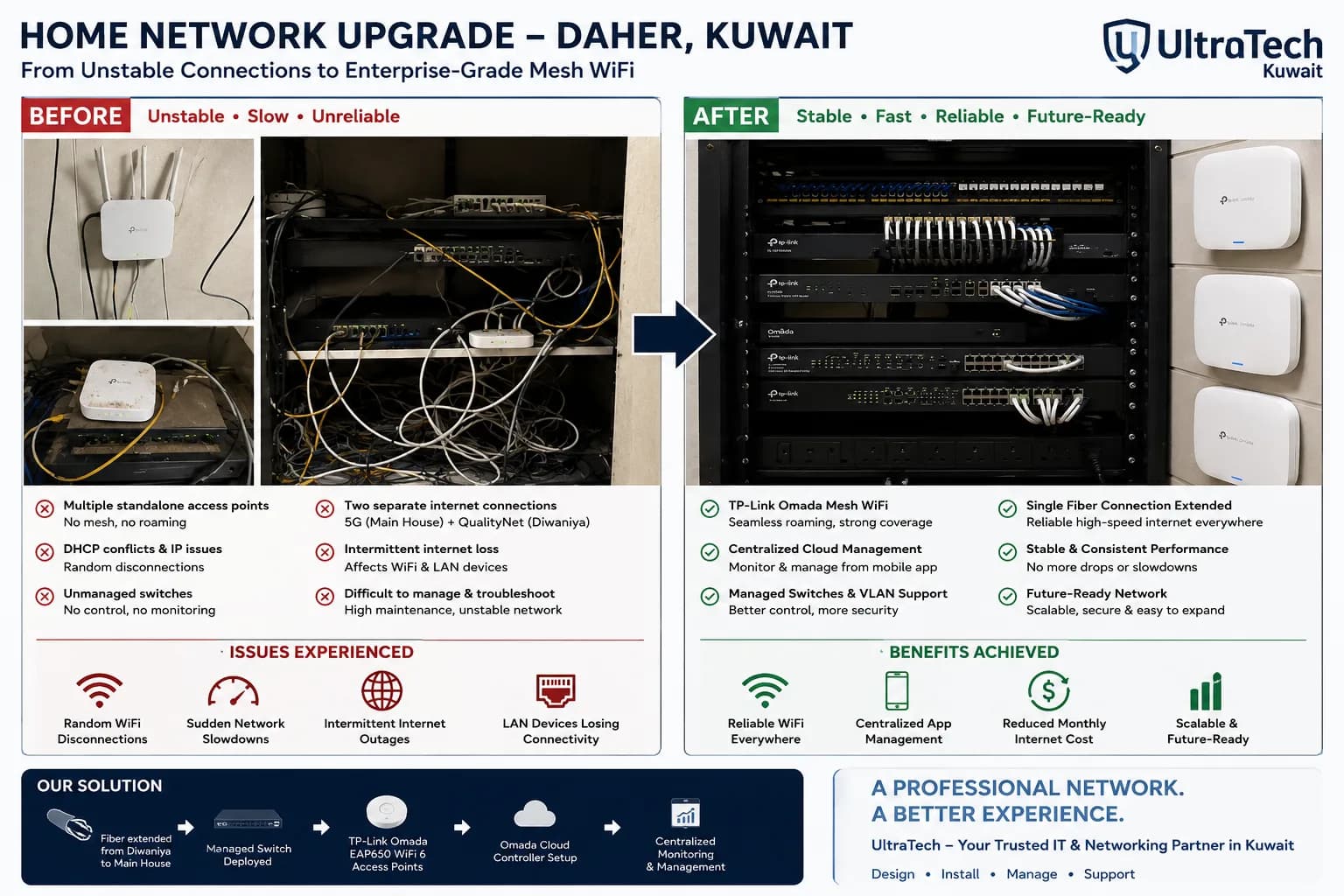 Project record Daher
Enterprise-Grade Omada Mesh Network for a Two-Building Property in Daher
A homeowner in Daher suffered constant Wi-Fi drops and outages across 7–8 standalone access points. UltraTech rebuilt the network around TP-Link Omada with a wired backbone unifying the main house and Diwaniya on one managed system.
- 2 Buildings unified
- 7+ Old APs replaced
- Wi-Fi 6 Wi-Fi standard
- 1 Controller
1 Jun 2026Read- Project record Sabah Al-Ahmad
New Villa in Sabah Al-Ahmad: Wi-Fi, Cameras and Intercom Planned Before Plaster
A newly built villa in Sabah Al-Ahmad, cabled by the owner's electricians to our network plan while the house was still under construction, then fitted by UltraTech with whole-house Wi-Fi 6, outdoor cameras and a two-door video intercom on one network.
- 14 Wi-Fi 6 access points
- 5 Outdoor cameras
- 2 Doors on the intercom
- 6 Indoor monitors
29 Aug 2026Read - Project record Al-Siddiq
Villa in Al-Siddiq: Wi-Fi, Cameras and a Custom Two-Door Intercom in 2 Days
A villa in Al-Siddiq in its final finishing stage, surveyed, quoted and then fitted in two days with seven Wi-Fi 6 wall access points, five outdoor cameras and a custom Akuvox intercom where each of the two doors rings its own profile.
- 7 Wi-Fi 6 access points
- 5 Outdoor cameras
- 2 Doors, each with its own profile
- 2 days Installation
15 Oct 2026Read