Business Wi-Fi in Kuwait
Wi-Fi planned from measurements, built on wired ceiling access points, and handed over with a heatmap that proves the coverage.
Business Wi-Fi is a set of access points, each wired to a PoE switch and managed from one controller, that gives staff, guests and devices their own wireless networks across a building or site. UltraTech Kuwait surveys, installs and manages Wi-Fi for offices, clinics, shops, schools, hotels, warehouses, towers, chalets and farms across Kuwait, from a single floor to outdoor coverage and wireless links between buildings, and hands every installation over with a measured coverage heatmap.
Reviewed by Eng. M. Ahmed, Team Leader, Network & Project Specialist · Updated
Key facts
- Covers
- Office and warehouse Wi-Fi, surveys and heatmaps, outdoor Wi-Fi, guest hotspots, wireless links, large properties
- Standards
- Wi-Fi 6 and Wi-Fi 7, WPA3, separate networks for staff, guests and devices
- Brands
- Ubiquiti UniFi, Ruijie Reyee, TP-Link Omada, Grandstream, Aruba, Cisco
- Approach
- Survey first; wired access points, mesh only where no cable can reach
- Handover
- Coverage heatmap, access point plan, network settings, admin access
- Coverage
- All six governorates of Kuwait
Wi-Fi and wireless services
Six services, from measuring a building to linking sites kilometres apart. Each one has its own page with the details.
Enterprise Wi-Fi installation
Wi-Fi that covers every room
Ceiling access points for offices, clinics, schools, hotels and warehouses, placed from a survey and run from one controller.
- Sized for the people online, not only the floor area
- Staff, guest and device networks kept apart
- Roaming that keeps calls up between rooms
- Heatmap of the finished installation
Wi-Fi site survey & heatmap
Find the dead spots
Measure an existing building, or plan a new one from drawings, before buying anything.
- Predictive, on-site or post-install survey
- Dead spots, interference and channel overlap found
- Access point count and positions on your floor plan
- Written report within 2–3 working days
Outdoor & long-range Wi-Fi
Wi-Fi outside the building
Outdoor Wi-Fi for yards, car parks, pools, compounds and work sites, on equipment that survives a Kuwait summer.
- IP67 access points rated for heat and dust
- UV-rated cable in conduit
- Surge protection on every outdoor run
- Aimed at the area, not over the wall
Point-to-point wireless links
Link two sites without cables
Wireless bridges that carry the network to a second building, a gatehouse or a camera pole, without digging.
- From 50 m to 10 km+, in clear line of sight
- Up to 1–10 Gbps, by radio and distance
- Fade margin planned for dust storms
- Usually installed in one day per link
Guest Wi-Fi & hotspot
Wi-Fi for customers and guests
A separate network for customers and visitors, with a login page and limits, and no way into your own systems.
- Isolated from staff PCs, printers and cameras
- Login page, vouchers or a rotating password
- Speed limits per device
- Terms of use on the login page
Wi-Fi for towers, chalets & farms
Cover a tower or a remote property
Wi-Fi for residential towers, chalets, farms (jawakhir) and istirahas, with the internet brought in where no line exists.
- Fiber where available, otherwise outdoor 5G
- Far buildings joined by a real wireless link
- Each flat on its own network in a tower
- One app for every access point and building
How business Wi-Fi fits together
An access point is only the last step. Each one needs a cable, power, a controller and a safe way out to the internet.
- 1
Internet and firewall
Every wireless network leaves through the internet line and a business firewall, which keeps guests away from the office network.
- 2
Cabling and PoE switches
One Cat6 or Cat6A cable to each access point carries data and power from a PoE switch; Wi-Fi 7 needs multi-gig ports.
- 3
Controller
One cloud or local dashboard sets the networks, channels and power of every access point and shows who is connected.
- 4
Access points
Ceiling, wall or outdoor models, placed from a survey so every room has both signal and capacity.
- 5
Networks (SSIDs and VLANs)
Staff, guests, IP phones, cameras and scanners each on their own network, with guest isolation and WPA3.
- 6
Links between buildings
Wireless bridges take the network to a second building, a gate or a pole where no cable runs.
Wi-Fi by type of business
Clinics and medical centres
Separate networks for staff, patients and medical devices, cabling done after clinic hours, and patient records kept behind a firewall.
Shops, showrooms and mall branches
Card machines and POS that stay online, guest Wi-Fi kept apart from the till, and one support contract that covers every branch.
Restaurants and cafés
Ordering tablets, kitchen printers and POS on a network that holds up at the dinner rush, with customer Wi-Fi on its own network.
Warehouses and logistics
Wi-Fi for handheld scanners between tall racking, coverage out to the loading yard, and links between buildings on the same plot.
Schools and training centres
Wi-Fi sized for a full classroom of devices, a site survey before the access points go up, and a firewall between student and staff networks.
Farms, chalets and remote sites
Internet carried in from a neighbouring building or a tower over a wireless link, and Wi-Fi that reaches the outdoor areas.
Wi-Fi brands we install
We recommend by building, number of users and who looks after the Wi-Fi afterwards, and support Wi-Fi already installed.
Ubiquiti UniFi
Offices, clinics, businesses in villas
One app for Wi-Fi, switches and gateway; no licence fees
Ruijie Reyee
Shops, small offices, chalets
Free cloud app; strong Wi-Fi 6 and Wi-Fi 7 for the price
TP-Link Omada
Budget-conscious sites
Cloud or local controller; low cost per access point
Grandstream GWN
Hotels, sites with Grandstream phones
Free cloud manager; in-room and outdoor models
Aruba (HPE)
Growing companies and enterprises
Instant On for small sites, Central for large ones
Cisco
Enterprise and regulated sectors
Industry standard with a long support life
Recent Wi-Fi work in Kuwait
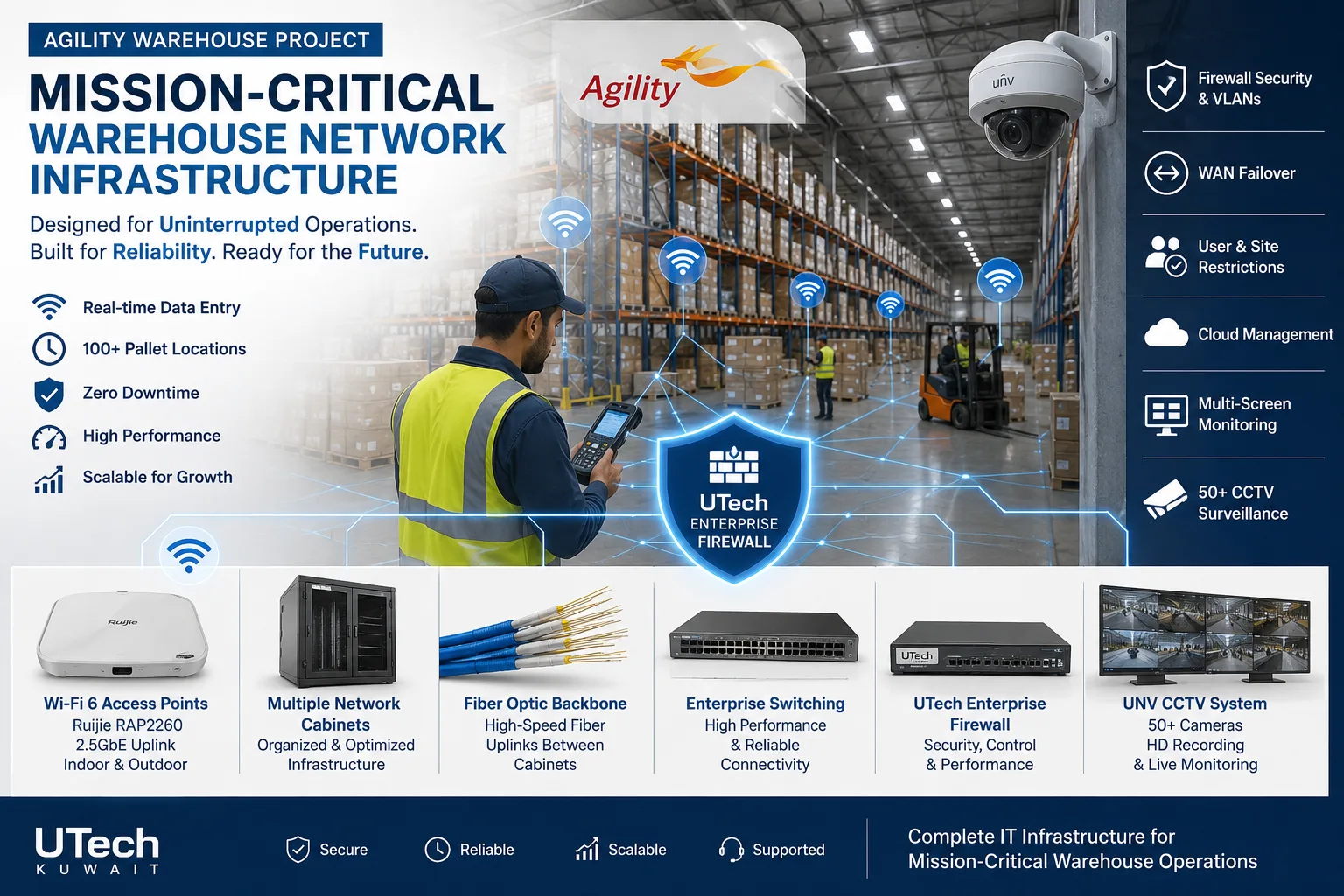 Mission-critical warehouse networkEnterprise Wi-Fi and switching for a major logistics operator's warehouse in Kuwait.Read the case study
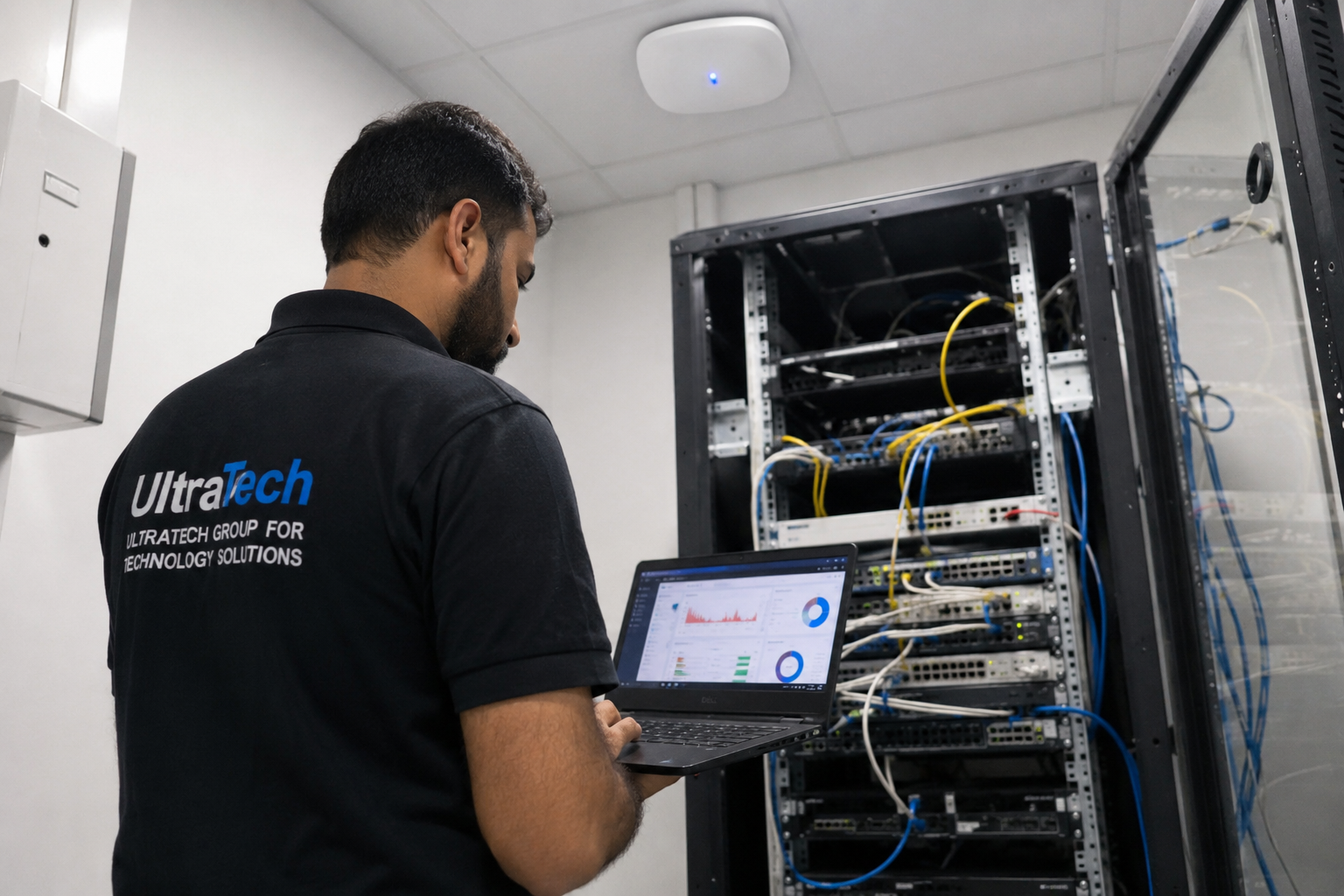 Multi-floor commercial Wi-Fi upgradeEnterprise Wi-Fi rebuilt across every floor of a commercial facility.Read the case study
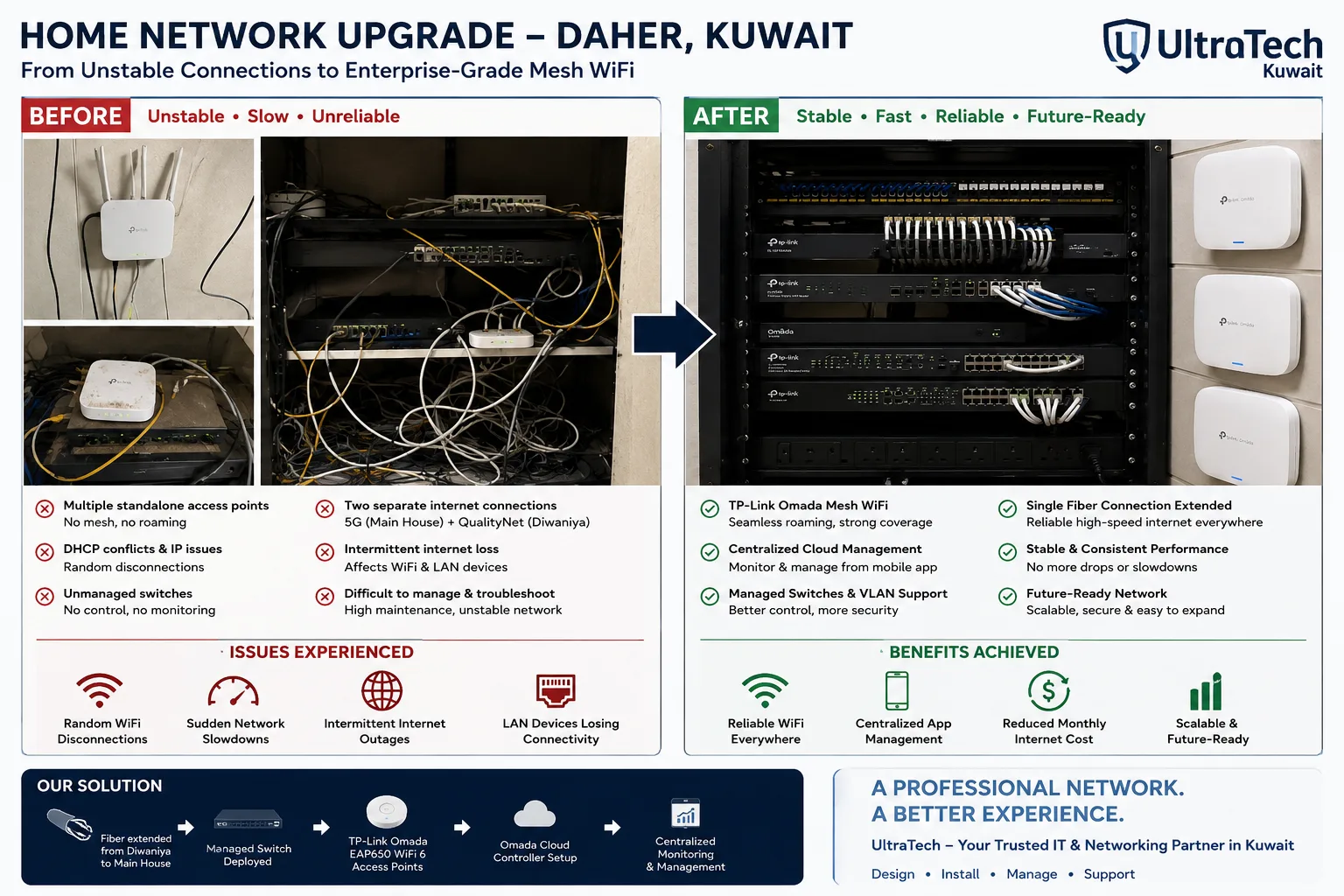 Two-building Omada mesh network, Daher7–8 unstable access points replaced by one managed Omada network across two buildings.Read the case study
How we deliver Wi-Fi
- 1
Survey
Walls, ceilings, people online, interference and existing cabling, measured on site or planned from drawings.
- 2
Access point plan and quote
Where each access point goes, which model and which networks, with a written quote.
- 3
Installation
Cabling, mounting and configuration, after hours if the business stays open.
- 4
Verify and hand over
A measured walk-through, the heatmap, admin access and a short training.
At handover:Coverage heatmapAccess point planNetwork and SSID settingsAdmin accessLabelled access pointsTest results
More explanation
How business Wi-Fi is planned
- Capacity, not only coverage
- Full bars do not mean speed. An access point shares its airtime between everyone on it, so a meeting room of 30 people needs more access points than a corridor of the same size.
- Walls decide the layout
- Block and concrete walls, lift cores and coated glass in Kuwait buildings stop 5 GHz and 6 GHz signal, so access points go inside the rooms that need them rather than in the corridor.
- Wired access points; mesh only as a fallback
- Each access point has its own cable back to a PoE switch. A mesh hop between access points halves the speed, so mesh is used only where a cable cannot reach.
- Channels and power from measurements
- Every access point at full power on automatic channels makes devices cling to a distant one. Power and channels are set from the survey and checked again after installation.
- Separate networks for separate jobs
- Staff, guests, phones and devices each get their own SSID and VLAN, so a guest on the café Wi-Fi never reaches the till or the cameras.
- Proof at the end
- A measured heatmap over the floor plan shows the result room by room, and becomes the reference for any later change.
Why office Wi-Fi is slow, and what fixes it
- A home router or extenders in an office
- Wi-Fi extenders and boosters repeat a weak signal at half the speed, and an ISP router drops at 15–20 users. Ceiling access points on one controller replace both.
- Too many people on one access point
- Coverage is fine but capacity is not. Adding or moving access points to where people sit fixes it.
- Neighbours on the same channels
- Towers and shared buildings in Kuwait are crowded with networks. Clean channels and narrower channel widths, chosen from a survey, fix it.
- Access points hidden in ceilings or cupboards
- Metal and concrete cut the signal. Access points belong in the open, on the ceiling of the room they serve.
- Old devices slowing everyone
- 2.4 GHz-only devices drag down everyone on their access point; they go on a network of their own.
- A bottleneck behind the Wi-Fi
- A slow internet line, a 100 Mbps switch port or an overloaded router looks like bad Wi-Fi. The survey checks the whole path.
Wi-Fi 6, Wi-Fi 6E and Wi-Fi 7 compared
What each generation adds, and when it is worth choosing.
| Standard | Bands | Best for | Our view |
|---|---|---|---|
| Wi-Fi 6 | 2.4 + 5 GHz | Most offices, clinics, shops | Best value today; plenty for normal office use |
| Wi-Fi 6E | 2.4 + 5 + 6 GHz | Busy offices with new laptops | Largely replaced by Wi-Fi 7 at similar prices |
| Wi-Fi 7 | 2.4 + 5 + 6 GHz | New fit-outs, dense spaces, 7–10 year plans | Worth it for new installations; needs multi-gig switch ports |
| Outdoor models | 2.4 + 5 GHz | Yards, car parks, pool areas | Chosen for heat and dust rating first |
How many access points a business needs
Starting figures for Kuwait buildings with block or concrete walls. The survey sets the final number.
| Space | Area | People online | Access points |
|---|---|---|---|
| Small office, clinic, shop | up to 300 m² | up to 25 | 2–3 |
| Office floor | 600–1,000 m² | 40–100 | 5–8 |
| School floor, hotel corridor | 1,000–2,000 m² | 100–300 | 1 per classroom or 3–4 rooms |
| Warehouse | 2,000 m²+ | few, spread out | 1 per 400–800 m² of aisle |
Wi-Fi terms explained
- Access point (AP)
- The ceiling or wall device that broadcasts Wi-Fi; a business uses several, managed together.
- Controller
- The cloud or local dashboard that sets and monitors every access point.
- SSID
- The network name people see; one access point can carry several, such as Staff and Guest.
- VLAN
- A separate network on the same switches, keeping guests away from staff systems.
- PoE
- Power over Ethernet: the access point is powered through its network cable.
- Roaming
- A phone or laptop moving from one access point to the next without dropping a call.
- Heatmap
- A coloured floor plan showing signal strength, measured or predicted.
- Mesh
- Access points linked to each other over Wi-Fi instead of a cable; easy to add, slower with every hop.
- Point-to-point link
- Two directional radios carrying the network between buildings in line of sight.
- Captive portal
- The login or voucher page guests see before they get online.
- WPA3
- The current Wi-Fi security standard.
- Wi-Fi 7 (802.11be)
- The newest Wi-Fi standard, using 2.4, 5 and 6 GHz with wider channels.
Other networking services
- Network Design & InstallationFrom a single office to a multi-building campus
- Switching, Routing & SD-WANThe core of the network, and the links between branches
- Internet, WAN & Load BalancingFaster, backed-up internet for every site
- Network OperationsMonitoring, audits, fixes and documentation
- All of Networking
Tell us about your building
Every Wi-Fi installation is planned to the building and quoted in writing. Send a floor plan or your requirements, or ask an engineer on WhatsApp.