Copper network cabling in Kuwait
A data point at every desk, camera, phone and access point, installed, labelled and proven to work.
Copper network cabling is the Cat6 or Cat6A cable that runs from each desk, phone, camera and access point back to a patch panel in the rack, carrying both data and PoE power. UltraTech Kuwait installs, tests and certifies copper cabling across Kuwait for offices, shops, clinics, warehouses and buildings, and re-cables old or untraceable installations, handing every job over with a test result for each point and a floor plan of every outlet.
Reviewed by Eng. M. Ahmed, Team Leader, Network & Project Specialist · Updated
Key facts
- Covers
- Structured cabling installation, Cat6 and Cat6A, testing and certification, re-cabling and clean-up
- Cable
- Cat6 for most desks; Cat6A for Wi-Fi 6/7 access points and 10 Gbps
- Jacket
- LSZH (low smoke, zero halogen) for offices
- Practice
- TIA-568 / ISO 11801, every point tested
- Handover
- Per-point test report, outlet floor plan, labelled panels
- Coverage
- All six governorates of Kuwait
Copper cabling services
Four services, from cabling a new space to proving or repairing what is already in the walls. Each has its own page.
Structured cabling installation
Cable a new space
Data points to every desk and device, run back to a rack and terminated on patch panels.
- Containment, cable, outlets and panels in one scope
- Every point tested and labelled
- Day, evening or weekend work
- Floor plan of every outlet
Cat6 / Cat6A cabling
Choose between Cat6 and Cat6A
The right cable for each point: Cat6 for desks and phones, Cat6A for access points and 10 Gbps.
- Cat6: 1 Gbps to every desk
- Cat6A: 10 Gbps over the full 100 m
- LSZH jackets for offices
- Installed and tested the same way
Cable testing & certification
Prove the cabling passes
Every point checked against its category, with a report for handover, consultants or warranties.
- Wiremap, length, loss and NEXT per point
- Pass or fail for each outlet
- Report as PDF
- Existing cabling tested to find faults
Re-cabling & clean-up
Fix messy or faulty cabling
Faulty, dead and untraceable cabling replaced and tidied while the business keeps running.
- Dead cables removed and faulty runs replaced
- Racks re-patched and dressed
- Every cable labelled
- Work in stages or after hours
How a cabling system is built
Structured cabling is a system, not a bundle of cables: each part is fixed so devices can be moved and faults found without new cable.
- 1
Outlets
A faceplate at each desk, ceiling access point, camera or screen, numbered to match the panel.
- 2
Horizontal cable
Cat6 or Cat6A from each outlet to the floor rack, up to 90 m of permanent link.
- 3
Containment
Trays, trunking and conduit that carry the cable, kept apart from power.
- 4
Patch panels and rack
Every cable terminated on a labelled panel in a ventilated rack.
- 5
Backbone
Fiber or Cat6A between floor racks and the main rack.
- 6
Testing and records
Every point certified, and labels and drawings that match.
Cabling by type of business
Offices and company headquarters
A wired point at every desk, Wi-Fi that reaches the meeting rooms, a firewall with remote access for staff, and one number to call when something stops.
Copper cable categories compared
We install Cat6 and Cat6A. Cat5e is found in older buildings and is usually the first thing replaced in a re-cabling job.
Cat5e
1 Gbps over 100 m
Older installations; replaced when re-cabling
Cat6
1 Gbps over 100 m; 10 Gbps on short runs
Desks, phones, printers, most cameras
Cat6A
10 Gbps over the full 100 m
Wi-Fi 6/7 access points, server links, new fit-outs
Cat6A shielded (F/UTP)
10 Gbps with shielding
Sites with heavy electrical interference
Recent cabling work in Kuwait
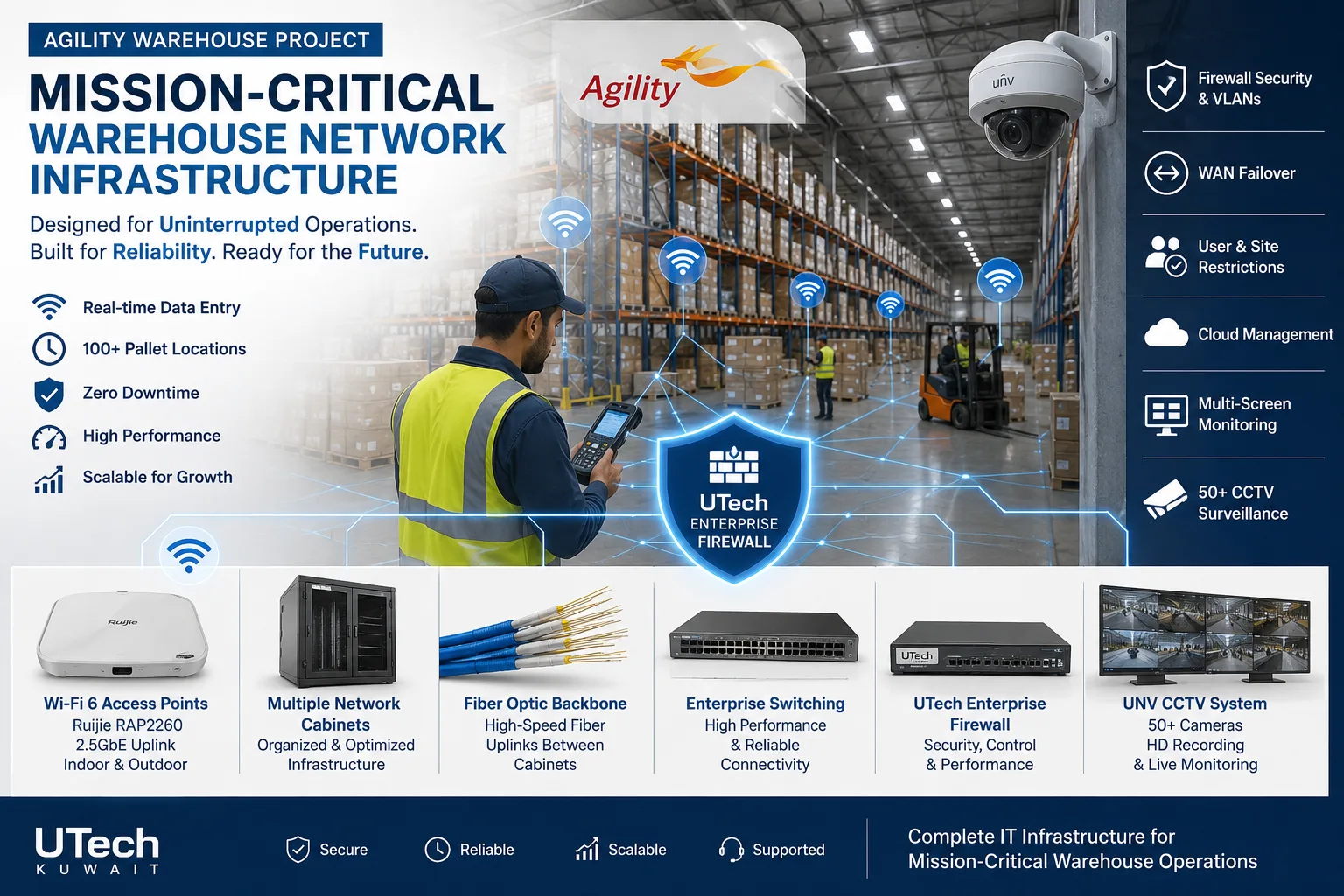 Mission-critical warehouse networkEnterprise Wi-Fi and switching for a major logistics operator's warehouse in Kuwait.Read the case study
 Multi-floor commercial Wi-Fi upgradeEnterprise Wi-Fi rebuilt across every floor of a commercial facility.Read the case study
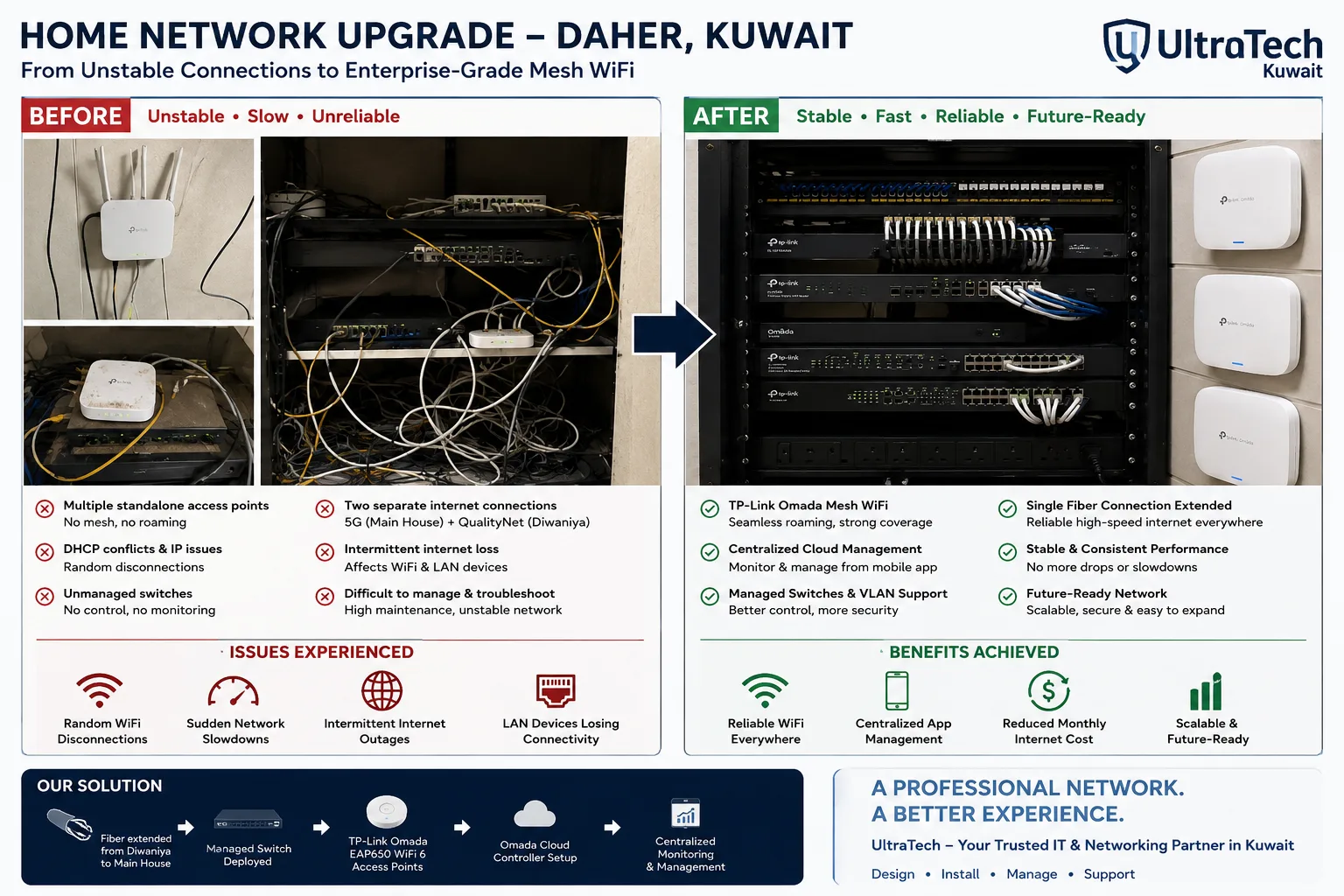 Two-building Omada mesh network, Daher7–8 unstable access points replaced by one managed Omada network across two buildings.Read the case study
How we install cabling
- 1
Survey
Floor plan, outlet positions, rack location, cable routes and ceiling access.
- 2
Design and quote
Outlet schedule, cable category, containment and a written quotation.
- 3
Install
Containment, cable, outlets and panels, timed around the fit-out or after hours.
- 4
Test and hand over
Every point certified and labelled, with the report and the outlet floor plan.
At handover:Test report for every pointOutlet floor planLabelled outlets and panelsPort mapCable category and lengthsSpare outlet list
More explanation
Cat6 or Cat6A: which to install
- Cat6 for most desks
- A desk PC, phone or printer uses 1 Gbps, which Cat6 carries comfortably over the full distance.
- Cat6A for access points
- Wi-Fi 6 and Wi-Fi 7 access points use multi-gigabit ports and more PoE power; Cat6A carries both over the full 100 m.
- Cat6A for server and uplinks
- Links between racks and to servers increasingly run at 10 Gbps.
- Cable lasts longer than equipment
- Cabling stays for ten years or more while switches change twice. Installing for the next equipment costs little during a fit-out.
- LSZH in offices
- Low-smoke, zero-halogen jackets give off less toxic smoke in a fire, the usual choice for occupied buildings.
What good cabling looks like
- Every cable ends on a panel
- No cables plugged straight from the ceiling into a switch; everything is terminated and patched.
- Labels that match the drawings
- Outlet, panel port and drawing all show the same number.
- Data away from power
- Network cable runs in its own containment, separated from power cables to avoid interference.
- Bend radius respected
- Cables are not kinked, crushed under ties or pulled tight around corners, which spoils their performance.
- Tested, not assumed
- A link that works today can still fail the category test; certification shows it meets the standard.
What a cabling certification measures
| Test | What it shows |
|---|---|
| Wiremap | Every pair connected correctly, no crossed or open wires |
| Length | The link is within the 90 m permanent link limit |
| Insertion loss | Signal lost along the cable |
| NEXT | Crosstalk between pairs at the near end |
| Return loss | Signal reflected back by poor terminations |
Cabling terms explained
- Structured cabling
- A standard cabling system of outlets, cable, panels and racks, laid out so it can be changed easily.
- Cat6
- Copper network cable for 1 Gbps over 100 m, 10 Gbps over short runs.
- Cat6A
- Copper network cable for 10 Gbps over the full 100 m.
- Permanent link
- The fixed cable from the outlet to the patch panel, up to 90 m.
- Patch panel
- The rack panel where every cable is terminated.
- Patch cord
- A short cable from the panel to the switch, or from the outlet to a device.
- Keystone jack
- The socket module behind a faceplate or in a panel.
- LSZH
- Low smoke, zero halogen: a cable jacket that gives off less toxic smoke in a fire.
- NEXT
- Near-end crosstalk: interference between pairs, measured in certification.
- PoE
- Power over Ethernet: devices powered through the network cable.
Other cabling services
Tell us about your space
Send a floor plan and the number of desks, cameras and access points, or ask an engineer on WhatsApp.