Remote Network Troubleshooting and Optimisation

A remote session in which an engineer connects securely to your router, switches or firewall to find why the network is slow or dropping, and fixes the settings.
REMOTE-NETWORK-SUPPORT price in Kuwait
AvailableAvailable with installation only
Free remote support included
A person replies within 4–8 working hours
- Brand
- UTK Services
- Model
- REMOTE-NETWORK-SUPPORT

About the REMOTE-NETWORK-SUPPORT
Most network complaints in an office or villa are configuration problems rather than broken hardware: a router left on default settings, Wi-Fi channels clashing with neighbours, a double NAT between the ISP router and your own, wrong DNS, or a loop that floods the switch. Many of these can be found and fixed without anyone coming to site.
In a remote session the engineer connects with your approval through an encrypted remote tool, checks the router, switches, access points and firewall, measures speed, latency and packet loss, and reviews DHCP, DNS, VLAN and Wi-Fi settings. Fixes are applied during the session where possible, and a short written summary explains what was found and what was changed.
Remote work is the fastest option in Kuwait, where a site visit often means a slot later in the day. If the cause turns out to be a faulty device or cabling, the summary says so and a site visit can be booked.
It suits homes, small offices, clinics and shops with slow internet, dropping Wi-Fi or devices that cannot connect.
REMOTE-NETWORK-SUPPORT specifications
- Checks
- Speed, latency, packet loss, DHCP, DNS, VLAN, Wi-Fi channels, loops
- Covers
- Routers, switches, access points, firewalls, internet line
- Outcome
- Fixes applied where possible, written summary
- Delivery
- Secure remote session, with customer approval
- Service Type
- Remote network troubleshooting and optimisation
- If Hardware Is at Fault
- Site visit can be booked (charged)
REMOTE-NETWORK-SUPPORT features
- No travel wait
- Encrypted, approved access
- Router, switch, Wi-Fi and firewall checks
- Written summary of findings
- Visit only if needed
Best suited for
Homes, small offices, clinics and shops with slow internet or unstable Wi-Fi.
REMOTE-NETWORK-SUPPORT questions
What can be fixed remotely?
Most configuration faults: Wi-Fi channels, DNS and DHCP settings, double NAT, VLAN mistakes and loops. Faulty cables or hardware need a visit.
Is remote access safe?
The session uses an encrypted remote tool and starts only with your approval; you can watch and end it at any time.
What do I get at the end of the session?
A short written summary of what was found, what was changed and anything that still needs attention.
More Services

IT Procurement and Hardware Sourcing
50.000 KWD
Available with installation only
Free remote support included

Meeting Room AV and Video Conferencing Setup
50.000 KWD
Available with installation only
Free remote support included
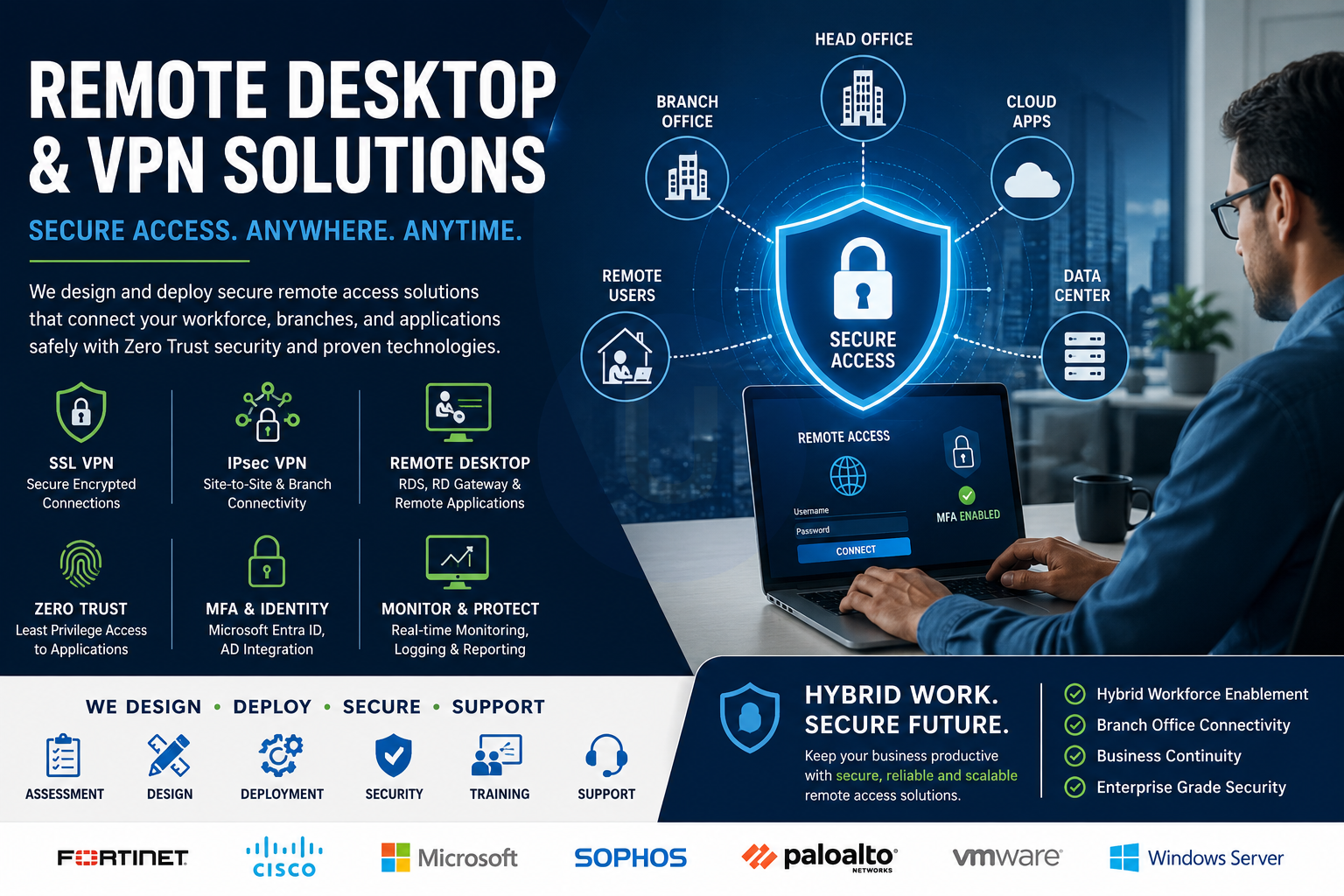
Secure Remote Access: VPN and Remote Desktop Setup
50.000 KWD
Available with installation only
Free remote support included
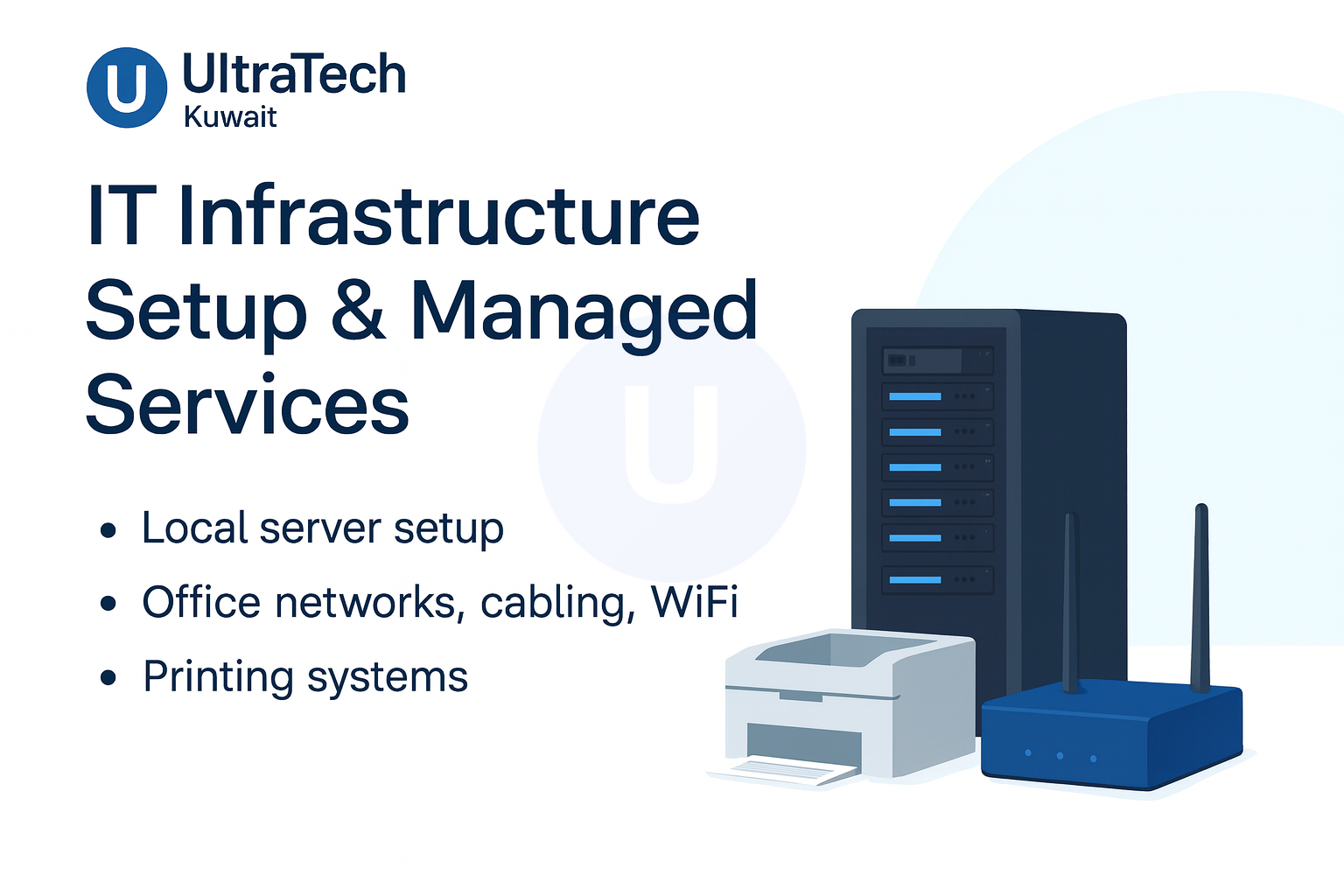
Office IT Infrastructure Setup
Price on request
Available with installation only
Free remote support included
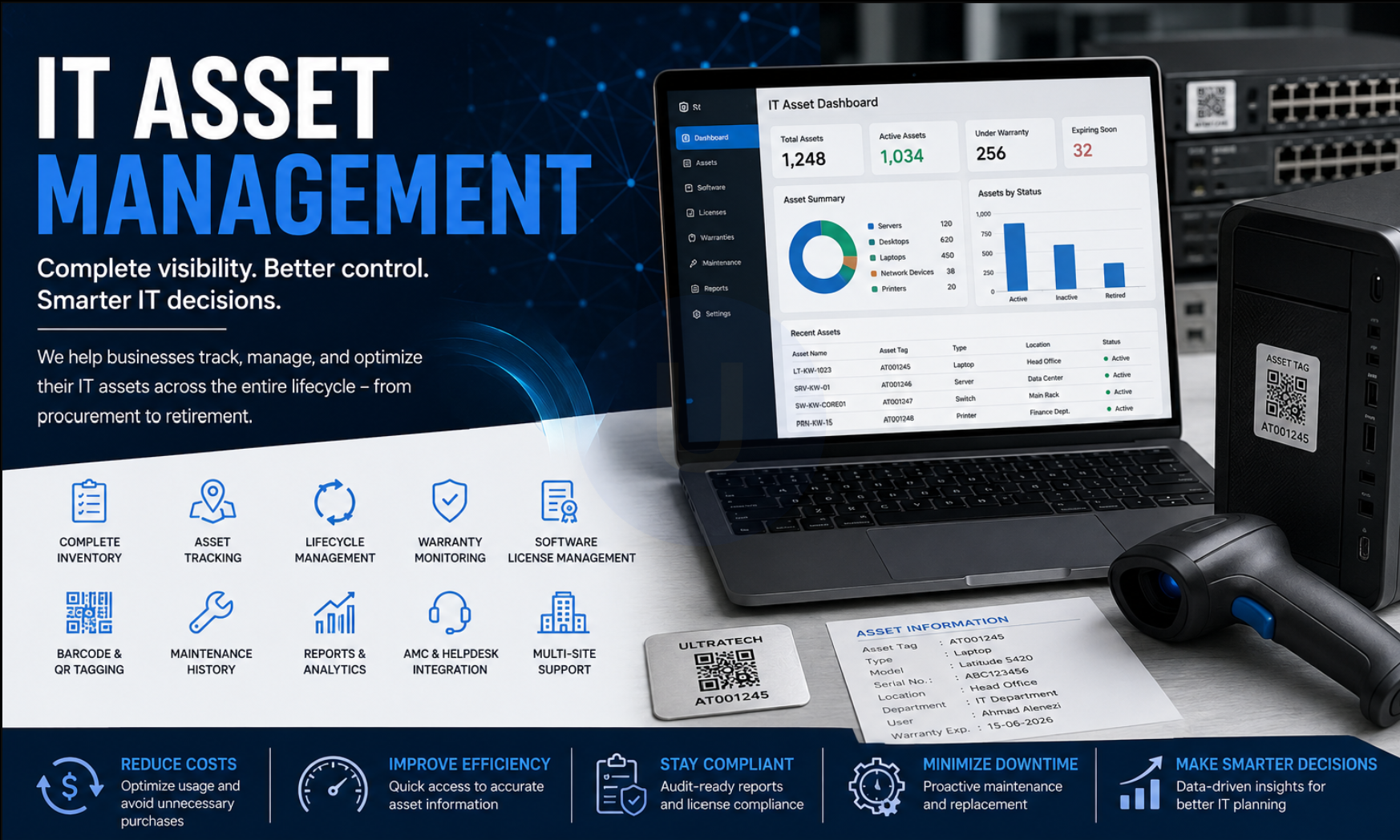
IT Asset Inventory and Lifecycle Tracking
50.000 KWD
Available with installation only
Free remote support included
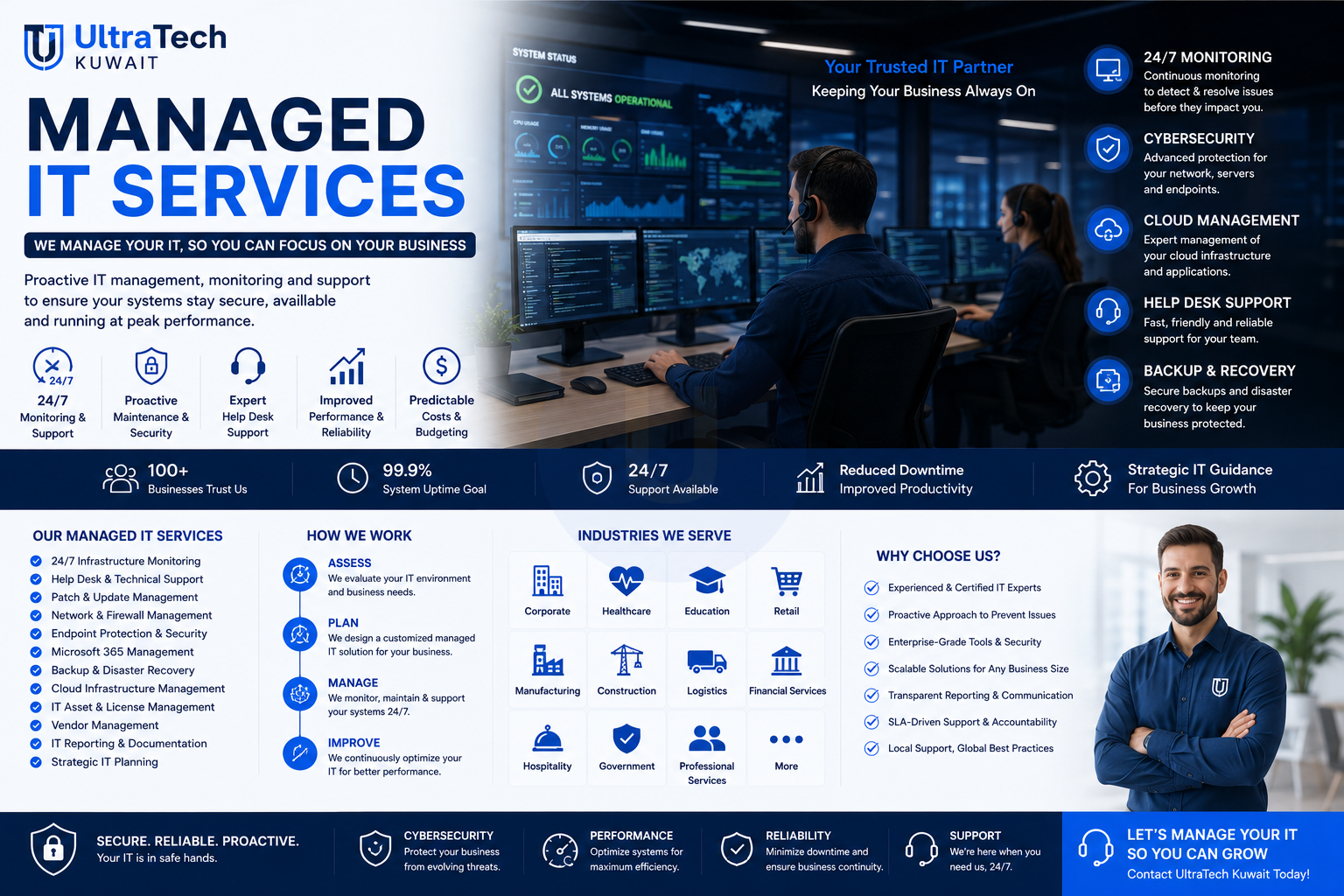
Managed IT Services Contract
30.000 KWD
Available with installation only
Free remote support included
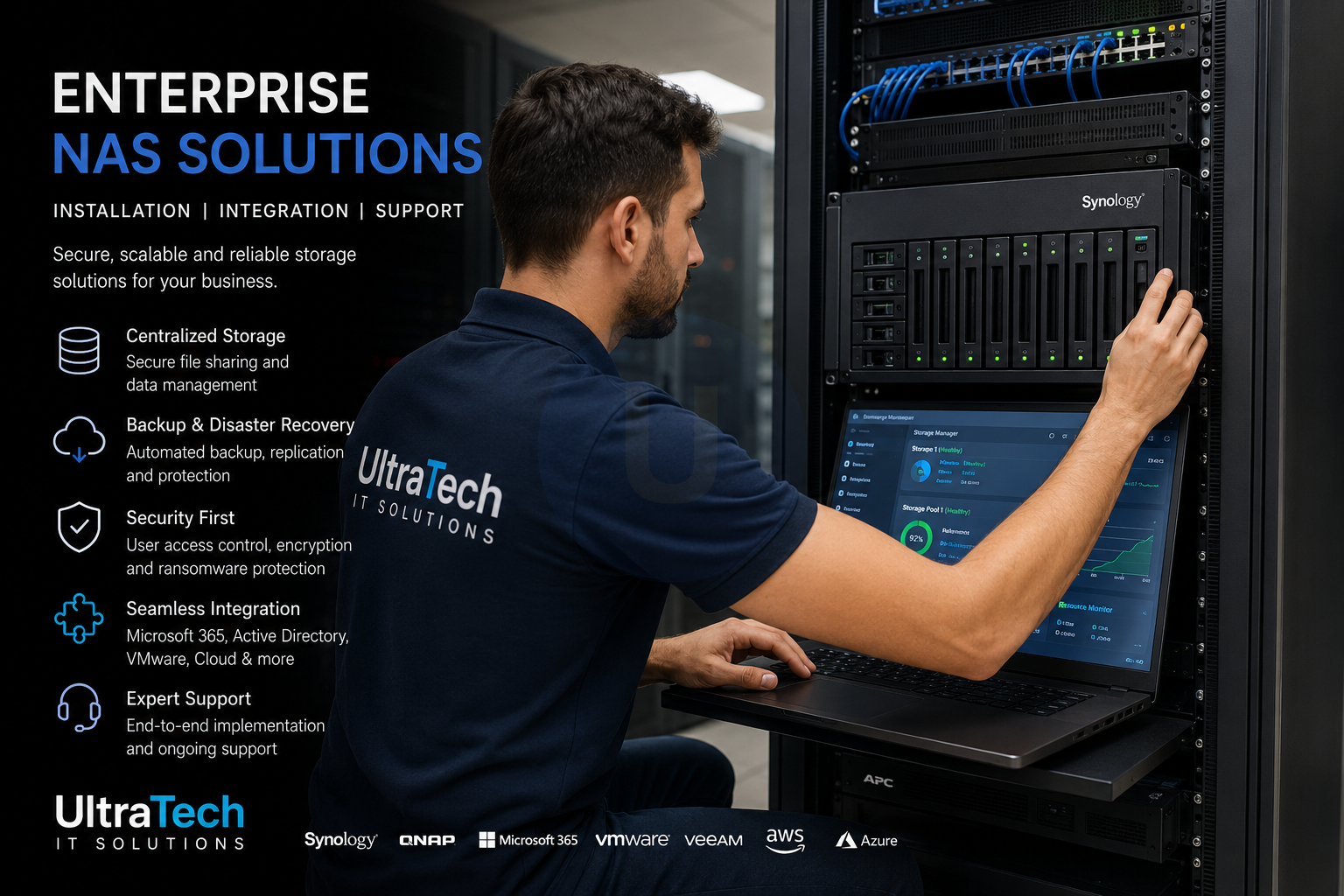
NAS Storage Design, Deployment and Backup Setup
50.000 KWD
Available with installation only
Free remote support included
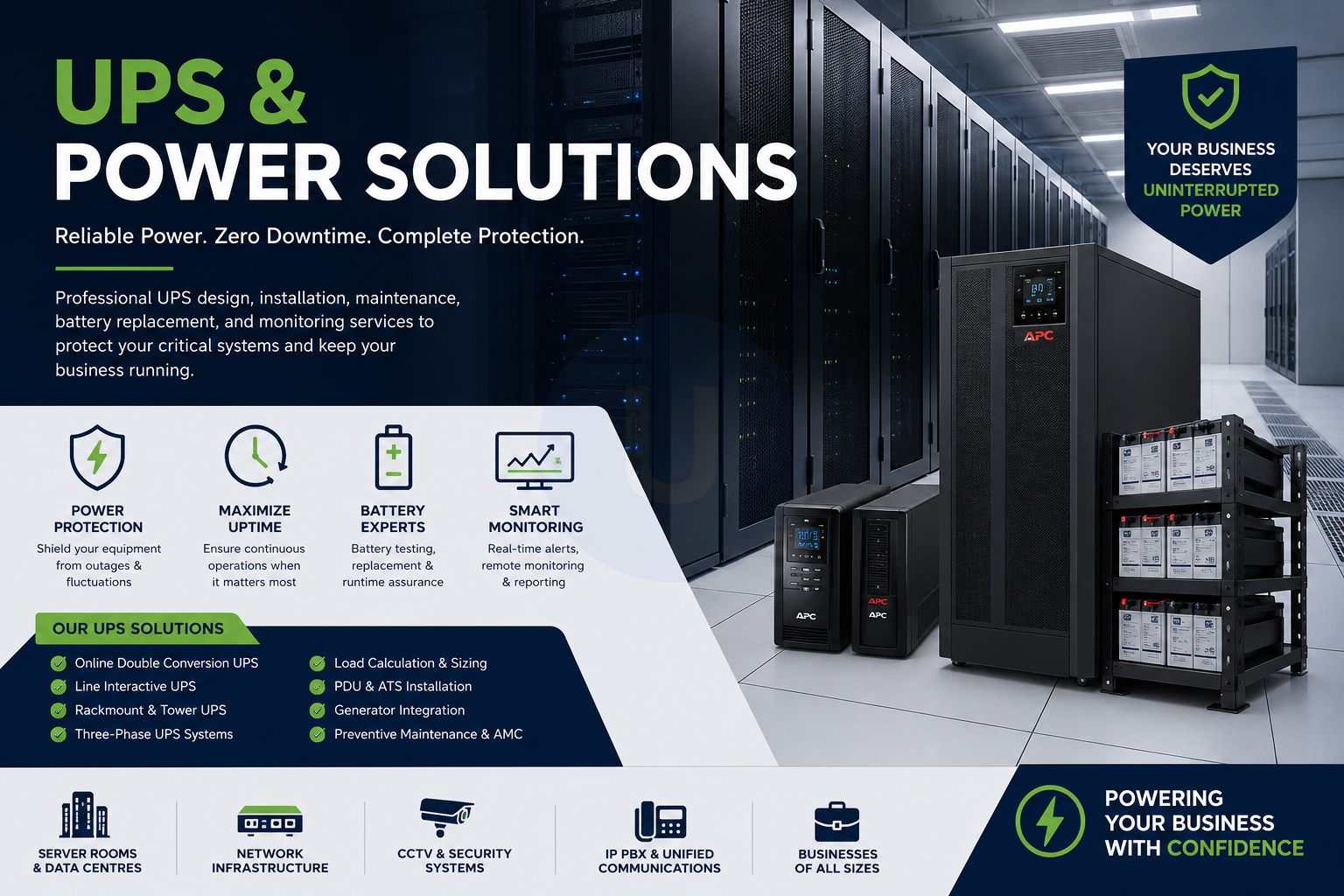
UPS Sizing, Installation and Power Protection
30.000 KWD
Available with installation only
Free remote support included