Load balancing in Kuwait: internet lines, servers and cloud
Use every line you pay for, stay online when one fails, and keep your applications up.
Load balancing spreads traffic across more than one internet line or server, so none is overloaded and the service keeps running when one fails. UltraTech Kuwait designs and sets it up for businesses in Kuwait: internet lines from different providers with automatic failover, server and application load balancers, and cloud load balancers.
Reviewed by Eng. M. Ahmed, Team Leader, Network & Project Specialist · Updated
Key facts
- Covers
- Internet lines, servers, cloud and links inside the network
- Internet lines
- Fiber, 5G (Zain, Ooredoo, stc) and leased lines
- Network equipment
- FortiGate SD-WAN, MikroTik, TP-Link Omada, Grandstream
- Server load balancers
- HAProxy, NGINX, F5 BIG-IP, Kemp LoadMaster
- Failover
- Included in every internet setup
Types of load balancing
Internet (WAN)
Two or more internet lines on one router or firewall, shared and backing each other up.
Offices, shops, clinics, branches
Server and application
A load balancer in front of two or more servers, so a website, ERP or API stays up.
Web apps, ERP, portals, APIs
Cloud
The load balancer of the cloud platform your application runs on, configured properly.
AWS, Azure, Google Cloud
Link aggregation
Cables between a server and a switch, or two switches, bundled into one stronger link.
LACP, IEEE 802.3ad
What we provide
Dual-WAN and multi-WAN balancing
Two to four lines shared on one router or firewall, weighted by measured speed.
Automatic failover
Every line health-checked; traffic moves to the working lines by itself.
SD-WAN on FortiGate
Traffic steered by line quality, with the firewall and VPN in the same box.
Policy routing
Guests, cameras or backups on a chosen line; banking and VPN kept on one.
Server load balancing
HAProxy or NGINX in front of web, ERP and API servers, with HTTPS and health checks.
Enterprise load balancers
F5 BIG-IP and Kemp LoadMaster configured as active/standby pairs.
Cloud load balancers
AWS, Azure and Google Cloud load balancers set up for your application.
Monitoring and alerts
Usage per line, and an email when a line or server goes down.
The solution we build
Every setup is designed to the site after a visit. These are the usual starting points.
Small office or shop
Fiber plus 5G from another operator on a TP-Link Omada or Grandstream multi-WAN router.
- Weighted balancing and failover
- Guest Wi-Fi on the 5G line
Office that needs security
Two or more lines on a FortiGate running SD-WAN.
- Steering by measured line quality
- Firewall and branch VPN in one box
Many or unequal lines
MikroTik with per-connection (PCC) rules.
- Any number of lines
- Rules per network or application
Websites, ERP and APIs
Two or more servers behind HAProxy or NGINX, or F5 / Kemp for larger sites.
- Layer 4 or Layer 7
- Active/standby pair, no single point of failure
How we deliver it
- 1
Site visit
Lines, users, applications, and your current router, firewall or servers.
- 2
Design in writing
Lines, equipment, rules, and what happens when something fails.
- 3
Setup
On your equipment or new equipment, out of hours if needed.
- 4
Test and hand over
One line or server unplugged in front of you; rules, diagram and passwords handed over.
At handover:Network diagramRule list in plain languageFailover test, shown to youConfiguration backups and passwords
Equipment we install
From our catalogue. Your current equipment is checked first.
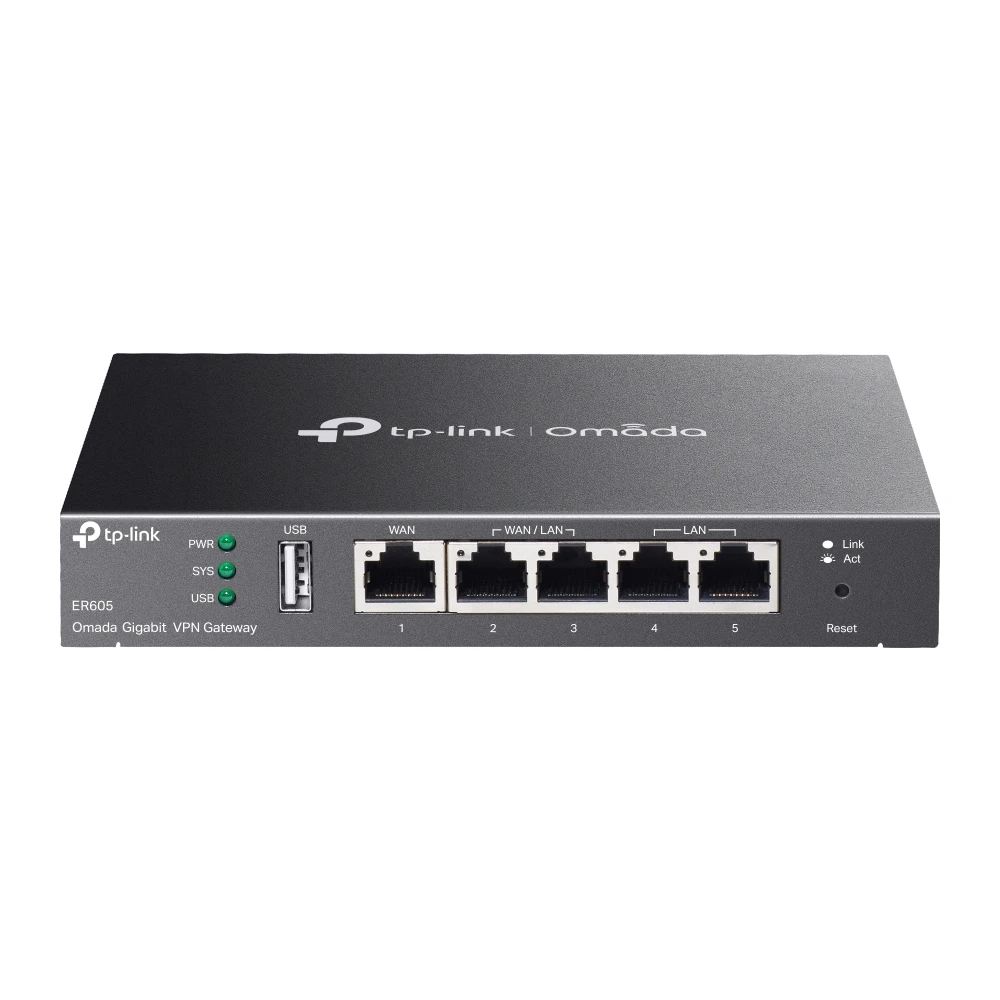 TP-LinkTP-Link ER605 SafeStream Gigabit Multi-WAN VPN Router
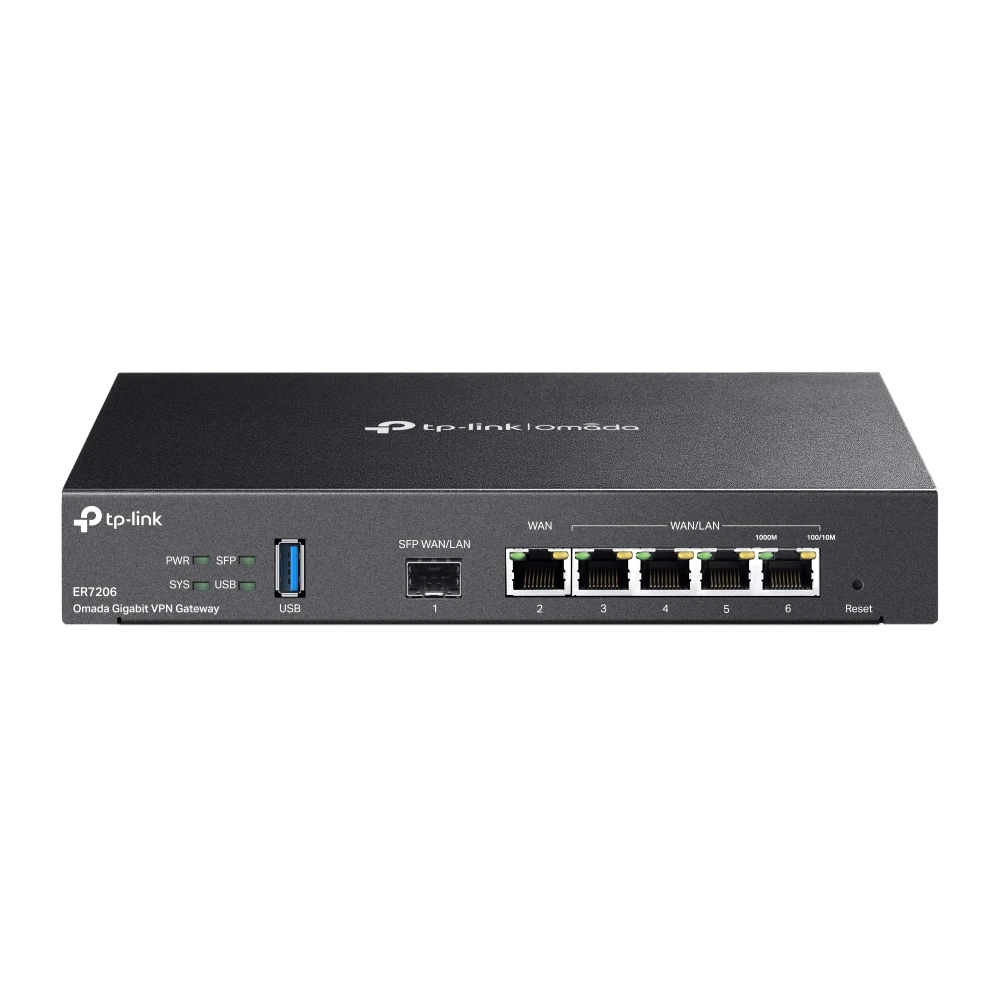 TP-LinkTP-Link ER7206 Omada Gigabit Multi-WAN VPN Router
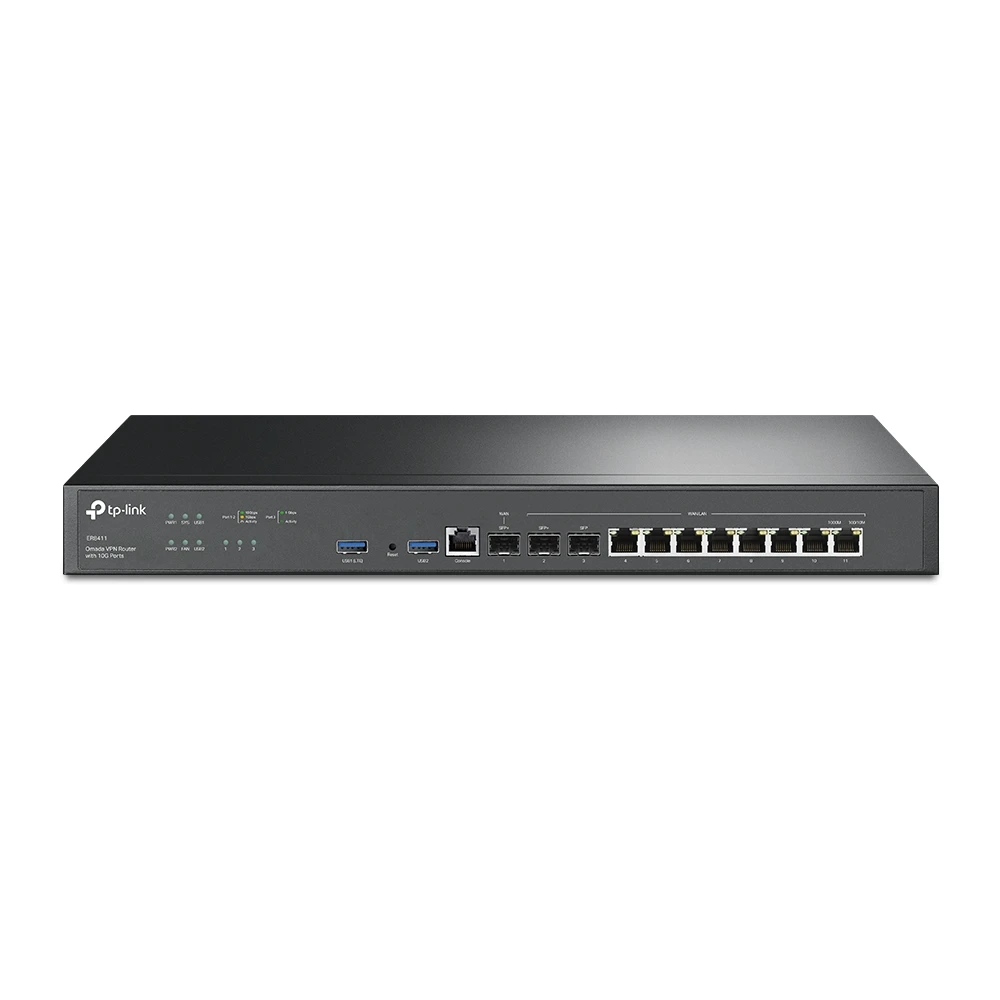 TP-LinkTP-Link ER8411 SafeStream Enterprise Multi-WAN VPN Router
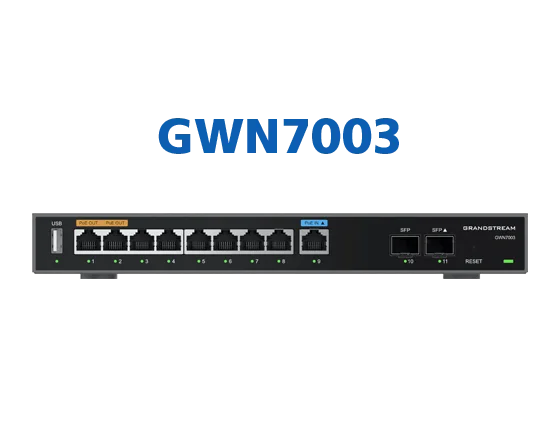 Grandstream NetworksGrandstream GWN7003 Multi-WAN Gigabit VPN Router
 FortinetFortiGate 70G Next-Generation Firewall
 FortinetFortiGate 100F Next-Generation Firewall
More explanation
How load balancing works with two internet lines
A load-balancing router does not merge two lines into one faster line. It decides, connection by connection, which line each one uses.
- Connections are shared, not split
- With many users the connections spread over all lines and the total capacity adds up, but a single download still runs over one line and is no faster than that line.
- Weights follow measured speed
- A 500 Mbps fiber and a 200 Mbps 5G line get connections in that proportion. Equal weights on unequal lines leave the faster line half used.
- Health checks decide when a line is down
- Each line is tested against dependable addresses on the internet, not only the provider's equipment, which can answer while the internet behind it is gone.
- Sessions stay on one line
- Banking, government portals and VPNs log you out if your address changes mid-session, so they are kept on one line.
Choosing the lines to combine in Kuwait
- Different providers, different paths
- Pair a fiber line with 5G from another operator, so one cut cable or provider outage never takes both down.
- 5G lines and incoming access
- Mobile 5G usually shares public addresses with other customers, so port forwarding, site-to-site VPN and anything you host stay on the fiber or leased line.
- Upload matters too
- Cloud backups, video calls and remote camera viewing depend on upload speed, which differs a lot between lines; both directions are measured.
Server load balancing explained
- Layer 4 and Layer 7
- Layer 4 balances TCP and UDP connections by address and port, fast and suited to databases and mail. Layer 7 reads the HTTP request, so it can route by site, path or cookie and end HTTPS on the load balancer.
- Balancing methods
- The method decides which server takes the next request.Round robin · Least connections · Weighted · Source-IP hash (same visitor, same server)
- Health checks and maintenance
- A failed server stops receiving traffic, so servers can be patched in working hours without visitors noticing.
Load balancing, failover, bonding and link aggregation compared
| What it does | One download faster? | Survives a failure? | |
|---|---|---|---|
| Load balancing | Shares connections across lines or servers | No; more total capacity | Yes |
| Failover | A standby line that takes over when the main one drops | No | Yes |
| Bonding | Splits single connections across lines via a server on the internet | Yes, within the lines' limits | Yes |
| Link aggregation (LACP) | Bundles cables between two devices into one link | No; more capacity between them | Yes, if one cable fails |
Specification
- Methods
- Weighted per-connection balancing, policy routing, SD-WAN on FortiGate
- Health checks
- Continuous tests on every line or server
- Server balancing
- Layer 4 and Layer 7, HTTPS termination, session persistence
- High availability
- Active/standby pairs where needed
- Link aggregation
- LACP, IEEE 802.3ad / 802.1AX
Related services
Everything in Internet, WAN & Load BalancingTell us about your site
Every job is designed to the site and quoted in writing. Send your requirements or ask an engineer on WhatsApp.