Remote access VPN
UltraTech Kuwait sets up remote access VPN for Kuwait businesses so staff, branches and outside vendors can reach office systems safely, with two-factor login and access limited to what each person needs. Setup starts from 60 KWD, and remote support sessions are 5 KWD per hour.
Reviewed by Eng. M. Ahmed, Project Manager, IT Operations · Updated
Book a site visit
20 KWDDeducted from your invoice when you go ahead
An engineer visits for remote access VPN, Sunday – Thursday, 9:30 am – 6 pm.
Book a visitor get a quote without a visit →At a glance
- Where
- All six governorates of Kuwait
- Site visit
- 20 KWD, deducted from your invoice
- Response
- Within 4 hours (SLA)
- For
- Staff at home, branches, vendors doing remote maintenance
- Login
- Two-factor, per person
- Remote support
- 5 KWD per hour, bookable online
More in Managed Network Security
How much does a remote access VPN cost in Kuwait?
Typical Kuwait prices in 2026, equipment and installation included. Your exact price is fixed in writing after the site visit (20 KWD, deducted from your invoice when you go ahead).
| VPN on your existing firewall, up to 10 users | 60 – 150 KWD |
| Two-factor login added (app or token) | 30 – 100 KWD |
| Branch-to-office tunnel, per branch | 50 – 150 KWD |
| Vendor maintenance access, time-limited | 40 – 100 KWD |
| New firewall for VPN (if the current router cannot) | 85 – 470 KWD |
| Remote support session | 5 KWD / hour |
What moves the price
- Number of users and branches
- Whether the current firewall can do it
- Two-factor login method
- Which systems each person may reach
Which kind of VPN do you need?
Most businesses need two of these. The plan names exactly who reaches what.
| Need | VPN type | Who uses it | Typical setup |
|---|---|---|---|
| Staff working from home | Remote access (client) | Employees, managers | App on laptop/phone, two-factor login |
| Branch, warehouse or shop | Site-to-site tunnel | Whole branch network | Small firewall at the branch, always on |
| Vendor maintains a system | Vendor access | Software or equipment supplier | Own account, one system only, time-limited |
| Owner checks cameras | Remote access or vendor cloud app | Owner, manager | No port opened on the NVR |
Before giving anyone remote access
Decide these once; we set them up and document them.
People
- List of who needs access, by name
- What each may reach (files, ERP, cameras)
- Vendors: which system, for how long
Login
- Two-factor login for everyone
- No shared accounts
- Accounts removed the day someone leaves
Devices
- Company laptops or personal devices?
- Antivirus and updates on remote laptops
- Lost-phone procedure
VPN, or remote desktop apps like AnyDesk and TeamViewer?
Both have a place. The risk is in how they are set up.
| Option | Good for | Risk if set up badly |
|---|---|---|
| VPN with two-factor login | Daily staff access, branches, vendors | Low: each person logged and limited |
| Remote desktop (RDP) open to the internet | Nothing; never do this | High: a common ransomware entry point |
| AnyDesk / TeamViewer | One-off support sessions | Medium: unattended access left on forever |
| Vendor cloud app (cameras, NVR) | Viewing cameras on a phone | Low, if no ports are opened |
What people ask before they hire
How much does a VPN setup cost in Kuwait?
On an existing business firewall, remote access for up to 10 users usually costs 60–150 KWD, plus 30–100 KWD for two-factor login. A branch-to-office tunnel is about 50–150 KWD per branch.
Can a vendor do remote maintenance safely?
Yes. The vendor gets their own account that reaches only their system, works only when you allow it, and every session is logged.
Is AnyDesk or TeamViewer enough?
For a one-off support session, yes. For daily staff access or vendors, a VPN with two-factor login is safer and easier to control.
Will the VPN slow down our internet?
Not noticeably for office use when the firewall is sized for it. Heavy file transfers depend on both internet lines.
Can you fix VPN problems remotely?
Yes. Book a remote support session at 5 KWD per hour, Sunday to Thursday, 09:30–18:00.
Can we see our cameras from outside without a VPN?
Yes, through the camera brand's cloud app, without opening any port on the NVR. We set that up instead of port forwarding.
Remote access mistakes we fix in Kuwait
Each one is a common way in for ransomware.
01Remote desktop open on the router for the accountant
Our fix: Closed. The accountant uses VPN with two-factor login instead.
02One VPN account shared by the whole team
Our fix: Each person gets their own account, so access is logged and removable.
03Ex-employee's VPN still working months later
Our fix: Accounts tied to a leaver checklist and reviewed in the monthly report.
04Vendor with permanent full access to the network
Our fix: Vendor access limited to one system and switched on only when needed.
05Old VPN firmware with a published flaw
Our fix: Firmware kept current under management; old VPN types retired.
What do you get at handover?
User list
Who has access and to what, in writing.
Setup guides
Install and login steps for staff, in English and Arabic.
Two-factor set up
Every user enrolled before go-live.
Leaver procedure
How access is removed the day someone leaves.
Config backup
Saved off the firewall.
One contact
The engineer who built it stays your point of contact.
How does it work?
- Step 1
Remote call or site visit
Who needs access and to what. Remote session 5 KWD/hour; site visit 20 KWD, credited to your invoice.
- Step 2
Plan and fixed quote
VPN type, users, two-factor method and price.
- Step 3
Set up and enrol users
Configured, tested from outside, staff enrolled.
- Step 4
Hand over and support
Guides, user list, and remote support when needed.
Who does the work
The delivery team behind every project, from our team page.
How does remote access reach your office safely?
Everyone comes in through one door, and each person only sees what they need.
- 01Staff laptop or phone
- 02Two-factor login
- 03Encrypted VPN tunnel
- 04Office firewall
- 05Only the allowed systems
- 06Branch tunnels
Standards and specifications
Protocols
SSL VPN, IPsec or WireGuard, as the firewall supports.
Login
Per-user accounts with two-factor (app or token).
Access rules
Each user or vendor limited to named systems.
Branches
Always-on site-to-site tunnels with failover.
Logging
Who connected, when and from where.
Clients
Windows, macOS, iPhone and Android.
Which equipment do we install?
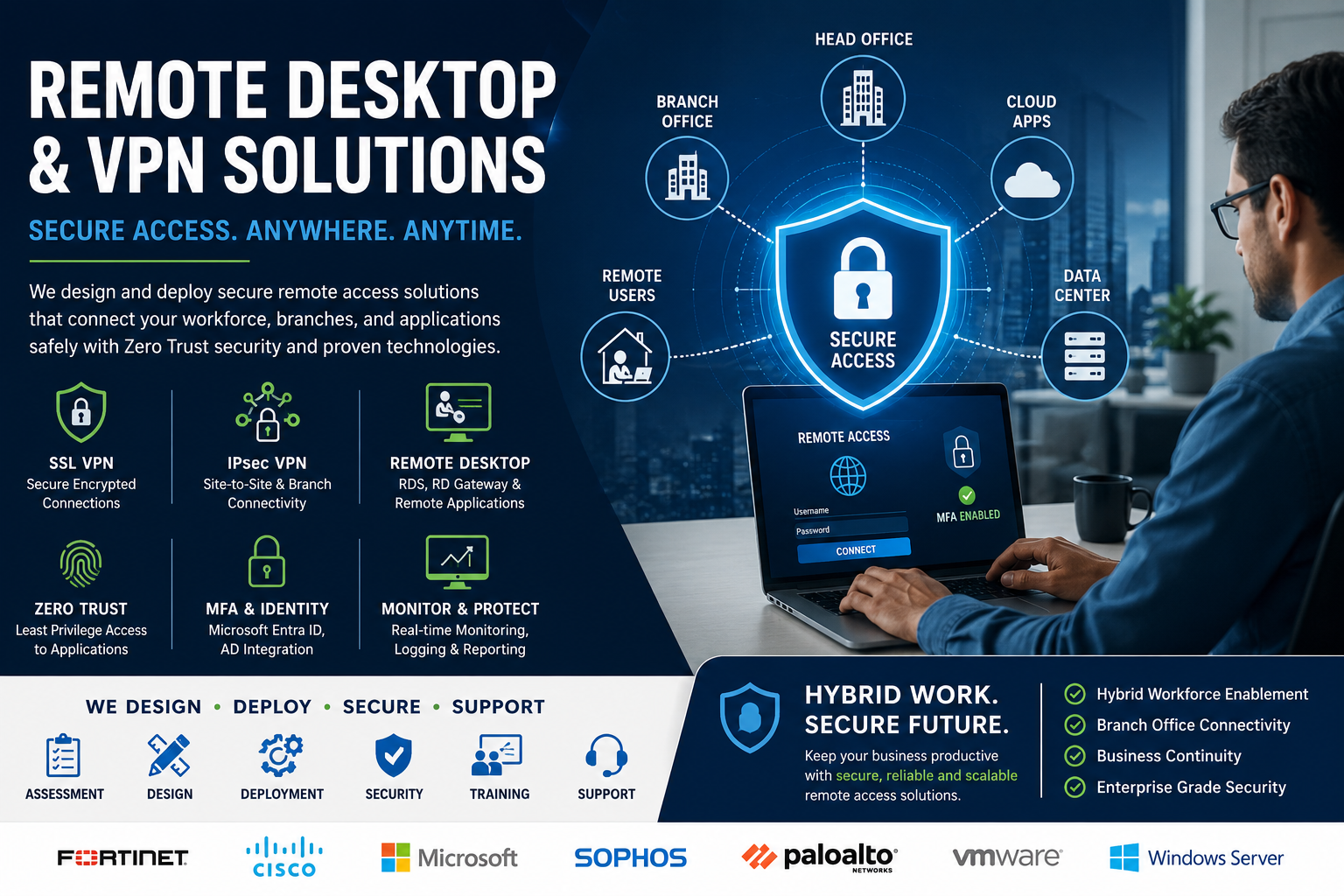 Remote Desktop & VPN SolutionsUTK Services · ServicesWe supply and install →
 FortiGate 60F Next-Generation FirewallFortinet · Next-Generation Firewall (NGFW)We supply and install →
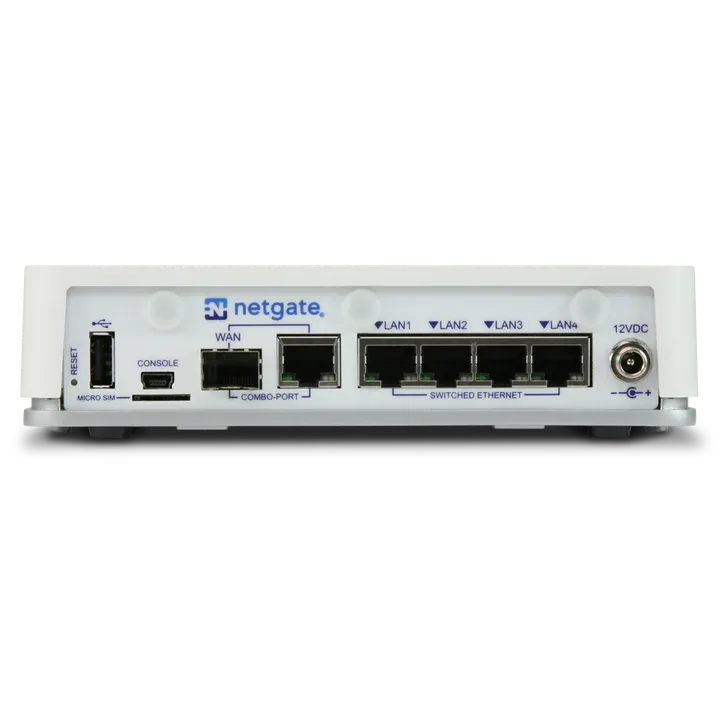 Netgate 2100 pfSense+ Security GatewayNetgate · FirewallWe supply and install →
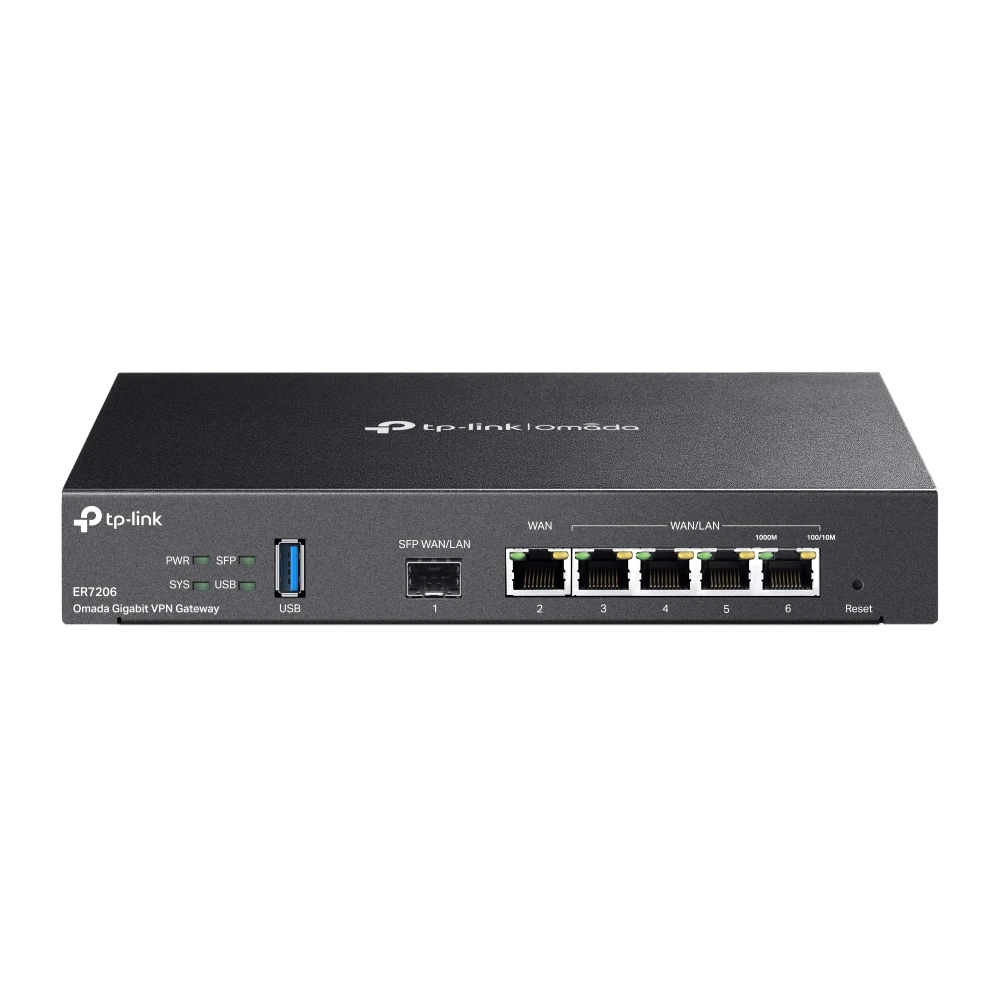 TP-Link ER7206 Omada Gigabit Multi-WAN VPN RouterTP-Link · TP-Link VPN RoutersWe supply and install →
Remote access terms, explained
- VPN
- An encrypted tunnel that lets an outside device use the office network as if it were inside.
- Site-to-site VPN
- A permanent tunnel joining a branch network to the head office.
- Two-factor login (2FA / MFA)
- A password plus a code from a phone app or token, so a stolen password is not enough.
- RDP
- Windows remote desktop; safe inside a VPN, dangerous when opened directly to the internet.
- Split tunnelling
- Only office traffic goes through the VPN; normal browsing uses the home internet.
Keep exploring
Book a site visit and get a written quote
20 KWD, deducted from your invoice when you go ahead. We reply within working hours.