Structured cabling installation
UltraTech Kuwait installs structured cabling in offices, shops, clinics, warehouses and buildings across Kuwait: data points to every desk and device, run back to a rack and terminated on patch panels. Each point is tested and labelled, and you receive the test results and a floor plan of every outlet.
Reviewed by Eng. M. Ahmed, Project Manager, IT Operations · Updated
Book a site visit
20 KWDDeducted from your invoice when you go ahead
An engineer visits for structured cabling installation, Sunday – Thursday, 9:30 am – 6 pm.
Book a visitor get a quote without a visit →At a glance
- Where
- All six governorates of Kuwait
- Site visit
- 20 KWD, deducted from your invoice
- Response
- Within 4 hours (SLA)
- Includes
- Containment, cable, outlets, panels, rack, labels, test report
- Standards
- TIA-568 / ISO 11801 practice, tested per point
- Work hours
- Day, evening or weekend, to suit the site
More in Copper Cabling
How much does structured cabling cost in Kuwait?
Typical Kuwait prices in 2026, equipment and installation included. Your exact price is fixed in writing after the site visit (20 KWD, deducted from your invoice when you go ahead).
| Cat6 data point (cable, outlet, panel port, label, test) | 12 – 20 KWD |
| Cat6A data point | 18 – 28 KWD |
| Wall cabinet 9–15U with patch panel and manager | 80 – 220 KWD |
| Floor rack 42U, installed and dressed | 300 – 700 KWD |
| Small office, 20–40 points with rack | 500 – 1,100 KWD |
| Full floor, 100–200 points | 1,800 – 4,500 KWD |
What moves the price
- Number of points
- Cat6 or Cat6A
- Ceiling type and route lengths
- Containment already in place or not
How many data points does an office need?
Our rule of thumb: two points per desk, plus printers, access points, cameras, phones and screens. The site visit sets the real count.
| Space | Desks | Data points | Rack | Install time |
|---|---|---|---|---|
| Small office or clinic | 5–15 | 20–40 | Wall cabinet 9–15U | 2–3 days |
| Growing office | 15–40 | 40–100 | Floor rack 24–42U | 3–6 days |
| Full floor | 40–100 | 100–250 | 42U rack, maybe two | 1–3 weeks |
| Multi-floor building | 100+ | 250+ | Rack per floor + main room | Phased |
What does a structured cabling job include?
Cabling is delivered complete and tested; active equipment is optional.
Before cabling an office or floor
What to have ready; we go through it on the site visit.
Layout
- Floor plan with desks, printers, screens and meeting rooms
- Ceiling type and height
- Where the network rack will stand
Points
- Two data points per desk
- Ceiling points for access points and cameras
- Points for phones, screens and access control
Building
- Access hours and after-hours rules
- Existing trays or trunking
- Who else is working on site (fit-out, MEP)
Which standards do we install and test to?
What a consultant or IT manager can hold us to, in plain terms.
| Topic | Rule we follow | Why it matters |
|---|---|---|
| Design and installation | TIA-568 and ISO/IEC 11801 practice | The two standards consultants and manufacturers recognise |
| Length | Permanent link within 90 m; channel within 100 m | Longer runs lose speed or fail certification |
| Termination | T568B pin-out, same at every outlet and panel | Mixed pin-outs cause hard-to-find faults |
| Cable jacket | LSZH in offices and public areas | Less smoke and no toxic halogen gas in a fire |
| Separation from power | Separate containment or a divider and distance | Avoids interference and is a common inspection item |
| Testing | Every point tested; certification per point on request | Proof the cabling performs, point by point |
What people ask before they hire
How much does structured cabling cost in Kuwait?
Typically 12–20 KWD per Cat6 data point and 18–28 KWD per Cat6A point, including the outlet, panel port, labelling and testing. A small office of 20–40 points with a cabinet usually costs 500–1,100 KWD.
Cat6 or Cat6A?
Cat6 carries 1 Gbps to every desk and suits most offices. Cat6A carries 10 Gbps over 100 m and is worth it in new buildings, for Wi-Fi 7 access points and in server rooms.
Do you test every point?
Yes. Every point is tested end to end and you receive the results. Certification with a Fluke-class tester is available for warranty or tenders.
Can you work while our office is open?
Yes. We work in the evenings or at weekends and keep the office running during the change.
Do you also install the switches and Wi-Fi?
Yes. We can deliver the cabling only, or the full network on top of it.
Which standard do you install structured cabling to?
TIA-568 and ISO/IEC 11801 practice: permanent links within 90 m, T568B termination, LSZH cable in offices, and every point tested. Certification per point is available for consultants and warranties.
How much is a site visit?
20 KWD, deducted from your invoice when you go ahead.
What goes wrong with office cabling in Kuwait
What our engineers find when they open ceilings and racks.
01Cable laid loose on the ceiling tiles
Our fix: Hard to trace and damaged by every contractor after you. We install trays or J-hooks first.
02No labels
Our fix: Every move becomes guesswork. Both ends of every run are labelled to the port map.
03Runs over 90 m
Our fix: Speed drops or links fail. We plan rack positions so every run stays within limits.
04Data cable next to power cable
Our fix: Interference and errors. We keep separation or use separate containment.
05Untested points
Our fix: Faults appear months later. Every point is tested before handover.
What do you get at handover?
Test report
Every point tested end to end, results per point.
Labels both ends
Outlet and patch panel match the port map.
Dressed rack
Cable managers, patch cords cut to length.
As-built drawings
Floor plans with every point and route.
Port map
Which outlet goes to which panel port.
One contact
The engineer who built it stays your point of contact.
How does it work?
- Step 1
Site visit
Routes, ceilings, rack position and point count. 20 KWD, credited to your invoice.
- Step 2
Drawing and fixed quote
Point layout, routes and price in writing.
- Step 3
Install
Containment, pulling, termination, rack dressing; after hours if needed.
- Step 4
Test and hand over
Every point tested; labels, drawings and report handed over.
Our recent network work in Kuwait
 Mission-critical warehouse networkEnterprise Wi-Fi and switching for a major logistics operator's warehouse in Kuwait.Read the case study →
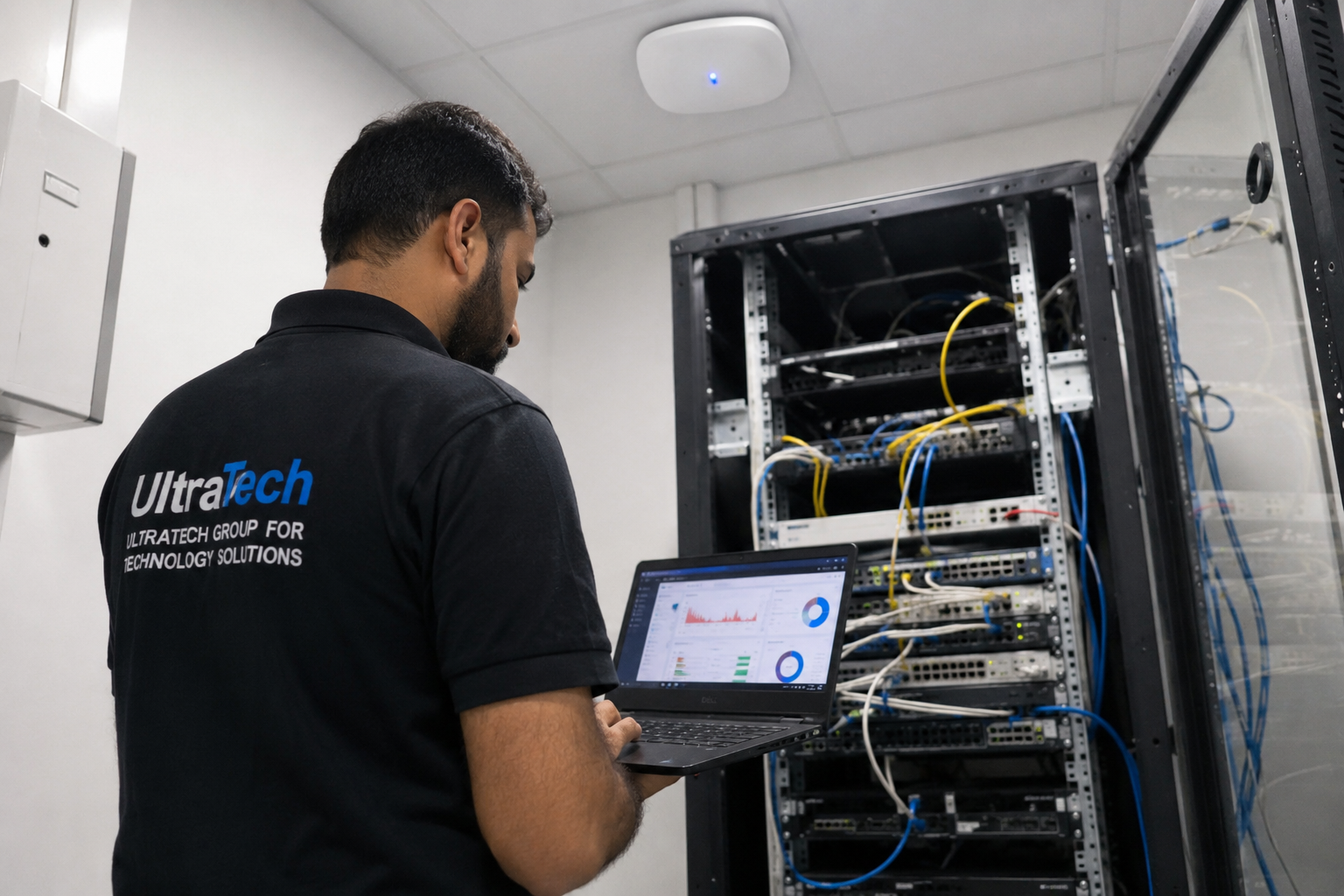 Multi-floor commercial Wi-Fi upgradeEnterprise Wi-Fi rebuilt across every floor of a commercial facility.Read the case study →
Who does the work
The delivery team behind every project, from our team page.
How does structured cabling fit together?
Every desk connects back to one rack, through tested and labelled cabling.
- 01Wall outlet at the desk
- 02Horizontal cable in trays
- 03Patch panel in the rack
- 04Patch cord
- 05Network switch
- 06Backbone to other racks
Standards and specifications
Cable
Cat6 standard, Cat6A for new builds and Wi-Fi 7; LSZH jacket.
Length
Every permanent link within 90 m.
Containment
Trays, J-hooks or trunking; separated from power.
Termination
Outlets and panels to the same standard, T568B.
Labelling
Both ends, matching the port map and drawings.
Testing
Every point tested; certification on request.
Which equipment do we install?
 Cisco CBS350-24P-4G 24-Port Gigabit PoE+ Managed SwitchCisco Systems · Cisco Network SwitchesWe supply and install →
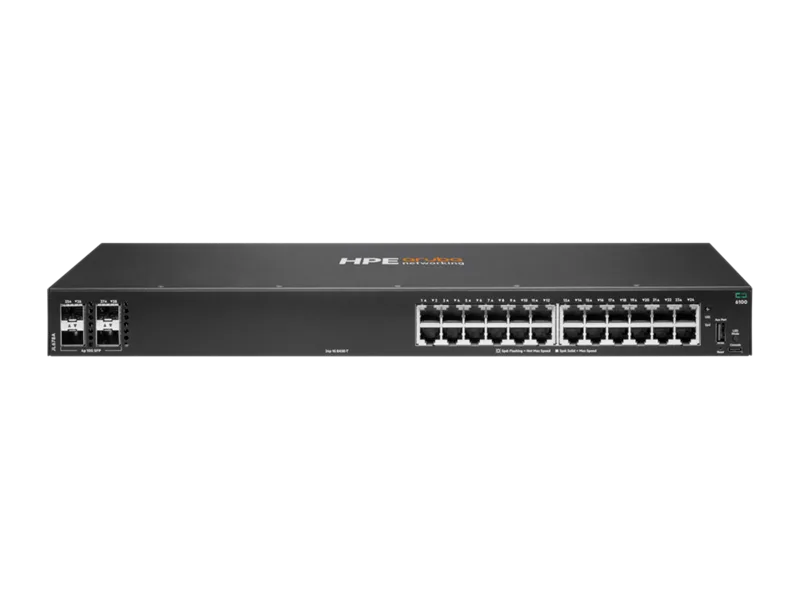 Aruba CX 6100 24-Port Gigabit PoE+ SwitchAruba Networks · Aruba Network SwitchesWe supply and install →
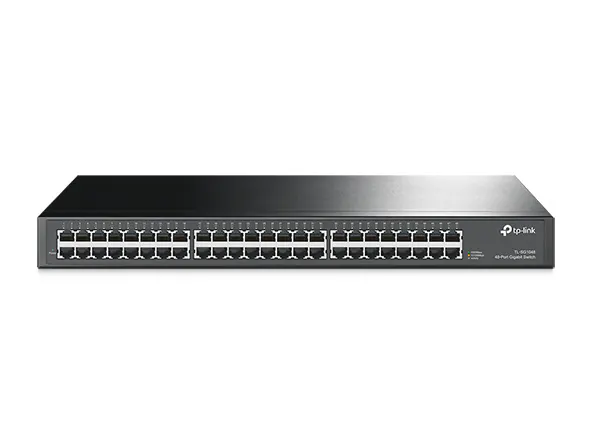 TP-Link TL-SG1048 48-Port Gigabit Rackmount SwitchTP-Link · SwitchesWe supply and install →
 Fiber Splicing & Cabling ServicesOthers · Corporate ServicesWe supply and install →
Cabling terms, explained
- Horizontal cabling
- Copper cable from the floor rack to each outlet, access point or camera.
- Permanent link
- The fixed cable from patch panel to wall outlet, up to 90 m; the part certification tests.
- Channel
- The full path the network uses, up to 100 m, including patch cords at both ends.
- LSZH
- Low smoke, zero halogen cable jacket, tested to IEC 60332, 60754 and 61034; gives off far less toxic smoke in a fire.
- Patch panel
- The panel in the rack where every outlet cable ends, labelled to match.
- Keystone / outlet
- The socket at the desk end of each cable.
- T568B
- The wiring order used at both ends of every cable.
Keep exploring
Book a site visit and get a written quote
20 KWD, deducted from your invoice when you go ahead. We reply within working hours.