Enterprise Wi-Fi installation
UltraTech Kuwait installs enterprise Wi-Fi for offices, clinics, schools, hotels and warehouses in Kuwait: access points placed from a site survey, managed from one controller, with separate networks for staff, guests and devices. You receive a coverage heatmap proving every area is covered.
Reviewed by Eng. M. Ahmed, Project Manager, IT Operations · Updated
Book a site visit
20 KWDDeducted from your invoice when you go ahead
An engineer visits for enterprise Wi-Fi installation, Sunday – Thursday, 9:30 am – 6 pm.
Book a visitor get a quote without a visit →At a glance
- Where
- All six governorates of Kuwait
- Site visit
- 20 KWD, deducted from your invoice
- Response
- Within 4 hours (SLA)
- Includes
- Survey, access points, cabling, controller, heatmap
- Brands
- UniFi · Ruijie · Aruba · Cisco · Grandstream · TP-Link Omada
- After-care
- AMC from 50 KWD / month
More in Wireless & Wi-Fi
How much does business Wi-Fi installation cost in Kuwait?
Typical Kuwait prices in 2026, equipment and installation included. Your exact price is fixed in writing after the site visit (20 KWD, deducted from your invoice when you go ahead).
| Wi-Fi 6 access point, supplied, cabled and configured | 60 – 110 KWD each |
| Wi-Fi 7 access point, supplied, cabled and configured | 90 – 200 KWD each |
| Enterprise access point (Aruba, Cisco) incl. licence | 180 – 400 KWD each |
| Controller or cloud gateway | 80 – 400 KWD |
| Small office or clinic, up to 300 m² (2–3 APs) | 250 – 600 KWD |
| Full office floor, 600–1,000 m² (5–8 APs) | 700 – 1,800 KWD |
What moves the price
- Floor area, walls and ceiling type
- How many people connect at once
- Brand and Wi-Fi generation
- Whether cabling to each access point exists
How many access points does a business need?
Our starting figures for Kuwait buildings with block or concrete walls. The survey sets the final number, because walls and people count more than square metres.
| Space | Area | People online | Access points | Usual choice |
|---|---|---|---|---|
| Small office, clinic, shop | up to 300 m² | up to 25 | 2–3 | Wi-Fi 6 ceiling APs |
| Office floor | 600–1,000 m² | 40–100 | 5–8 | Wi-Fi 6 or 7, one controller |
| School floor, hotel corridor | 1,000–2,000 m² | 100–300 | 1 per classroom / 3–4 rooms | High-density Wi-Fi 7 |
| Warehouse | 2,000 m²+ | few, but spread out | 1 per 400–800 m² of aisle | Long-range or directional APs |
Before installing business Wi-Fi
Answers that decide how many access points you need and where they go.
Space
- Floor plan with walls and room uses
- Block, concrete or glass walls
- Ceiling type: tiles, gypsum or open
People and devices
- How many people connect at once, per area
- Calls on Wi-Fi (Teams, Zoom, Wi-Fi calling)
- Scanners, tablets or IoT devices
Networks
- Staff, guest and device networks
- Who manages Wi-Fi after handover
- Existing switches: PoE and free ports
Wi-Fi 6, 6E or 7: what works in Kuwait?
What each generation adds, and when it is worth paying for.
| Generation | Bands in Kuwait | Best for | Our view |
|---|---|---|---|
| Wi-Fi 6 | 2.4 + 5 GHz | Most offices, clinics, shops | Best value today; plenty for normal office use |
| Wi-Fi 6E | 2.4 + 5 + 6 GHz | Busy offices with new laptops | Largely replaced by Wi-Fi 7 at similar prices |
| Wi-Fi 7 | 2.4 + 5 + 6 GHz | New fit-outs, dense spaces, 7–10 year plans | Worth it for new installs; needs multi-gig switch ports |
| Outdoor models | 2.4 + 5 GHz | Yards, car parks, pool areas | Chosen for heat and dust rating first |
Which Wi-Fi brand should a business choose?
We install all of these. What matters most is who manages the Wi-Fi after handover and how many people use it.
| Brand | Best for | Why | Cost |
|---|---|---|---|
| Ubiquiti UniFi | Offices, clinics, villas run as businesses | One app for Wi-Fi, switches and gateway; no licence fees | $$ |
| Ruijie Reyee | Shops, small offices, chalets | Free cloud app; strong Wi-Fi 6 and 7 for the price | $ |
| TP-Link Omada | Budget-conscious sites | Cloud or local controller; lowest cost per AP | $ |
| Grandstream GWN | Hotels and sites with Grandstream phones | Free cloud manager; in-room and outdoor models | $ |
| Aruba (HPE) | Growing companies and enterprises | Instant On for small sites, Central for large ones | $$$ |
| Cisco | Enterprise and regulated sectors | Industry standard, long support life | $$$$ |
What people ask before they hire
How much does business Wi-Fi installation cost in Kuwait?
Typically 60–110 KWD per Wi-Fi 6 access point and 90–200 KWD per Wi-Fi 7 access point, supplied, cabled and configured. A small office or clinic usually costs 250–600 KWD in total. The exact price is fixed in writing after the site visit.
How many access points do I need?
As a starting point, one per 150–250 m² of open office in a Kuwait building with block walls, more where many people connect at once. The survey sets the real number.
Wi-Fi 6 or Wi-Fi 7?
Wi-Fi 6 is enough for most offices today. Wi-Fi 7 is worth it in new installations, busy spaces and where you want the network to last 7–10 years; the price gap is now small.
Why is our Wi-Fi slow even with full bars?
Usually too many people on one access point, interference from neighbours on the same channels, or an ISP router doing everything. A survey shows which, before you buy anything.
Can guests use the Wi-Fi without reaching our files?
Yes. Guests get their own network, kept apart from staff, printers and cameras, with a speed limit if you want one.
Do you need to run new cables?
Each access point needs one network cable for data and power. Where cables exist we reuse them; otherwise a point costs 12–20 KWD.
Do I get proof of coverage?
Yes. At handover you receive a heatmap of the measured signal over your floor plan.
How much is a site visit?
20 KWD, deducted from your invoice when you go ahead.
Why business Wi-Fi fails in Kuwait, and how we avoid it
What our engineers find when they are called to fix Wi-Fi someone else installed.
01Home routers and extenders in an office
Our fix: They drop at 15–20 users. We install ceiling access points on one controller.
02Access points placed for coverage, not capacity
Our fix: Signal is full but speed collapses in meeting rooms. We size for the number of people, not just the area.
03Every access point at full power
Our fix: Devices cling to a distant AP and roam badly. We tune power and channels from measurements.
04Concrete walls and lift cores ignored
Our fix: Kuwait block and concrete walls absorb 5 GHz. We place APs inside the rooms that need them.
05Guests on the staff network
Our fix: Any visitor can reach your files and printers. Guests get a separate network.
What do you get at handover?
Coverage heatmap
Measured signal over your floor plan, room by room.
One dashboard
Every access point managed from one place, with your admin login.
Separate networks
Staff, guests and devices on their own networks.
Labelled access points
Every AP named and marked on the plan.
Documents
AP plan, network settings and passwords handed over.
One contact
The engineer who built it stays your point of contact.
How does it work?
- Step 1
Site visit and survey
Walls, ceilings, people and interference measured. 20 KWD, credited to your invoice.
- Step 2
AP plan and fixed quote
Where each access point goes, which model, and the price.
- Step 3
Install
Cabling, mounting and configuration, after hours if needed.
- Step 4
Verify and hand over
A walk-through measurement, the heatmap and your training.
Our recent network work in Kuwait
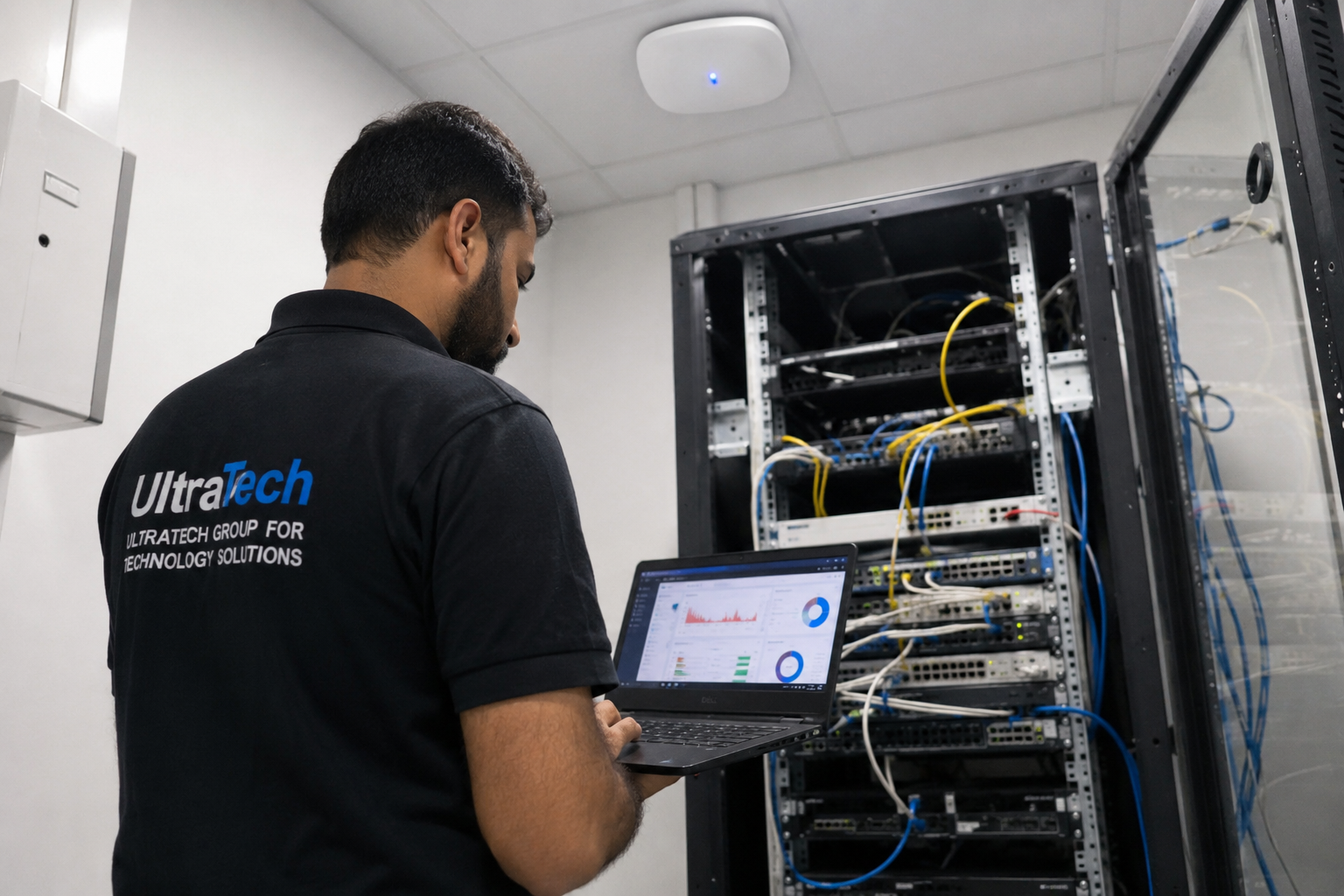 Multi-floor commercial Wi-Fi upgradeEnterprise Wi-Fi rebuilt across every floor of a commercial facility.Read the case study →
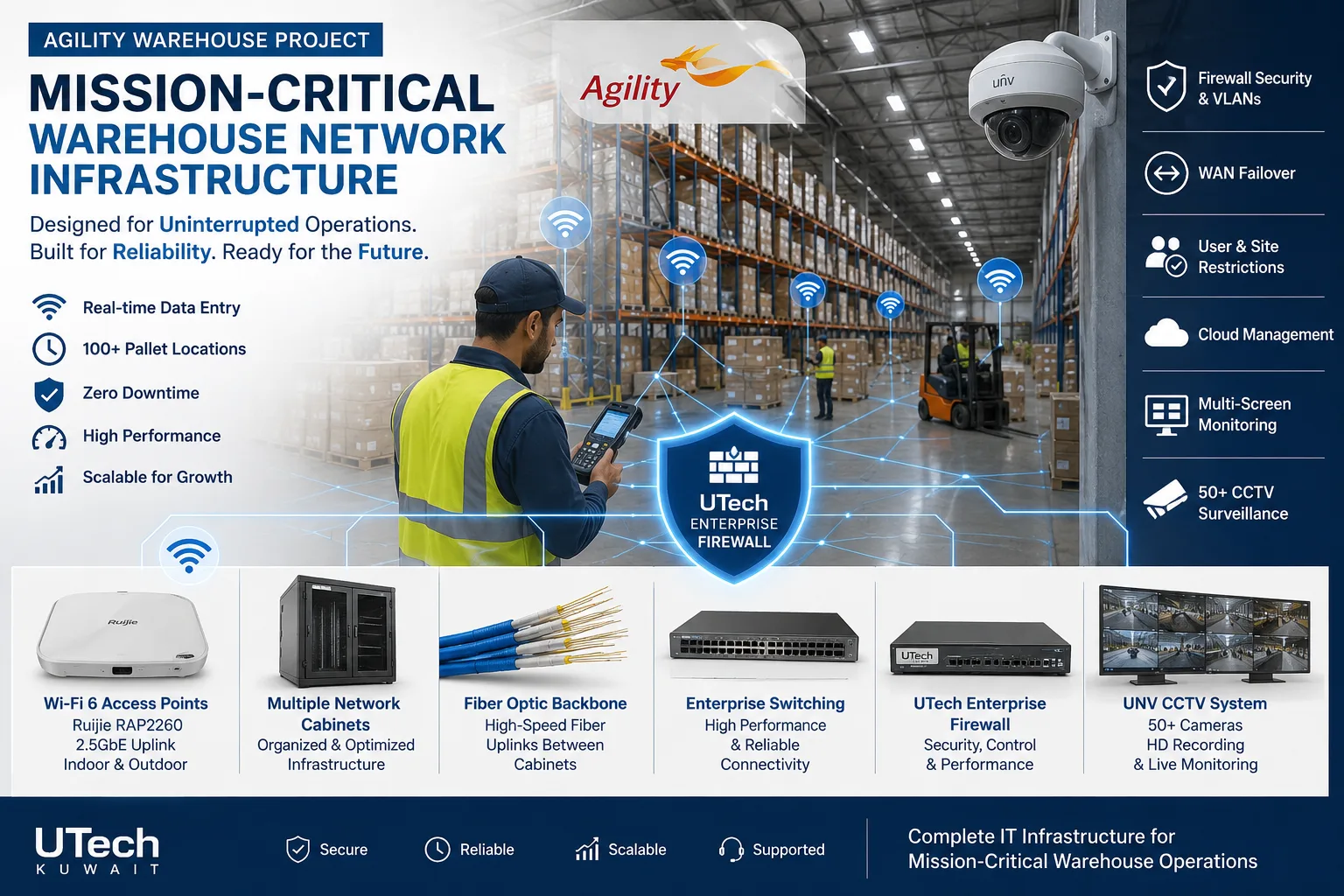 Mission-critical warehouse networkEnterprise Wi-Fi and switching for a major logistics operator's warehouse in Kuwait.Read the case study →
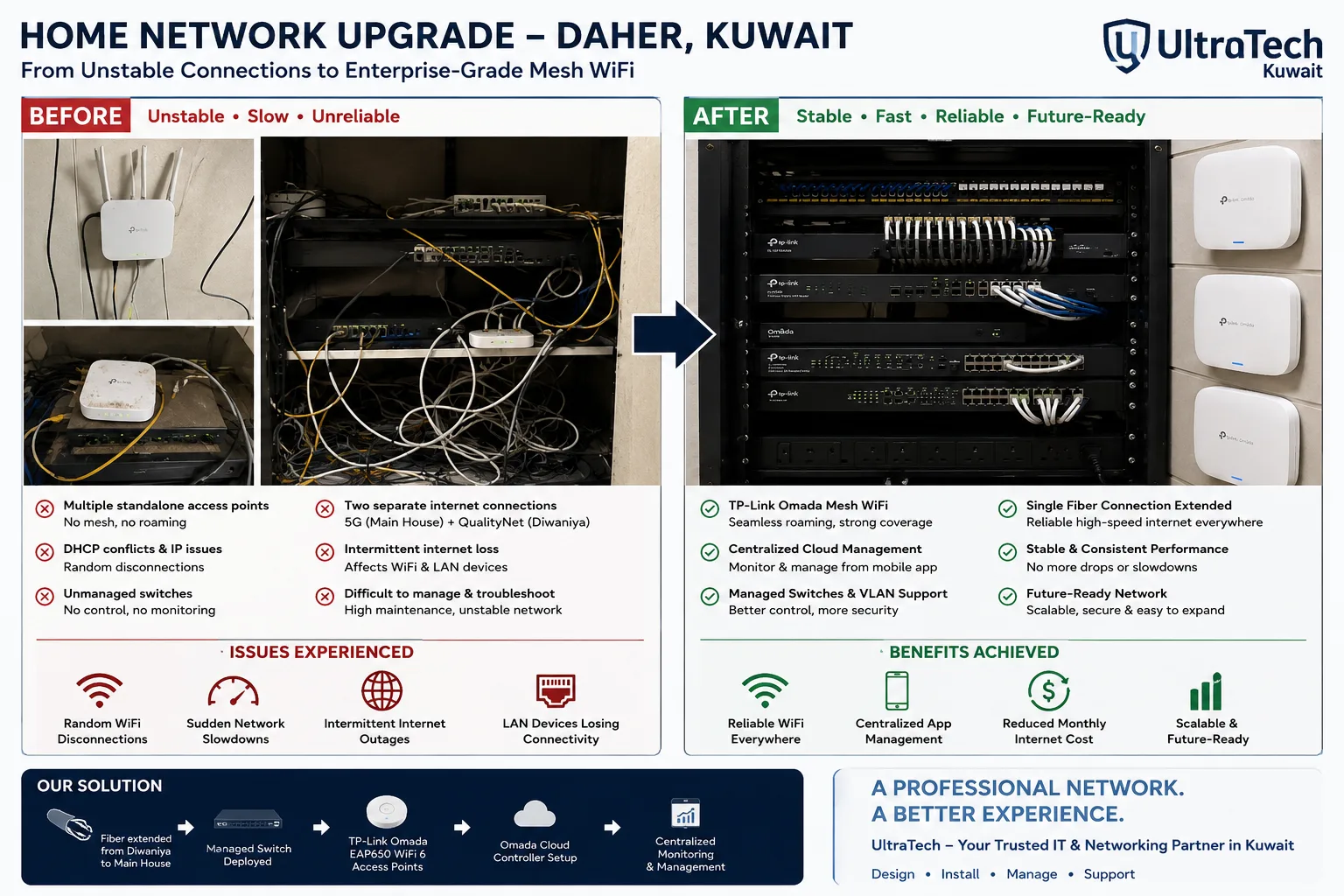 Two-building Omada mesh network, Daher7–8 unstable access points replaced by one managed Omada network across two buildings.Read the case study →
Who does the work
The delivery team behind every project, from our team page.
How does business Wi-Fi fit together?
Access points are only one part. Each one needs a cable, power and a controller.
- 01Internet and firewall
- 02PoE switch
- 03Controller or cloud dashboard
- 04Ceiling access points
- 05Staff, guest and device networks
- 06Laptops, phones, scanners
Standards and specifications
Standard
Wi-Fi 6 or Wi-Fi 7, ceiling-mounted, powered over Ethernet.
Cabling
One Cat6 or Cat6A run per access point; Cat6A for multi-gig Wi-Fi 7.
Networks
Separate SSIDs and VLANs for staff, guests and devices.
Roaming
Fast roaming so calls continue as people move.
Tuning
Channels and power set from measurements, not left on auto.
Security
WPA3, guest isolation, admin access handed over.
Which equipment do we install?
 Ubiquiti UniFi U7 Pro WiFi 7 Access PointUbiquiti Networks · UBNT Indoor Access PointsWe supply and install →
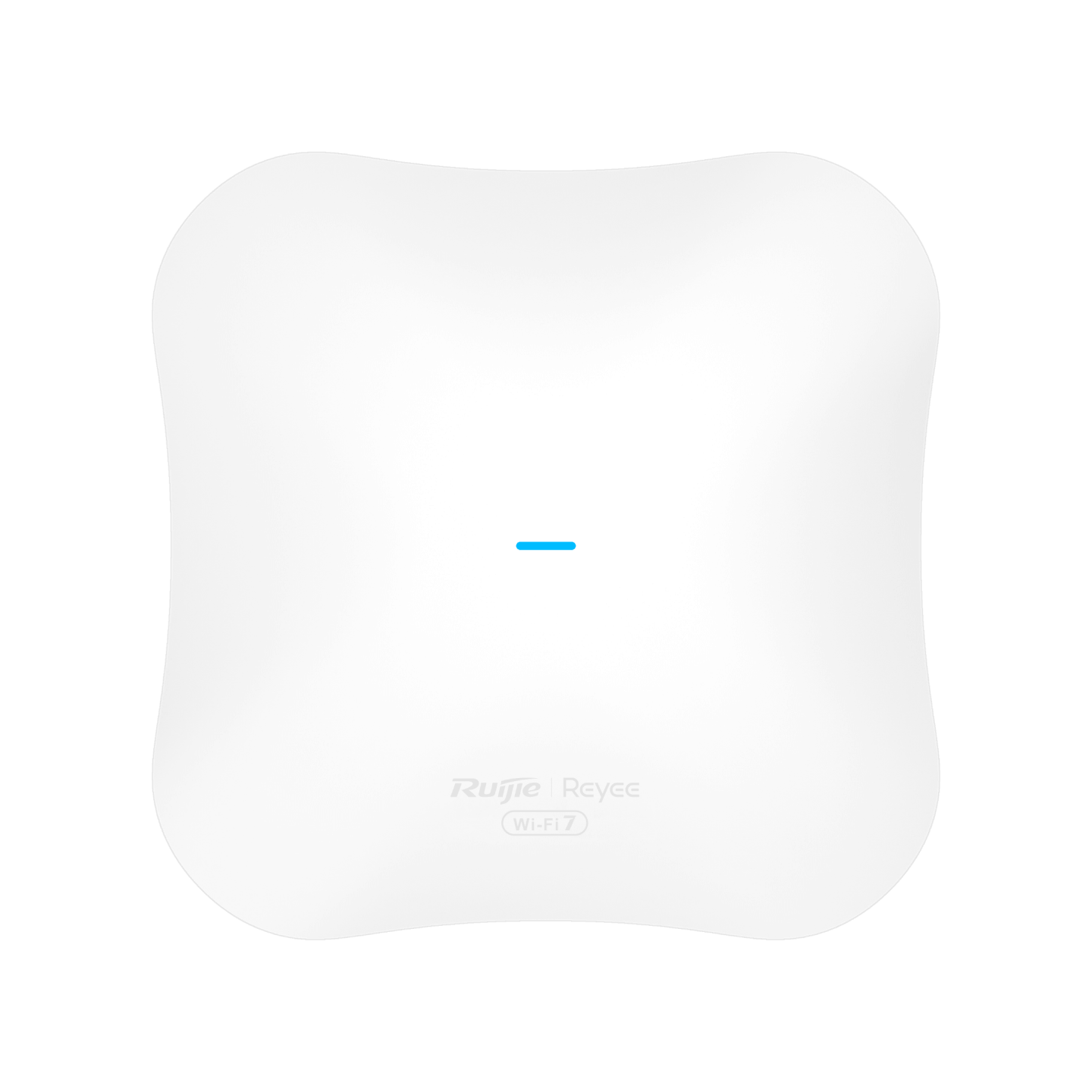 Ruijie Reyee RG-RAP72Pro WiFi 7 Dual-Band Ceiling Access PointRuijie Reeye · Indoor Wi-Fi Access PointsWe supply and install →
 Ubiquiti UniFi U6 Enterprise WiFi 6E Access PointUbiquiti Networks · UBNT Indoor Access PointsWe supply and install →
 Grandstream Networks GWN7664E Wi-Fi 6 Access PointGrandstream Networks · Indoor Wi-Fi Access PointsWe supply and install →
Wi-Fi terms, explained
- Access point (AP)
- The ceiling device that broadcasts Wi-Fi; offices use several managed together.
- Controller
- The software or device that manages every access point from one place.
- SSID
- A Wi-Fi network name; one set of access points can broadcast several (staff, guest, devices).
- Roaming
- A device moving from one access point to the next without dropping a call.
- 6 GHz band
- The newest Wi-Fi band, used by Wi-Fi 6E and 7; much less crowded than 5 GHz.
- Multi-gig
- Switch ports faster than 1 Gbps (2.5/5/10 Gbps), needed to get full speed from Wi-Fi 7 access points.
- Heatmap
- A colour map of measured Wi-Fi signal over the floor plan, proving coverage.
Keep exploring
Book a site visit and get a written quote
20 KWD, deducted from your invoice when you go ahead. We reply within working hours.