Outdoor & long-range Wi-Fi
UltraTech Kuwait installs outdoor and long-range Wi-Fi in Kuwait for yards, car parks, compounds, pool areas and open work sites, using weatherproof access points rated for high heat and dust. Outdoor coverage joins your indoor network, so devices move between them without reconnecting.
Reviewed by Eng. M. Ahmed, Project Manager, IT Operations · Updated
Book a site visit
20 KWDDeducted from your invoice when you go ahead
An engineer visits for outdoor & long-range Wi-Fi, Sunday – Thursday, 9:30 am – 6 pm.
Book a visitor get a quote without a visit →At a glance
- Where
- All six governorates of Kuwait
- Site visit
- 20 KWD, deducted from your invoice
- Response
- Within 4 hours (SLA)
- Covers
- Yards, car parks, pools, compounds, work sites
- Equipment
- IP67 access points rated for Kuwait heat and dust
- After-care
- AMC from 50 KWD / month
More in Wireless & Wi-Fi
How much does outdoor Wi-Fi cost in Kuwait?
Typical Kuwait prices in 2026, equipment and installation included. Your exact price is fixed in writing after the site visit (20 KWD, deducted from your invoice when you go ahead).
| Outdoor access point, supplied, mounted, cabled and sealed | 90 – 250 KWD each |
| Pole or wall bracket at height | 20 – 120 KWD |
| Surge protection per outdoor cable | 15 – 40 KWD |
| Villa yard or pool area (1–2 APs) | 200 – 500 KWD |
| Compound, car park or school yard (3–8 APs) | 800 – 3,000 KWD |
What moves the price
- Area and distance from the building
- Mounting height and poles needed
- Cable routes outdoors
- Whether it joins your indoor Wi-Fi
How far does outdoor Wi-Fi reach?
Realistic usable range in Kuwait for phones and laptops, not the brochure maximum. Phones transmit weakly, so the phone, not the access point, sets the limit.
| Area | Typical size | Access points | Mounting |
|---|---|---|---|
| Villa garden or pool | up to 400 m² | 1–2 | Wall at 3–4 m |
| Car park or school yard | 1,000–3,000 m² | 2–4 | Building corners or poles at 5–6 m |
| Compound or residential block | 5,000 m²+ | 4–10 | Roofs and poles, one controller |
| Work site or open yard | per 50–80 m radius | 1 per zone | Poles, solar or PoE from the nearest building |
Before installing outdoor Wi-Fi
What the site visit checks, and what you can tell us in advance.
Area
- Which outdoor areas need Wi-Fi, and how big
- Where people actually stand or sit
- Walls, trees or vehicles in the way
Mounting
- Walls or poles at 3–6 m height
- Shade at the mounting point in the afternoon
- Distance to the nearest network cabinet
Use
- Phones only, or cameras and tablets too
- Guest access outdoors
- Whether it must join the indoor Wi-Fi
What does outdoor Wi-Fi need to survive Kuwait?
Kuwait has recorded 54 °C in the shade, and equipment in direct sun gets hotter still. These are the checks we apply to every outdoor install.
| Requirement | Why it matters in Kuwait | What we fit |
|---|---|---|
| Rated operating temperature | Summer air reaches 50 °C+; enclosures in sun run hotter | Access points rated to at least 60 °C, mounted in shade or on north-facing walls |
| IP67 enclosure | Fine dust gets into anything not sealed | IP67-rated units and sealed cable glands |
| UV-resistant cable and conduit | Sun cracks indoor cable jackets within a year | Outdoor-rated Cat6 in UV-stable conduit |
| Surge protection and earthing | Long outdoor runs pick up surges | A surge protector at the wall on every outdoor cable |
| Corrosion-proof fixings | Sea air at chalets and coastal sites | Stainless brackets and fixings near the coast |
What people ask before they hire
How much does outdoor Wi-Fi cost in Kuwait?
Typically 90–250 KWD per outdoor access point, supplied, mounted, cabled and sealed. A villa garden or pool area usually costs 200–500 KWD in total. The exact price is fixed in writing after the site visit.
Can outdoor access points survive Kuwait summers?
Yes, if they are outdoor-rated (IP67) and mounted out of direct afternoon sun where possible. Indoor access points in a box fail within a summer; we do not use them outdoors.
How far does an outdoor access point reach?
Usually 50–80 m for phones and laptops in open space. Longer ranges quoted on boxes are for fixed directional devices, not phones.
Will outdoor Wi-Fi join my indoor network?
Yes. Indoor and outdoor access points run on one controller, so devices move between them without reconnecting.
Do you need to run cables outside?
Each outdoor access point needs one network cable for data and power, run in UV-rated conduit. Where cabling is impossible, a wireless mesh link can feed it.
What about lightning and power surges?
Every outdoor cable gets surge protection and the equipment is earthed, so a surge does not reach your indoor switch.
How much is a site visit?
20 KWD, deducted from your invoice when you go ahead.
Why outdoor Wi-Fi fails in Kuwait, and how we avoid it
What we replace most often on outdoor jobs.
01Indoor access points in a plastic box
Our fix: They overheat by July. We install IP67 outdoor models rated for the heat.
02Indoor cable run outside
Our fix: Sun cracks the jacket within a year. We use UV-rated outdoor cable in conduit.
03No surge protection
Our fix: One surge can kill the switch indoors. Every outdoor run is protected and earthed.
04One powerful AP expected to cover everything
Our fix: Phones cannot talk back that far. We plan more APs at shorter range.
05Antennas facing the wrong way
Our fix: Coverage goes over the wall to the neighbours. We aim and tilt each AP at the area that needs it.
What do you get at handover?
Coverage map
Measured outdoor signal over your site plan.
Sealed installation
Weatherproof connectors, conduit and brackets.
Surge protection
On every outdoor cable, earthed.
One network
Indoor and outdoor on the same controller.
Documents
AP positions, settings and passwords.
One contact
The engineer who built it stays your point of contact.
How does it work?
- Step 1
Site visit
Area, heights, cable routes and power checked. 20 KWD, credited to your invoice.
- Step 2
Plan and fixed quote
AP positions, mounting and cabling, with the price.
- Step 3
Install
Brackets, cabling, sealing and surge protection.
- Step 4
Test and hand over
Walk test with a phone across the site; coverage map handed over.
Our recent network work in Kuwait
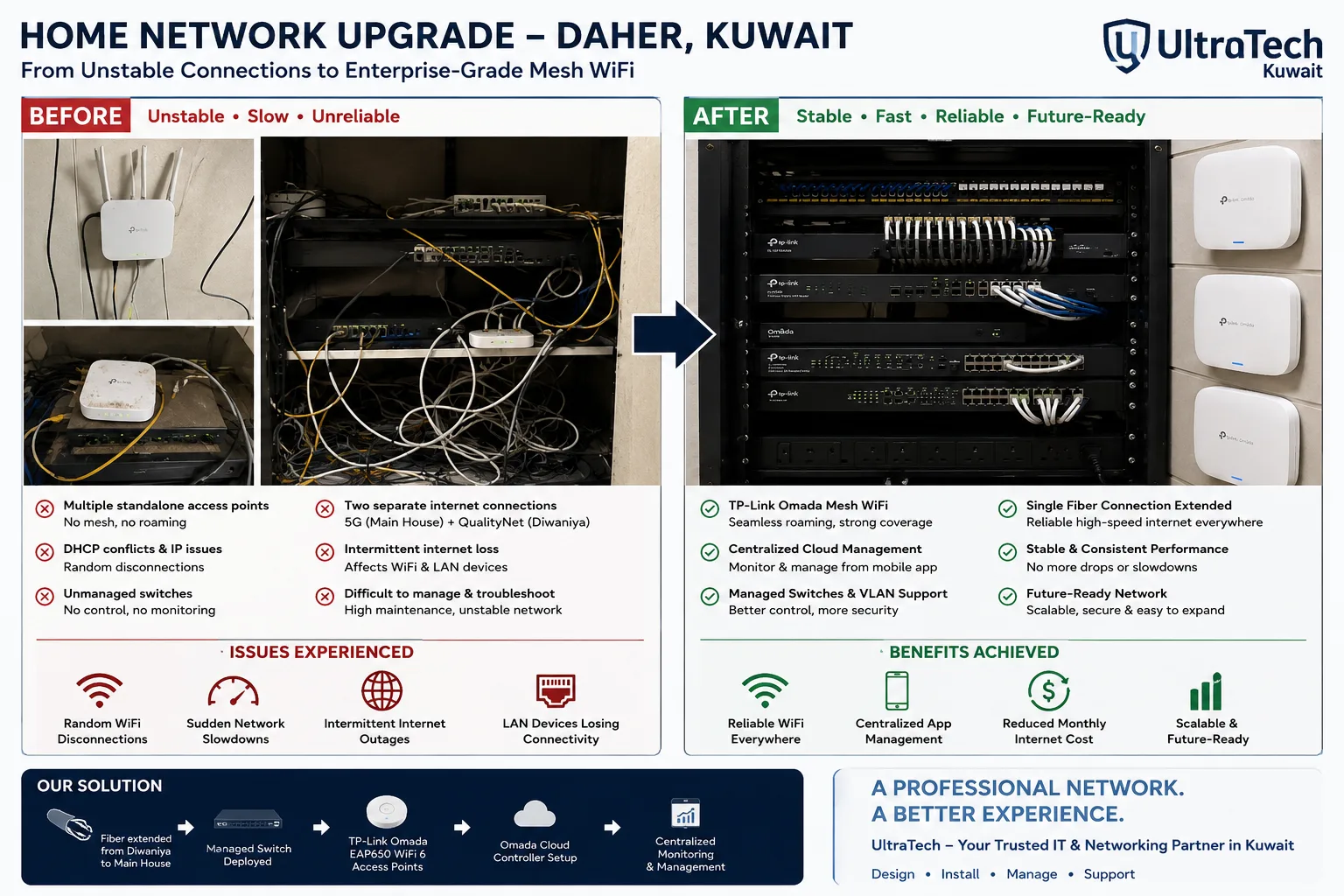 Two-building Omada mesh network, Daher7–8 unstable access points replaced by one managed Omada network across two buildings.Read the case study →
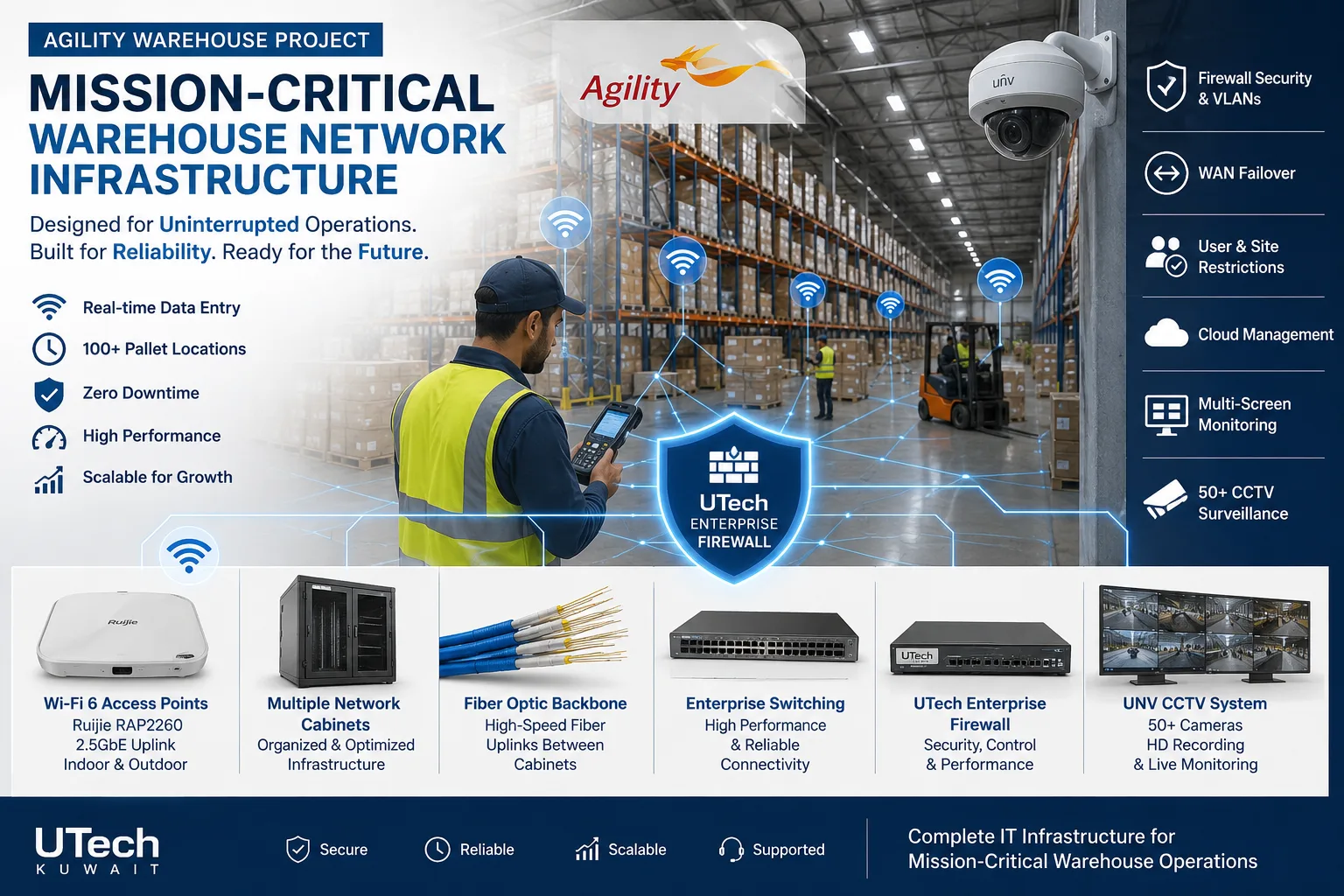 Mission-critical warehouse networkEnterprise Wi-Fi and switching for a major logistics operator's warehouse in Kuwait.Read the case study →
Who does the work
The delivery team behind every project, from our team page.
How does outdoor Wi-Fi connect to your network?
Outdoor access points are fed from inside the building, protected at the wall.
- 01Indoor PoE switch
- 02Surge protector
- 03Outdoor cable in conduit
- 04Outdoor access point (IP67)
- 05One controller for indoor and outdoor
- 06Phones and laptops outside
Standards and specifications
Rating
IP67 weatherproof, rated for 50 °C+ ambient heat.
Cabling
Outdoor UV-rated Cat6 in conduit; fiber for long runs.
Protection
Surge protector and earthing on every outdoor run.
Mounting
Wall or pole, aimed and tilted at the coverage area.
Wi-Fi
Wi-Fi 6 or 7, same networks and roaming as indoors.
Power
PoE from the indoor switch; no outdoor sockets needed.
Which equipment do we install?
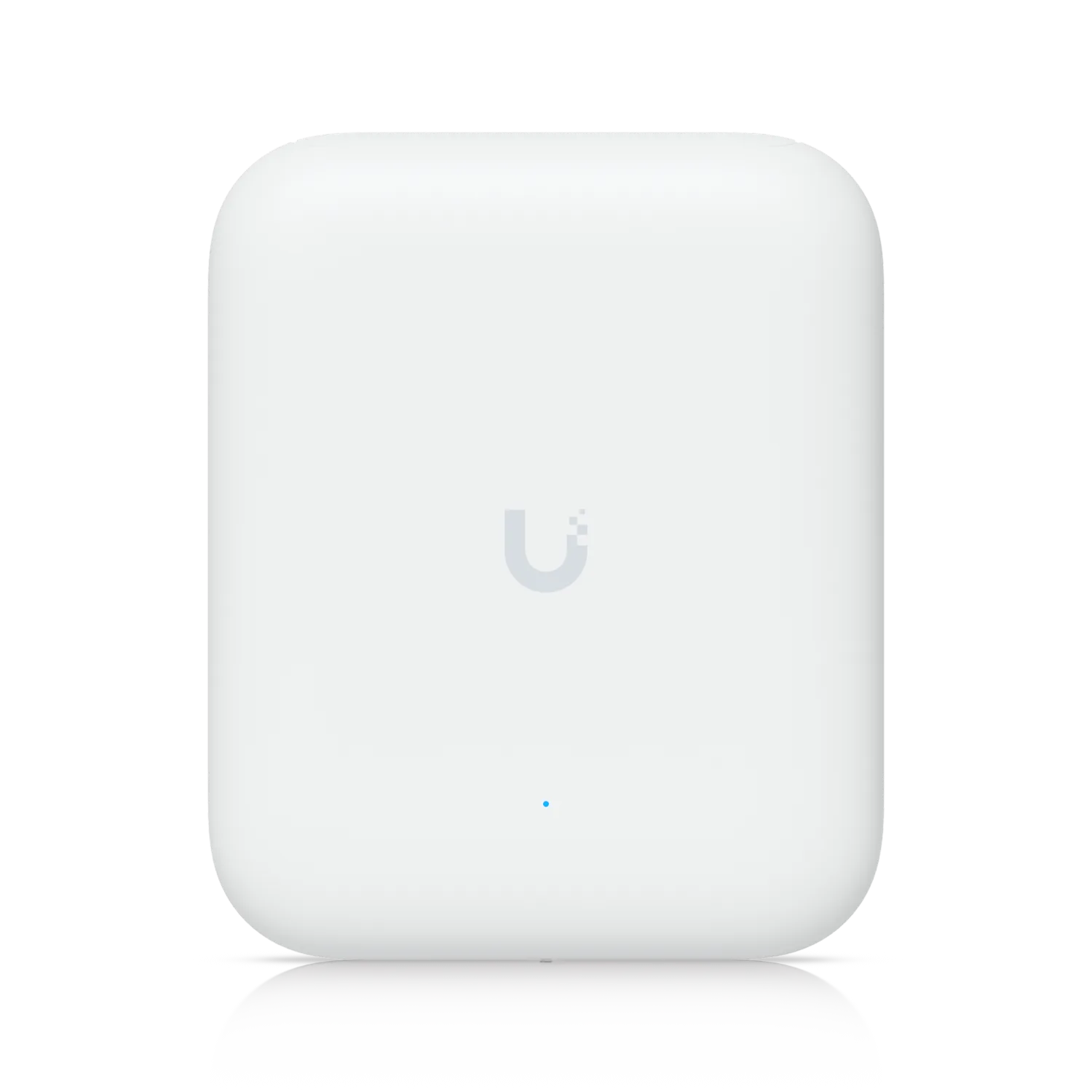 Access Point U7 Pro OutdoorUbiquiti Networks · OutdoorWe supply and install →
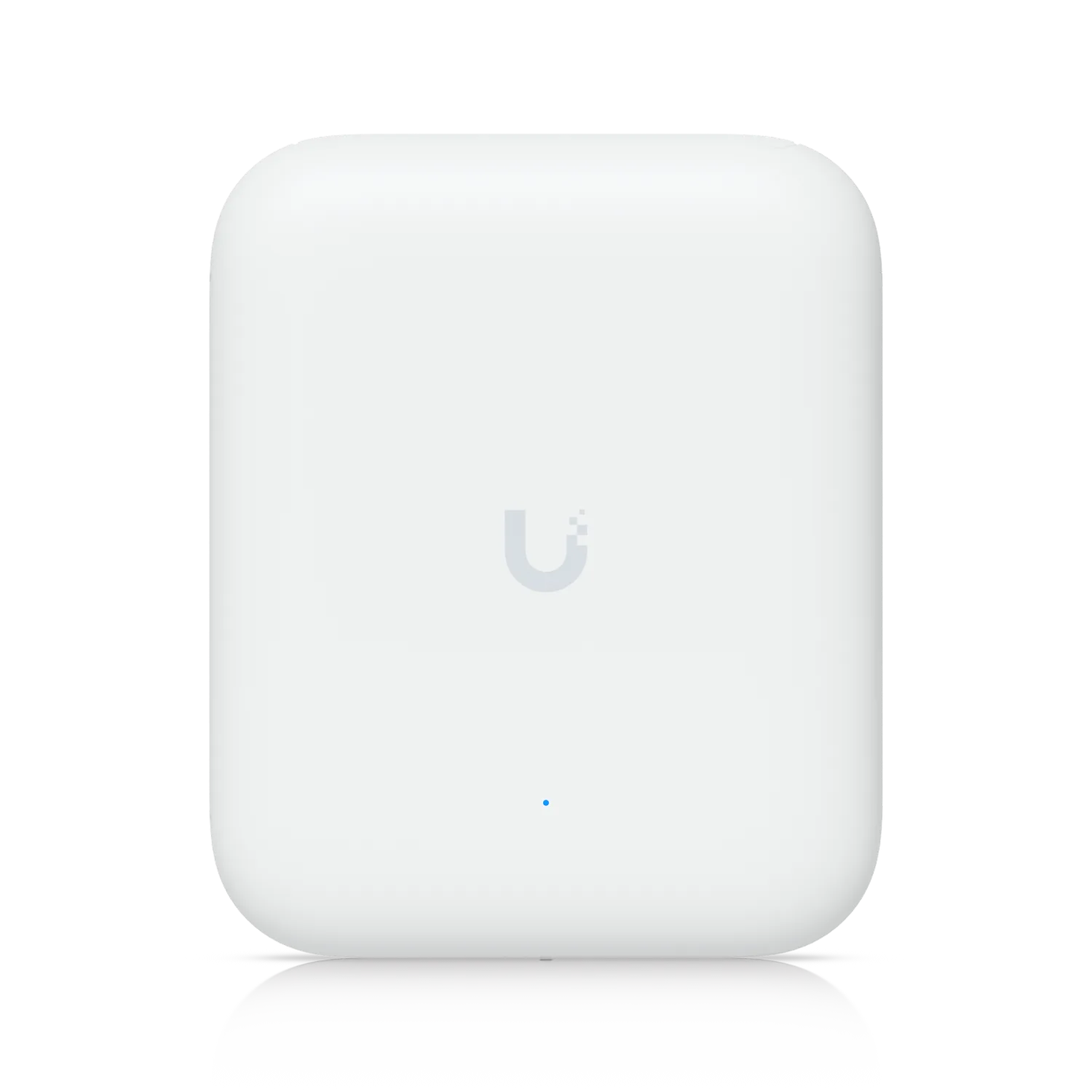 Access Point U7 OutdoorUbiquiti Networks · OutdoorWe supply and install →
 Grandstream GWN7660ELR WiFi 6 Outdoor Access PointGrandstream Networks · Grandstream Outdoor WiFi Access PointsWe supply and install →
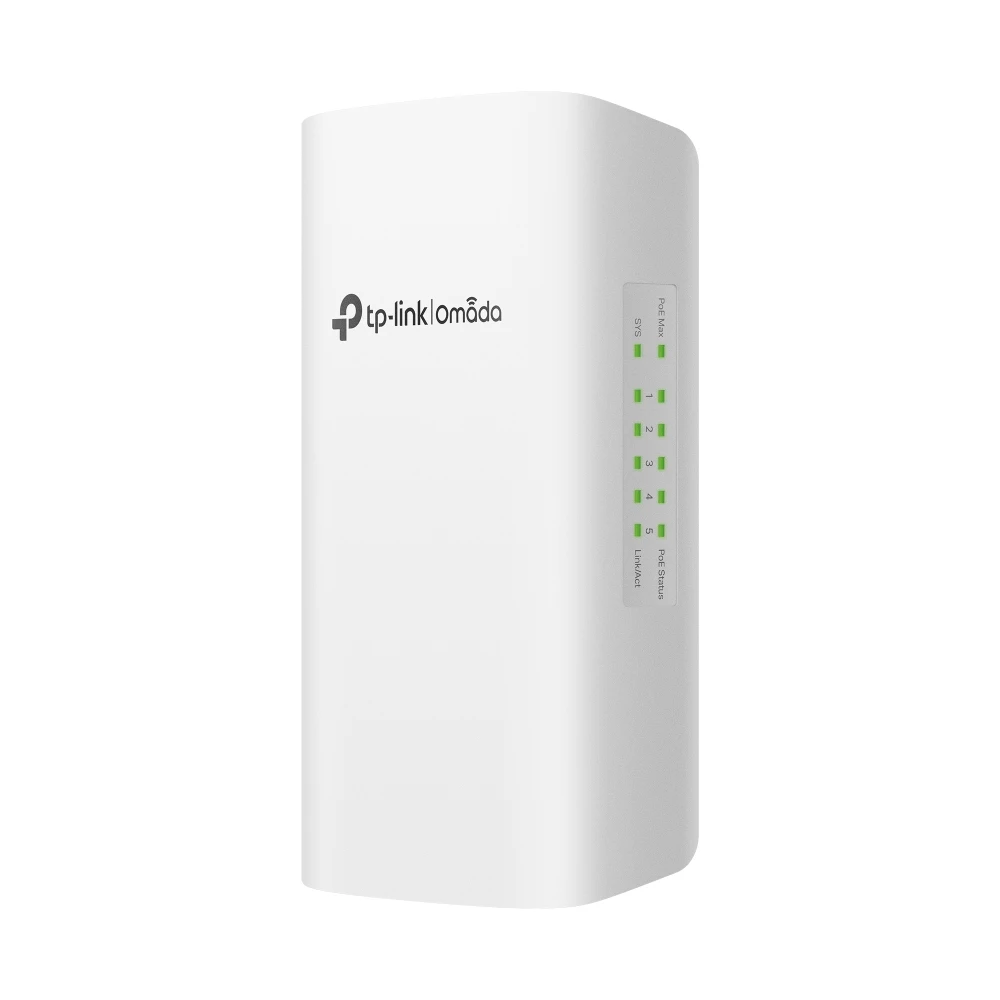 TP-Link SG2005P-PD Omada 5-Port Gigabit Outdoor PoE+ Smart SwitchTP-Link · TP-Link Omada Access Series SwitchesWe supply and install →
Outdoor Wi-Fi terms, explained
- IP67
- Sealed against dust and temporary immersion in water; the rating to look for outdoors in Kuwait.
- Operating temperature
- The air temperature range a device is rated to run in; outdoors in Kuwait, aim for 60 °C or more.
- Omni antenna
- Spreads Wi-Fi in all directions; for open areas around a mounting point.
- Directional / sector antenna
- Focuses Wi-Fi in one direction for longer range, e.g. along a car park or yard.
- Surge protector
- A small device at the wall that stops electrical surges on an outdoor cable reaching indoor equipment.
- Mesh
- Access points that connect to each other wirelessly where a cable cannot reach; each hop costs speed.
Keep exploring
Book a site visit and get a written quote
20 KWD, deducted from your invoice when you go ahead. We reply within working hours.