Office & corporate LAN installation
UltraTech Kuwait installs complete office and corporate networks in Kuwait: structured cabling, network switches, business Wi-Fi and a firewall, delivered as one tested and documented system. We work to your fit-out schedule and coordinate with your contractor, landlord and internet provider.
Reviewed by Eng. M. Ahmed, Project Manager, IT Operations · Updated
Book a site visit
20 KWDDeducted from your invoice when you go ahead
An engineer visits for office / corporate LAN installation, Sunday – Thursday, 9:30 am – 6 pm.
Book a visitor get a quote without a visit →At a glance
- Where
- All six governorates of Kuwait
- Site visit
- 20 KWD, deducted from your invoice
- Response
- Within 4 hours (SLA)
- Includes
- Cabling, switches, Wi-Fi, firewall, testing, documents
- Brands
- Cisco · Aruba · UniFi · TP-Link Omada · Ruijie · MikroTik
- After-care
- AMC from 50 KWD / month
More in Network Design & Installation
How much does an office network installation cost in Kuwait?
Typical Kuwait prices in 2026, equipment and installation included. Your exact price is fixed in writing after the site visit (20 KWD, deducted from your invoice when you go ahead).
| Network point, Cat6 (supplied, installed, labelled, tested) | 12 – 20 KWD |
| Network point, Cat6A | 18 – 28 KWD |
| Wi-Fi access point, supplied and mounted | 60 – 180 KWD each |
| Small office, 1–10 staff (cabling, PoE switch, Wi-Fi, firewall) | 700 – 1,500 KWD |
| Growing office, 11–30 staff | 1,500 – 3,500 KWD |
| Full floor, 31–80 staff | 3,500 – 8,000 KWD |
What moves the price
- Number of network points and devices
- Brand and model you choose
- Floors and cable distances
- Work outside office hours
How big is a typical office network in Kuwait?
Our rule of thumb: two data points per desk plus printers, access points and cameras, and one Wi-Fi access point per 150–250 m² of open office. The site visit confirms the real numbers.
| Office | Staff | Network points | Wi-Fi access points | Switching | Installation |
|---|---|---|---|---|---|
| Small office | 1–10 | 12–25 | 1–2 | One 24-port PoE switch | 1–2 days |
| Growing office | 11–30 | 30–70 | 2–4 | One 48-port PoE switch | 3–5 days |
| Full floor | 31–80 | 70–180 | 4–8 | Two stacked 48-port switches | 1–2 weeks |
| Multi-floor / HQ | 80+ | 180+ | 8+ | Core switch plus one per floor | 2+ weeks |
What does an office network installation include?
One team for everything that connects. Optional systems share the same cabling and rack.
New office IT checklist for Kuwait
What to settle before you sign the fit-out and before move-in day. We go through it with you on the site visit.
Before fit-out starts
- Floor plan with desk, printer and meeting-room positions
- Network points marked: two per desk, one per printer, screen and access point
- A ventilated spot for the network cabinet (not a closed store)
- Power sockets and a UPS for the cabinet
Internet and phones
- Business fiber ordered early from Zain, Ooredoo or STC
- A second line (5G) if the office cannot go offline
- Phone numbers moved or new extensions planned
- Static IP if you host anything or use remote access
Security
- Business firewall, not the ISP router alone
- Separate networks for staff, guests and devices
- Admin passwords changed and handed to you
- Remote access (VPN) for staff who work outside
Before move-in day
- Every point tested and labelled
- Wi-Fi checked in every room
- Printers, phones and cameras connected
- Drawings, port map and passwords handed over
When should the network be planned before a move?
Working back from move-in day. A small office can be done faster; this is the safe plan.
- 1
Site visit and design
8–10 weeks before
Points marked on the floor plan, equipment chosen, fixed price agreed.
- 2
Internet line ordered
6–8 weeks before
Business fiber requested from the provider; backup 5G arranged.
- 3
Cabling with the fit-out
3–6 weeks before
Containment and cable while partitions and ceilings are open.
- 4
Rack, switches, Wi-Fi, firewall
1–2 weeks before
Equipment installed, configured and tested.
- 5
Move-in
Move-in day
Desks connected, staff online, documents handed over.
Which brand should you choose for an office network?
We install all of these. The right one depends on size, budget and who will manage the network after handover.
| Brand | Best for | Why | Cost |
|---|---|---|---|
| Ubiquiti UniFi | Small and growing offices | One app for switches, Wi-Fi and firewall; no licence fees | $$ |
| TP-Link Omada | Budget-conscious small offices | Cloud or local controller; lowest cost per port | $ |
| Ruijie Reyee | Small offices, shops, clinics | Free cloud app; strong Wi-Fi 6 and Wi-Fi 7 range | $ |
| Aruba (HPE) | Growing to enterprise offices | Instant On for small sites; CX switching and Central for larger ones | $$$ |
| Cisco | Enterprise and regulated sectors | Industry standard, long support life, most IT teams know it | $$$$ |
| MikroTik | Routing-heavy or multi-site setups | Very flexible and low cost; needs an engineer to manage | $ |
What people ask before they hire
How much does an office network installation cost in Kuwait?
Typically 12–20 KWD per Cat6 network point, and about 700–1,500 KWD for a small office of up to 10 staff including the switch, Wi-Fi and firewall. The exact price is fixed in writing after the site visit.
How much is a site visit?
20 KWD, deducted from your invoice when you go ahead. An engineer measures the office and you receive a written design and price.
Which internet provider should an office in Kuwait use?
Business fiber from Zain, Ooredoo or STC, whichever reaches your building best. Offices that cannot go offline add a 5G line from a second provider as automatic backup; the firewall switches over by itself.
How early should we plan the network before moving?
Ideally 8–10 weeks before move-in: cabling must go in while the fit-out is open, and business internet lines can take weeks to install.
How much should a small business budget for its office network?
For a 100–150 m² office with 10–15 staff, about 700–1,500 KWD covers cabling, a PoE switch, Wi-Fi and a firewall, roughly one month of office rent in Kuwait.
How long does an office network installation take?
A small office takes 1–2 days, a growing office 3–5 days and a full floor 1–2 weeks once the space is ready. The schedule is confirmed after the site visit.
Can you work with our fit-out contractor?
Yes. We agree cable routes, rack position and power with your contractor so the network goes in before ceilings and finishes close.
Can you install after working hours?
Yes, evenings and weekends, so an existing office keeps working during the change.
Cat6 or Cat6A?
Cat6 carries 1 Gbps to every desk and suits most offices. Cat6A carries 10 Gbps over the full 100 m and is worth it in new buildings, for Wi-Fi 7 access points and in server rooms.
Can you reuse our existing equipment?
Often, yes. We test it during the site visit and only replace what limits speed, security or support.
Do we need a firewall, or is the ISP router enough?
For a business, a firewall. It separates staff, guests and devices, filters threats and gives you control the ISP router does not.
Do you supply the equipment?
Yes. We supply and install the cabling, switches, access points and firewall, with options across brands to fit your budget.
What happens after installation?
The equipment carries its manufacturer warranty, and you can add an annual maintenance contract (AMC) from 50 KWD per month.
What goes wrong in Kuwait office networks, and how we avoid it
What our engineers find on site visits. Each one is avoidable at design stage.
01A network cupboard with no cooling
Our fix: Kuwait summers push closed cupboards past 45 °C and switches fail early. We plan ventilation or a cooled rack from the start.
02The ISP router is the main router
Our fix: Staff, guests and devices share one network. We put a business firewall in front and separate them with VLANs.
03Consumer switches and Wi-Fi extenders
Our fix: They drop under load and cannot be managed. We use managed PoE switches and ceiling access points.
04No labels and no drawings
Our fix: Every later change becomes guesswork. Every point is labelled at both ends and documented.
05Wi-Fi placed by guessing
Our fix: Too few or badly placed access points. We place them from the floor plan and a coverage check.
What do you get at handover?
Written design
Drawn and agreed before anything is bought.
Clean installation
Tidy runs, a dressed rack, everything labelled.
Test report
Every cable point tested, with the results on paper.
As-built documents
Drawings, port map, IP plan and admin passwords.
Training
Your team knows how the network is set up.
One contact
The engineer who built it stays your point of contact.
How does it work?
- Step 1
Day 1 · Site visit
An engineer measures the office. 20 KWD, credited to your invoice.
- Step 2
Day 2–3 · Design and fixed quote
A written scope and price, with equipment options.
- Step 3
Installation
Cabling, rack, switches, Wi-Fi and firewall, to your schedule; after hours if needed.
- Step 4
Handover
Testing, labelling, documents and a walk-through with your staff.
Our recent network work in Kuwait
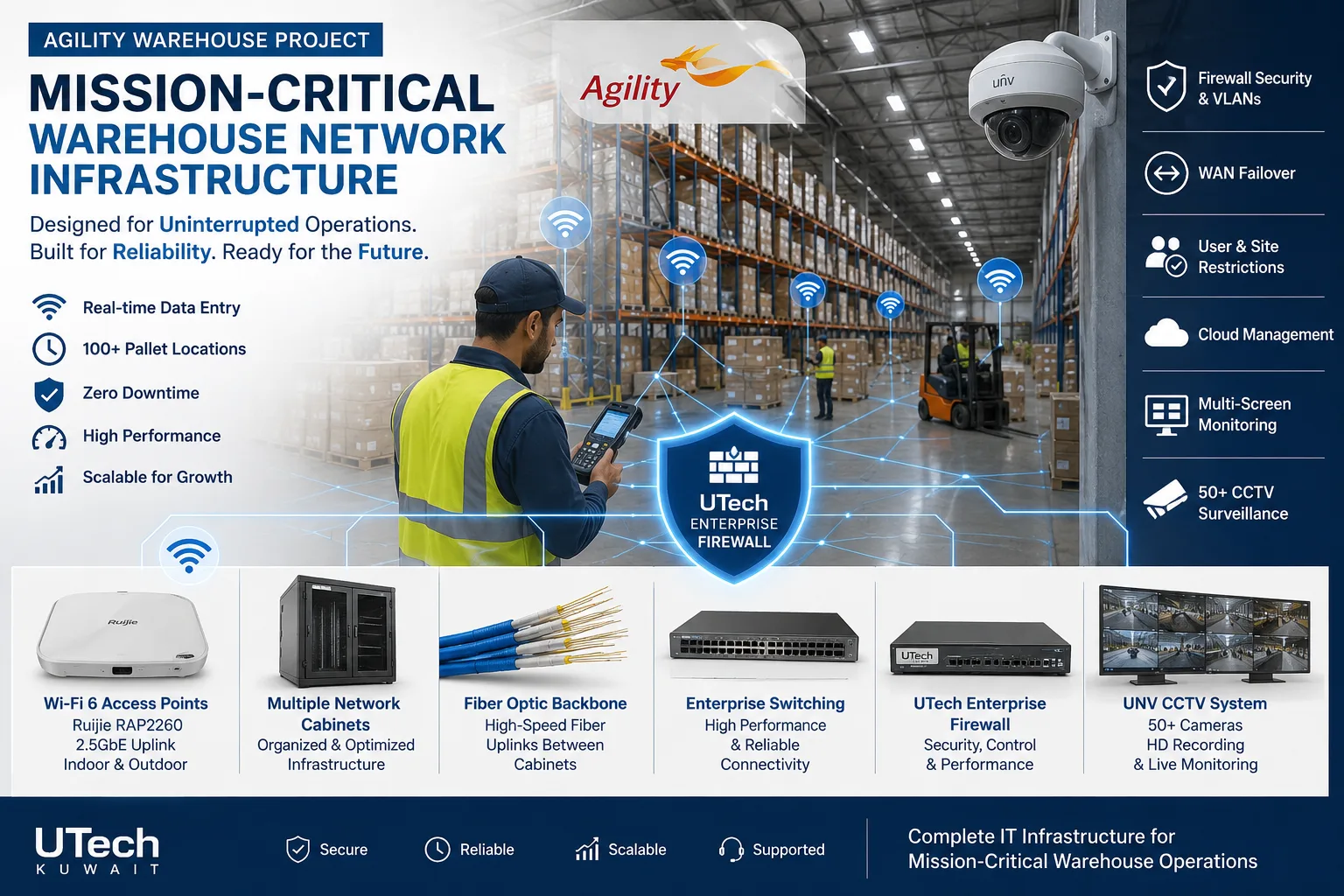 Mission-critical warehouse networkEnterprise Wi-Fi and switching for a major logistics operator's warehouse in Kuwait.Read the case study →
 Multi-floor commercial Wi-Fi upgradeEnterprise Wi-Fi rebuilt across every floor of a commercial facility.Read the case study →
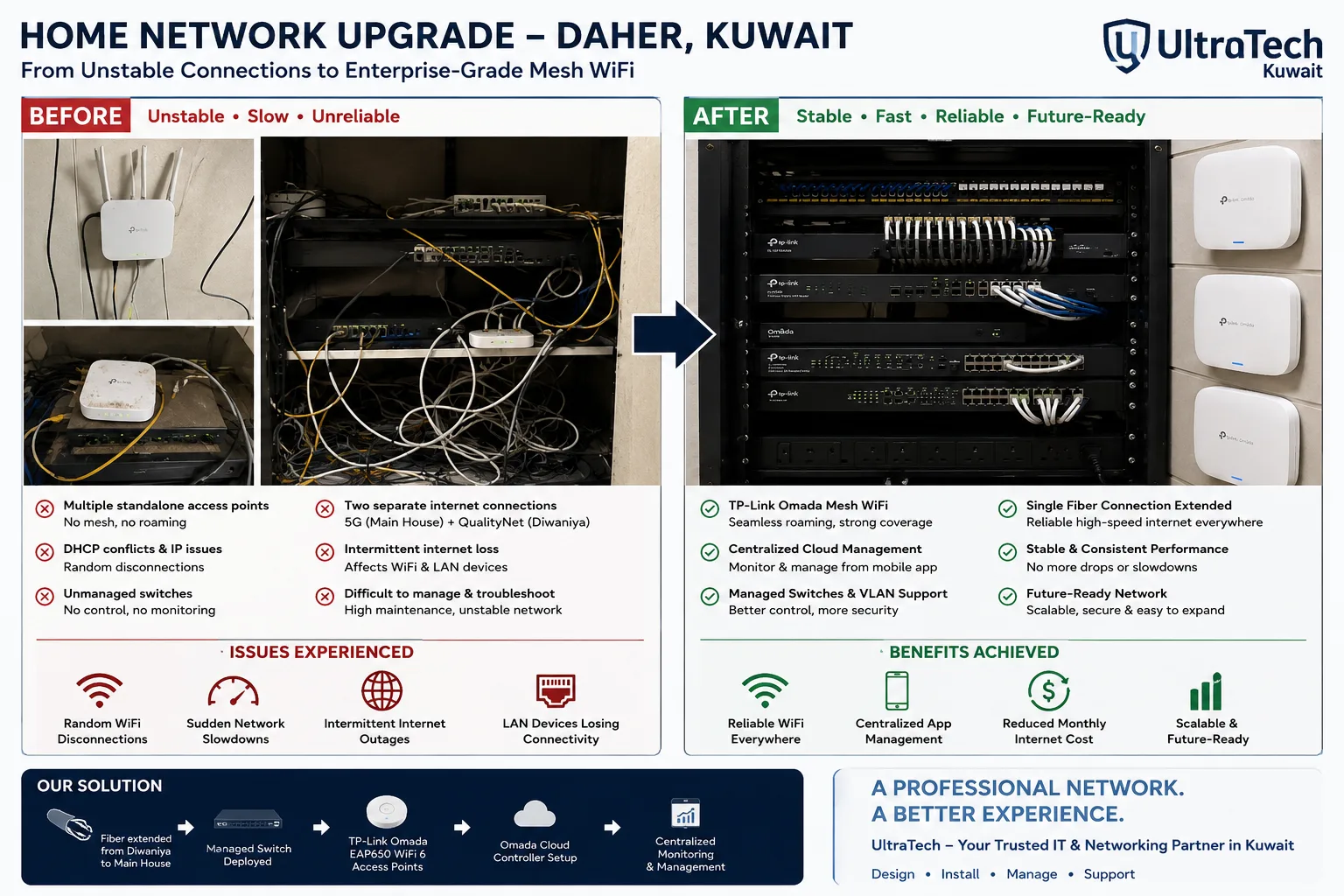 Two-building Omada mesh network, Daher7–8 unstable access points replaced by one managed Omada network across two buildings.Read the case study →
Who does the work
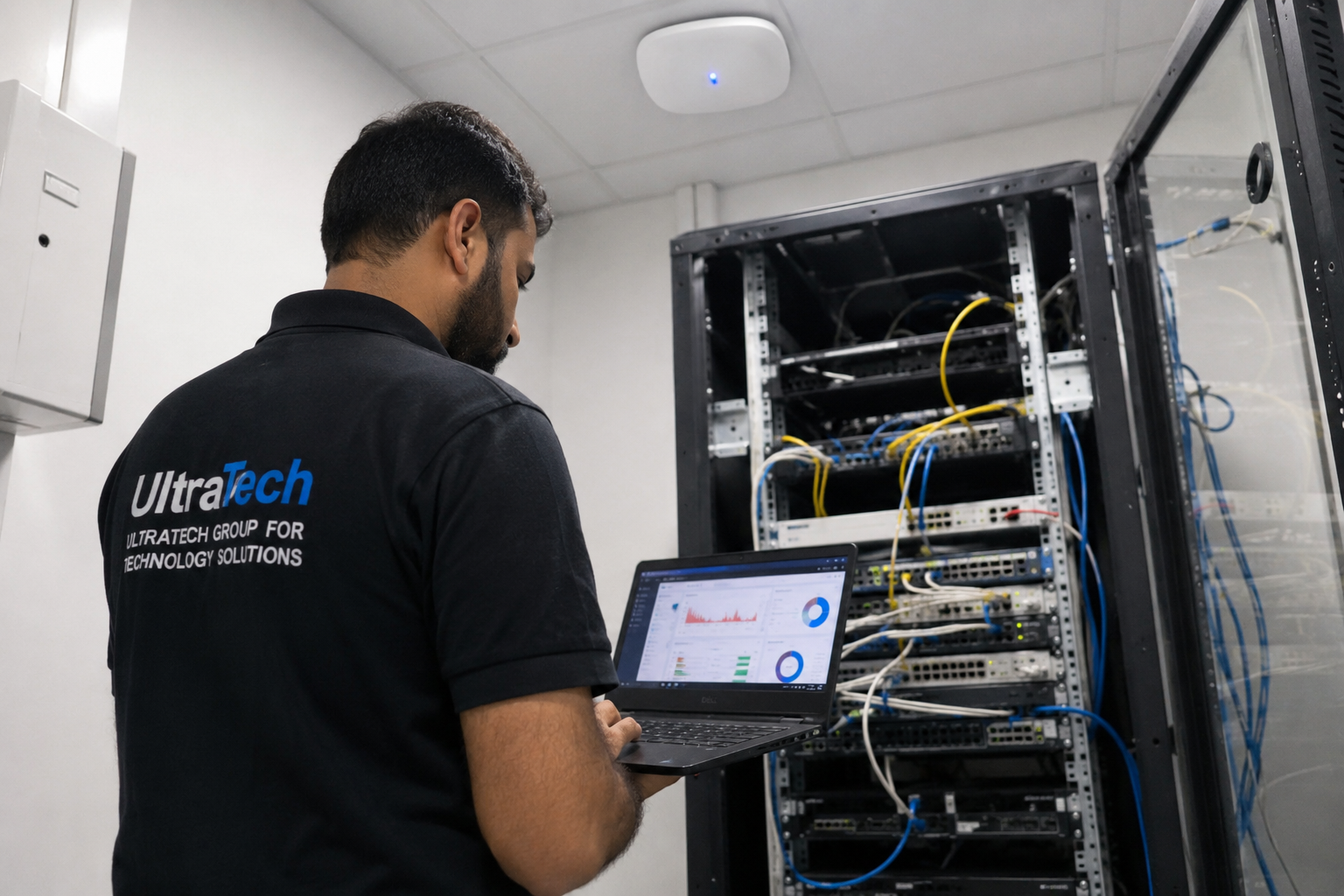
The delivery team behind every project, from our team page.
How does an office network fit together?
What we design and install, from the incoming internet line to every desk.
- 01Internet line
- 02Firewall
- 03Core switch
- 04PoE access switches
- 05Wi-Fi access points
- 06PCs, phones, printers, cameras
Standards and specifications
Cabling
Cat6 as standard, Cat6A for new buildings, Wi-Fi 7 and server rooms.
Testing
Every link tested end to end, with a report per point.
Labelling
Both ends of every run, matching the port map.
Network
VLANs for staff, guests, phones and cameras, with a documented IP plan.
Wi-Fi
Access points placed from the floor plan, with a separate guest network.
Security
Business firewall, secure remote access, admin passwords handed over.
Which equipment do we install?
 FortiGate 70G Next-Generation FirewallFortinet · Next-Generation Firewall (NGFW)We supply and install →
 Cisco CBS350-24P-4G 24-Port Gigabit PoE+ Managed SwitchCisco Systems · Cisco Network SwitchesWe supply and install →
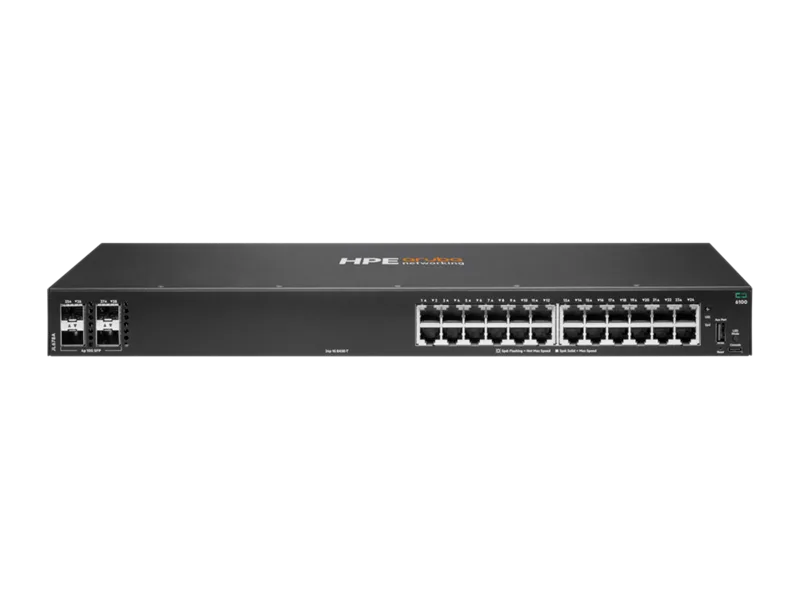 Aruba CX 6100 24-Port Gigabit PoE+ SwitchAruba Networks · Aruba Network SwitchesWe supply and install →
 Ubiquiti UniFi U6-LR WiFi 6 Long-Range Access PointUbiquiti Networks · UBNT Indoor Access PointsWe supply and install →
Office network terms, explained
- Network point
- One cable from a wall or floor outlet back to the network cabinet; desks usually need two.
- PoE switch
- A switch that powers access points, phones and cameras through the network cable, so they need no socket.
- Access point (AP)
- The ceiling device that broadcasts Wi-Fi; offices use several on one controller instead of one router.
- Firewall
- The device between the internet and your office that blocks threats and keeps networks apart.
- VLAN
- A separate network on the same equipment, e.g. one for staff, one for guests, one for cameras.
- Patch panel
- The panel in the cabinet where every network point ends, labelled to match the outlets.
- VPN
- A secure connection that lets staff reach the office network from home or abroad.
- AMC
- Annual maintenance contract: support and maintenance after installation, from 50 KWD per month.
Keep exploring
Book a site visit and get a written quote
20 KWD, deducted from your invoice when you go ahead. We reply within working hours.