Campus & multi-building networks
UltraTech Kuwait builds campus and multi-building networks in Kuwait, linking buildings with fiber or point-to-point wireless into one managed network with shared internet, security and Wi-Fi. It suits schools, hospitals, factories, compounds and company sites spread over several buildings.
Reviewed by Eng. M. Ahmed, Project Manager, IT Operations · Updated
Book a site visit
20 KWDDeducted from your invoice when you go ahead
An engineer visits for campus & multi-building networks, Sunday – Thursday, 9:30 am – 6 pm.
Book a visitor get a quote without a visit →At a glance
- Where
- All six governorates of Kuwait
- Site visit
- 20 KWD, deducted from your invoice
- Response
- Within 4 hours (SLA)
- Links
- Fiber backbone, or wireless where digging is not possible
- Civil works
- Trenching and ducts quoted separately
- After-care
- AMC from 50 KWD / month
More in Network Design & Installation
How much does it cost to connect buildings in Kuwait?
Typical Kuwait prices in 2026, equipment and installation included. Your exact price is fixed in writing after the site visit (20 KWD, deducted from your invoice when you go ahead).
| Fiber in existing duct or tray (supplied, pulled, tested), per metre | 2 – 5 KWD |
| Fiber termination per building (splicing, patch panel) | 60 – 150 KWD |
| Wireless point-to-point link, up to ~1 km, mounted and aligned | 250 – 900 KWD |
| Switch and uplinks per building | 400 – 1,500 KWD |
| Typical 2–3 building site (backbone, core, Wi-Fi) | 4,000 – 15,000 KWD |
What moves the price
- Distance between buildings
- Existing ducts, or digging needed
- Fiber or wireless links
- Outdoor Wi-Fi between buildings
Fiber or wireless between your buildings?
What we usually choose for each situation. The site visit checks distances, ducts and line of sight.
| Situation | Best link | Speed | Why |
|---|---|---|---|
| Ducts or trays already exist | Fiber | 10 Gbps and up | Fastest and most reliable; lasts decades |
| No ducts, clear line of sight, under ~1 km | Wireless point-to-point | 1–10 Gbps | No digging; installed in a day |
| No ducts, no line of sight | Fiber with new duct, or a relay | 10 Gbps and up | Only fiber is dependable here |
| Temporary site or rented building | Wireless point-to-point | 1–10 Gbps | Moves with you |
What does a campus network project include?
We deliver the network end to end. Civil works are coordinated, not hidden in the price.
Before connecting your buildings
What we check on the site visit, and what helps if you have it ready.
Site
- A site plan with every building
- Where ducts or trenches already run
- Distances between buildings
- Roads, gates or neighbours in the way
Each building
- A spot with power for a cabinet
- How many users and devices
- Cameras, phones or access control on site
- Indoor and outdoor Wi-Fi needs
Availability
- Which buildings must never go offline
- Where the internet lines arrive
- Whether a backup link is needed
- Hours when work can be done
Which fiber between buildings: OM4 or OS2?
Most Kuwait sites with more than one building use single-mode between buildings and multimode inside them.
| Fiber | Distance | Speed | Best for |
|---|---|---|---|
| OM4 multimode | Up to ~300 m at 10 Gbps | 10–100 Gbps | Inside a building, between racks, short hops |
| OS2 single-mode | Up to 10 km and beyond | 10–400 Gbps | Between buildings, gates, far warehouses |
| Armoured OS2 | Same as OS2 | Same as OS2 | Direct burial or rough routes without duct |
| Wireless link (no fiber) | Up to ~10 km with line of sight | 1–10 Gbps | Where digging is impossible or temporary |
What people ask before they hire
How much does it cost to connect two buildings in Kuwait?
With existing ducts, fiber costs about 2–5 KWD per metre plus 60–150 KWD to terminate each end. Without ducts, a wireless point-to-point link costs 250–900 KWD and avoids digging.
Fiber or wireless: which is better?
Fiber is faster and not affected by weather or obstacles, so it is the first choice when ducts exist. Wireless is the practical choice when digging is impossible or too costly.
Does dust or summer heat affect wireless links in Kuwait?
Heavy dust storms can reduce the signal on long links. We size links with margin for Kuwait conditions and use outdoor-rated equipment.
Do you do the trenching?
Civil works are quoted separately; we coordinate the contractor and install and test everything that goes in the duct.
Can the whole site have one Wi-Fi network?
Yes. Indoor and outdoor access points on one controller, so devices move between buildings without reconnecting.
How long does a campus network take?
A wireless link is installed in a day. A fiber backbone for 2–3 buildings with existing ducts usually takes 1–2 weeks.
OM4 or OS2 fiber between our buildings?
OS2 single-mode between buildings: it carries 10 Gbps and more over kilometres and suits any future upgrade. OM4 multimode is cheaper for short runs inside a building, up to about 300 metres.
Do we need a permit to dig between our buildings?
Work inside your own site is coordinated with your contractor. Digging outside your plot or across a public road needs approval from the authorities, which is why civil works are quoted and scheduled separately.
How much is a site visit?
20 KWD, deducted from your invoice when you go ahead.
What goes wrong when buildings are linked without a plan
What our engineers find on multi-building sites in Kuwait.
01Copper cable run between buildings
Our fix: Too long for Ethernet and exposed to lightning and ground faults. We use fiber, which is immune to both.
02Consumer Wi-Fi bridges
Our fix: They drop in dust and heat. We use outdoor-rated point-to-point radios sized with margin.
03One link and no backup
Our fix: When it fails, a building goes offline. Critical buildings get a second path, fiber or wireless.
04Each building with its own internet and firewall
Our fix: Nothing is managed centrally. We design one core, one security edge and one Wi-Fi network.
05Fiber never tested after installation
Our fix: Faults show up months later. Every fiber is tested and the results handed over.
What do you get at handover?
Site plan
Buildings, link routes and distances on one drawing.
Tested links
Fiber test results and wireless link measurements.
Labelled backbone
Every fiber, patch panel and port labelled.
Network design
Core, building switches, VLANs and Wi-Fi documented.
One Wi-Fi
Site-wide roaming, indoors and outdoors.
One contact
The engineer who built it stays your point of contact.
How does it work?
- Step 1
Site visit
Distances, ducts, line of sight and power. 20 KWD, credited to your invoice.
- Step 2
Design
Backbone, building networks and Wi-Fi on one drawing, with a fixed price.
- Step 3
Install
Links first, then core and building switches, then Wi-Fi.
- Step 4
Test and hand over
Every link measured; drawings and results handed over.
Our recent network work in Kuwait
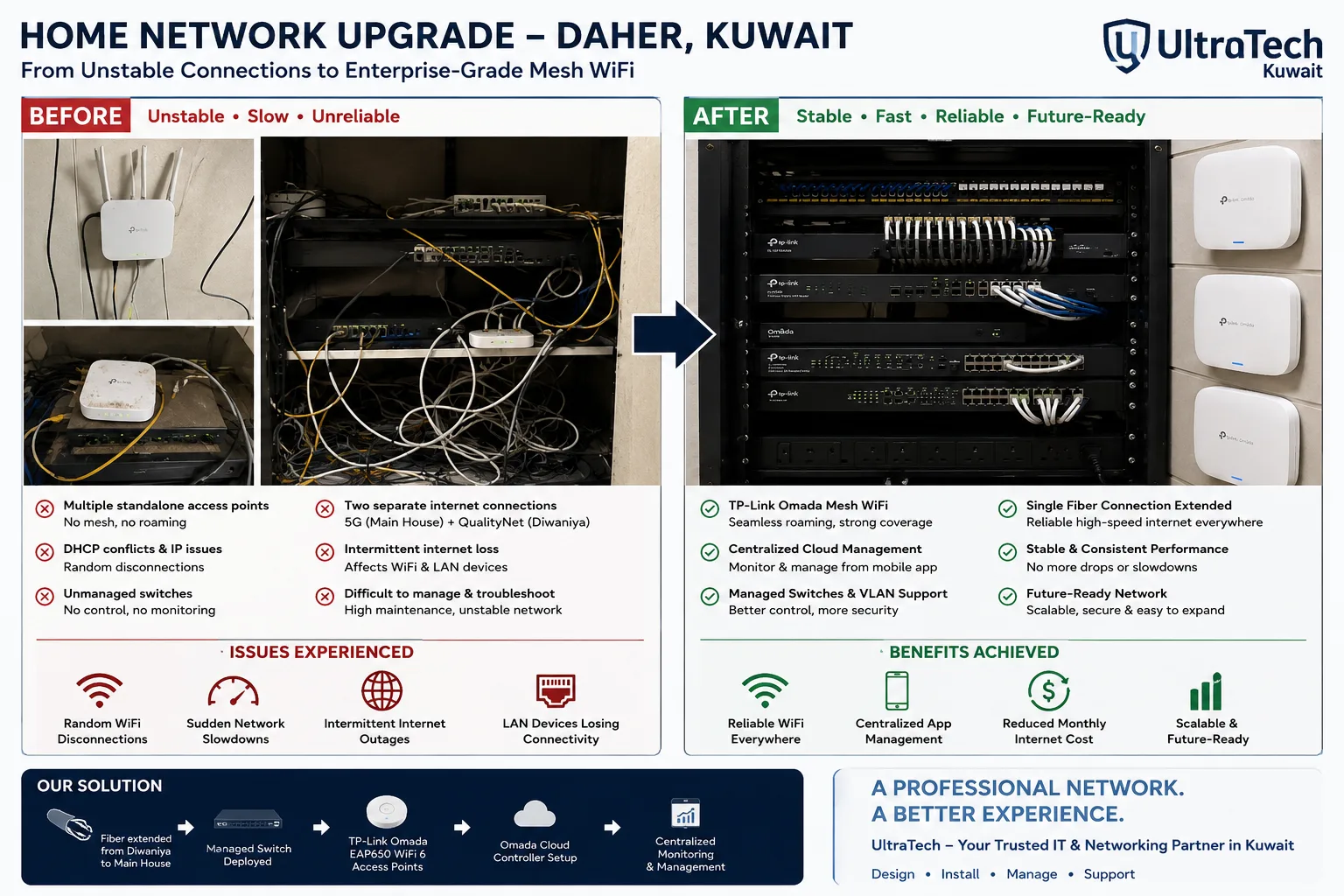 Two-building Omada mesh network, Daher7–8 unstable access points replaced by one managed Omada network across two buildings.Read the case study →
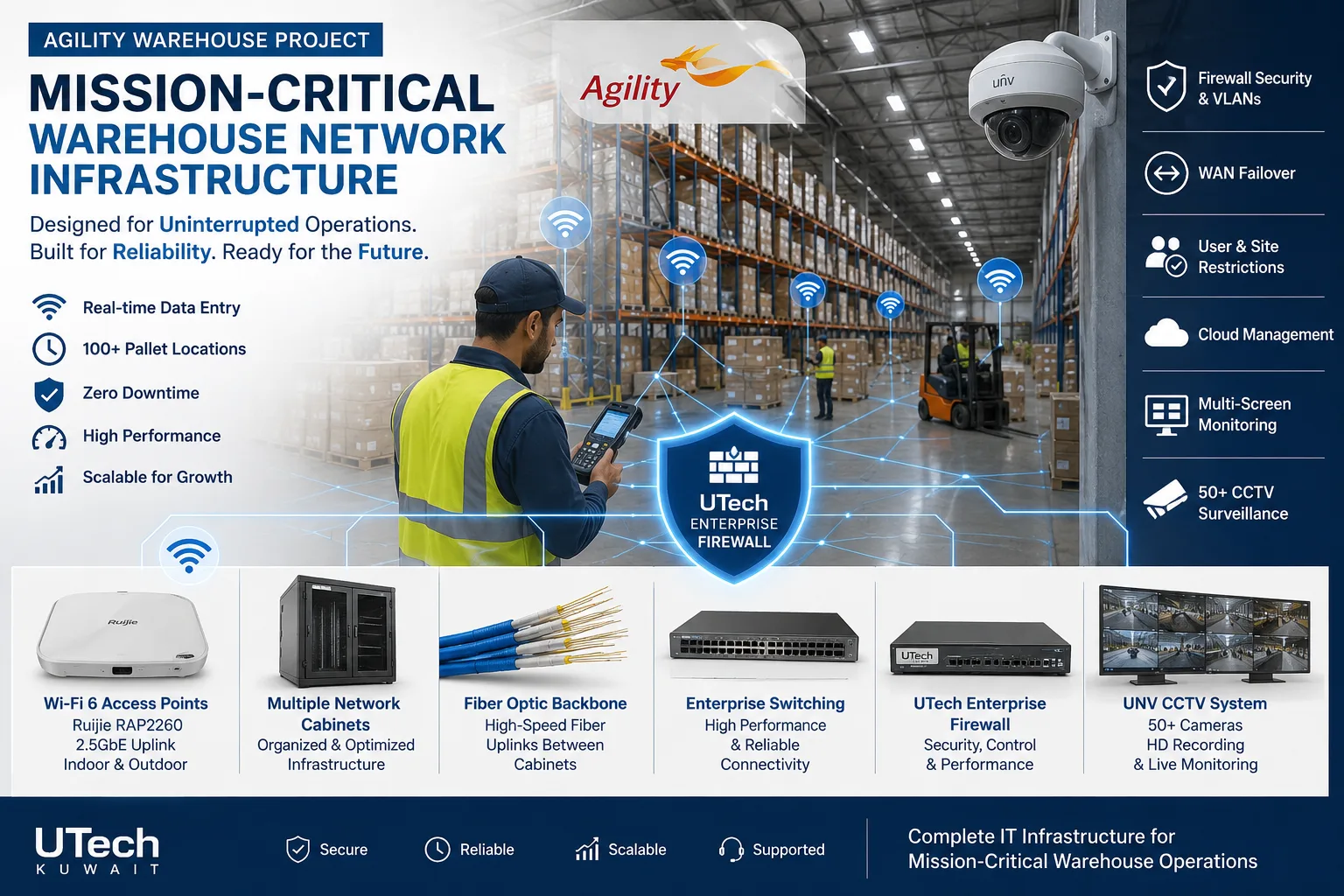 Mission-critical warehouse networkEnterprise Wi-Fi and switching for a major logistics operator's warehouse in Kuwait.Read the case study →
 Multi-floor commercial Wi-Fi upgradeEnterprise Wi-Fi rebuilt across every floor of a commercial facility.Read the case study →
Who does the work
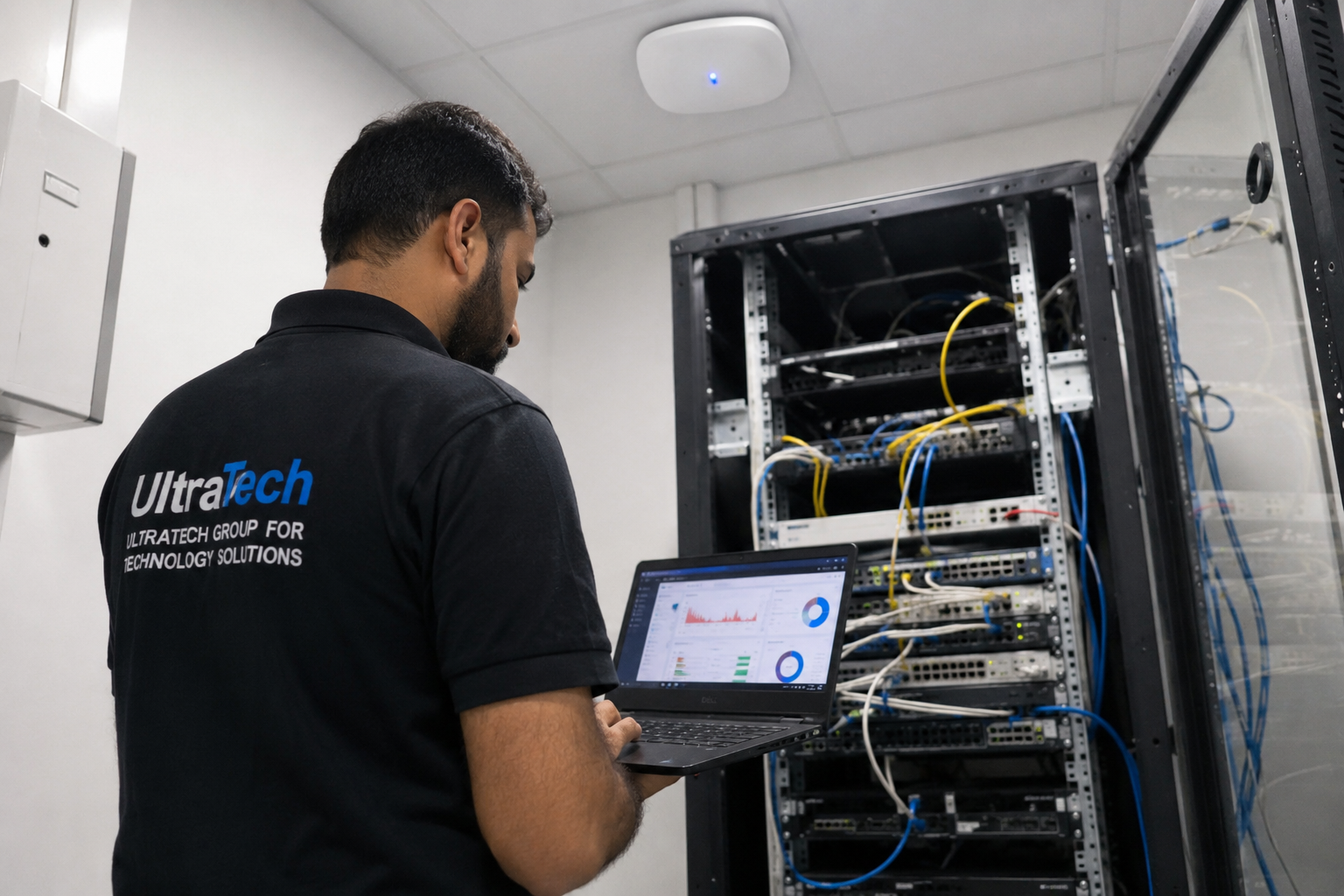
The delivery team behind every project, from our team page.
How does a campus network fit together?
One core, one security edge, and every building connected to it.
- 01Internet and firewall
- 02Core switch (main building)
- 03Fiber or wireless backbone
- 04Building switches
- 05Indoor and outdoor Wi-Fi
- 06Devices in every building
Standards and specifications
Fiber
Single-mode for distances beyond a few hundred metres; armoured outdoors.
Wireless links
Outdoor-rated point-to-point radios with margin for dust and heat.
Redundancy
A second path for buildings that cannot go offline.
Core
Layer 3 core with 10 Gbps uplinks to each building.
Wi-Fi
One controller, seamless roaming across the site.
Testing
Every fiber tested; wireless links measured at handover.
Which equipment do we install?
 Ubiquiti Building Bridge (UBB) Wireless BridgeUbiquiti Networks · Ubiquiti Wireless BridgeWe supply and install →
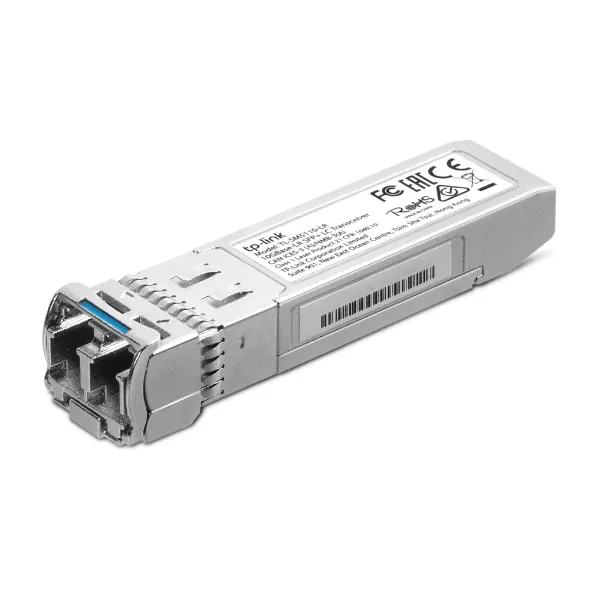 TP-Link TL-SM5110-LR Single Mode 10GBase-LR SFP+ LC TransceiverTP-Link · SwitchesWe supply and install →
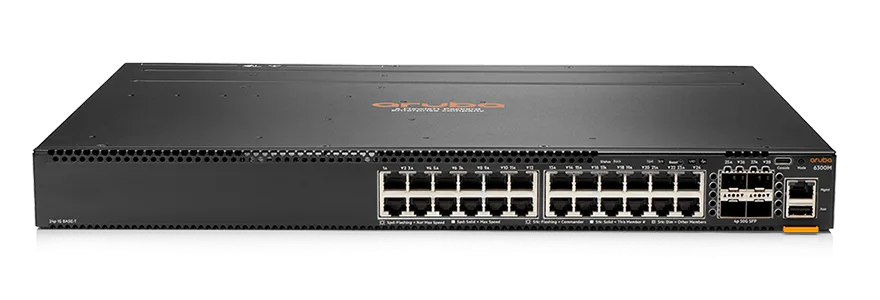 Aruba CX 6300 24-Port SFP+ SwitchAruba Networks · Aruba Network SwitchesWe supply and install →
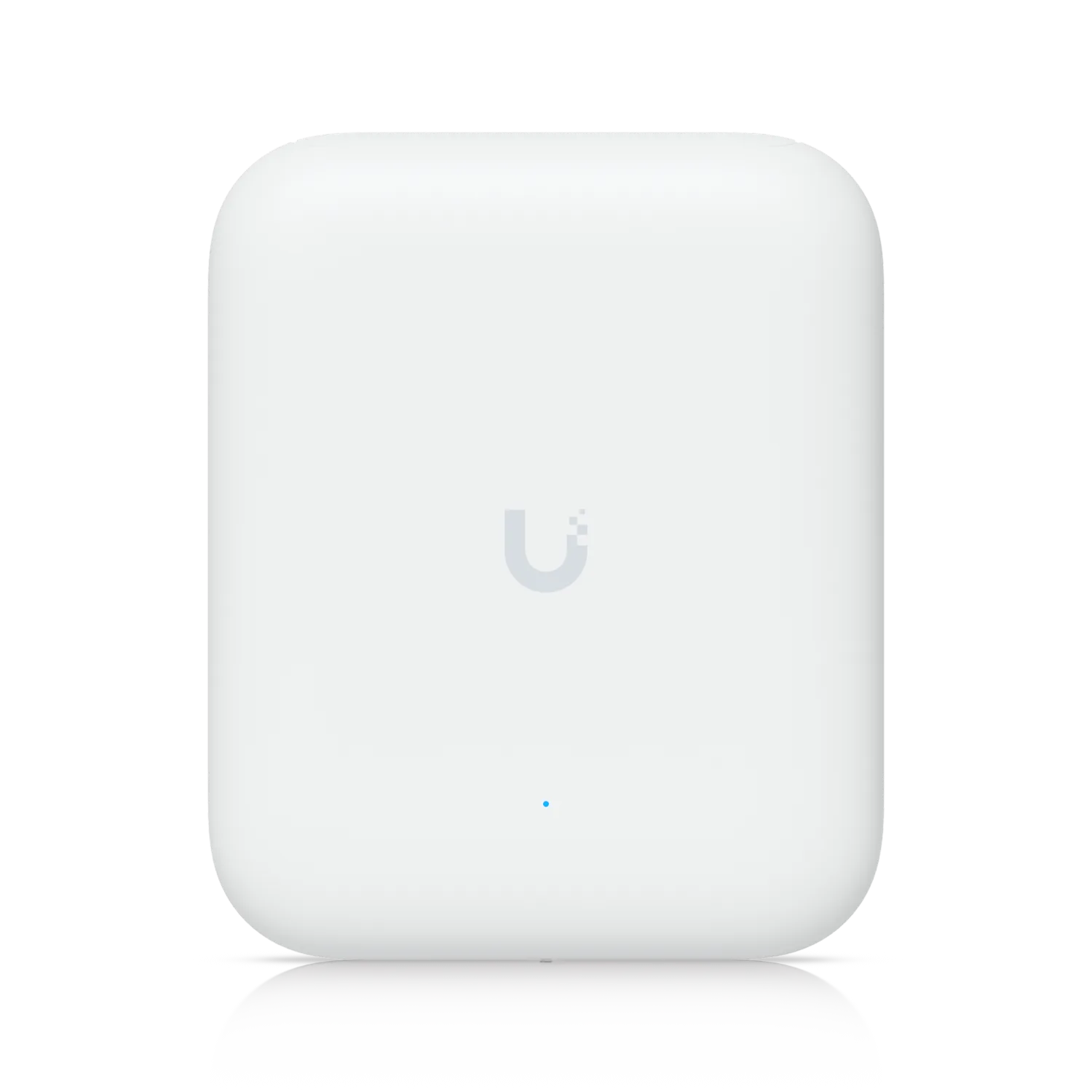 Access Point U7 Pro OutdoorUbiquiti Networks · OutdoorWe supply and install →
Campus network terms, explained
- Backbone
- The high-speed links between buildings, normally fiber, that every building's network hangs from.
- OS2 single-mode fiber
- Fiber for long distances, from hundreds of metres to many kilometres; the standard between buildings.
- OM4 multimode fiber
- Fiber for shorter runs up to about 300 m at 10 Gbps; cheaper optics, used inside buildings.
- ODF
- Optical distribution frame: the panel where fiber cores are spliced and patched in each building.
- Fusion splice
- Joining two fiber cores by melting them together; the lowest-loss way to terminate fiber.
- Armoured cable
- Fiber with a steel layer for burial or rough routes where there is no duct.
- Ring topology
- Buildings linked in a loop, so one cut cable never isolates a building.
Keep exploring
Book a site visit and get a written quote
20 KWD, deducted from your invoice when you go ahead. We reply within working hours.