Guest Wi-Fi & hotspot
UltraTech Kuwait sets up guest Wi-Fi and hotspots for Kuwait businesses: a separate visitor network kept away from company systems, with an optional login page, time limits and speed limits. It suits offices, clinics, cafés, showrooms and hotels.
Reviewed by Eng. M. Ahmed, Project Manager, IT Operations · Updated
Book a site visit
20 KWDDeducted from your invoice when you go ahead
An engineer visits for guest Wi-Fi & hotspot, Sunday – Thursday, 9:30 am – 6 pm.
Book a visitor get a quote without a visit →At a glance
- Where
- All six governorates of Kuwait
- Site visit
- 20 KWD, deducted from your invoice
- Response
- Within 4 hours (SLA)
- For
- Cafés, clinics, hotels, showrooms, offices
- Includes
- Separate guest network, login page, speed limits
- After-care
- AMC from 50 KWD / month
More in Wireless & Wi-Fi
How much does guest Wi-Fi cost in Kuwait?
Typical Kuwait prices in 2026, equipment and installation included. Your exact price is fixed in writing after the site visit (20 KWD, deducted from your invoice when you go ahead).
| Guest network on existing business Wi-Fi (setup only) | 40 – 120 KWD |
| Branded login page (captive portal) with terms and voucher codes | 80 – 250 KWD |
| Access point for a guest area, supplied and installed | 60 – 200 KWD each |
| Café, clinic or showroom, complete (2–4 APs, gateway, portal) | 400 – 1,200 KWD |
| Hotel floor or event space | 1,500 – 5,000 KWD |
What moves the price
- Number of guests at once
- Login method (password, voucher, SMS, social)
- Existing Wi-Fi or new access points
- Branding and reporting needs
What guest Wi-Fi does your business need?
The usual setup per type of venue. The site visit confirms coverage and how many guests connect at once.
| Venue | Guests at once | Login | Typical setup |
|---|---|---|---|
| Clinic waiting room, showroom | 10–40 | Password or terms page | 1–2 APs, guest network |
| Café or restaurant | 30–100 | Branded page or vouchers | 2–4 APs, portal, speed limits |
| Hotel floor | 50–200 | Room number or voucher | AP per 2–3 rooms, portal |
| Event hall, mall unit | 200+ | Voucher or SMS | High-density APs, gateway |
Before opening guest Wi-Fi
Decide these once; we set them up so staff never have to think about it.
Access
- Who gets access: walk-ins, customers, staff guests
- Login method and how long a session lasts
- Speed limit per device
Protection
- Guests fully separated from staff, cameras and POS
- Adult and harmful sites filtered
- Terms of use on the login page
Running it
- Who changes the password or prints vouchers
- Whether guest Wi-Fi is free or paid
- Branding: logo and colours on the login page
Which guest Wi-Fi login should you use?
The login decides how easy it is for guests and how much control you keep.
| Login | Guest experience | Control | Best for |
|---|---|---|---|
| Shared password | Easiest: ask staff, type once | Low: the password spreads | Small clinics, offices |
| Terms page (click to accept) | One tap, no password | Medium: terms accepted, limits apply | Cafés, showrooms, waiting rooms |
| Vouchers | A printed or shown code per guest | High: time-limited per guest | Hotels, events, paid Wi-Fi |
| Phone number (SMS code) | Enter number, receive code | High: each session tied to a number | Busy venues, marketing opt-in |
| Room number + name | Hotel guests sign in with their stay | High: ends at check-out | Hotels and serviced apartments |
What people ask before they hire
How much does guest Wi-Fi cost in Kuwait?
Adding a guest network to existing business Wi-Fi costs about 40–120 KWD. A complete café, clinic or showroom setup with 2–4 access points and a branded login page usually costs 400–1,200 KWD.
Can guests reach our computers or cameras?
No. Guests are on a separate network, isolated from your staff, printers, cameras and from each other.
Can we show our logo on the login page?
Yes. A branded page with your logo, terms of use and an optional voucher or password, in English and Arabic.
Can we limit how much internet guests use?
Yes. Speed limits per device and time limits per session keep the internet fast for your staff and other guests.
Do we need new access points?
Not always. Business access points can usually run the guest network too; consumer routers cannot do it properly.
How much is a site visit?
20 KWD, deducted from your invoice when you go ahead.
What goes wrong with guest Wi-Fi, and how we avoid it
Common setups we replace in Kuwait cafés, clinics and offices.
01Guests on the staff network with the same password
Our fix: Anyone can reach your PCs and cameras. Guests get their own isolated network.
02A password on the wall that never changes
Our fix: Neighbours use it for years. Vouchers or a rotating password stop that.
03No speed limits
Our fix: One guest streaming slows everyone, staff included. We set per-device limits.
04One consumer router for a busy café
Our fix: It drops at 20–30 phones. We install business access points sized for the crowd.
05No terms of use
Our fix: The business carries the risk of what guests do. A login page with terms fixes that.
What do you get at handover?
Isolated guest network
Separate from staff, cameras and printers.
Branded login page
Your logo and terms, in English and Arabic.
Limits set
Speed and time limits per guest.
Staff training
How to change the password or print vouchers.
Documents
Settings and admin access handed over.
One contact
The engineer who built it stays your point of contact.
How does it work?
- Step 1
Site visit
Venue, guest numbers and current Wi-Fi checked. 20 KWD, credited to your invoice.
- Step 2
Plan and fixed quote
Access points, login method and limits, with the price.
- Step 3
Install and configure
Outside opening hours if needed.
- Step 4
Test and hand over
Tested from guest devices; staff shown how to manage it.
Our recent network work in Kuwait
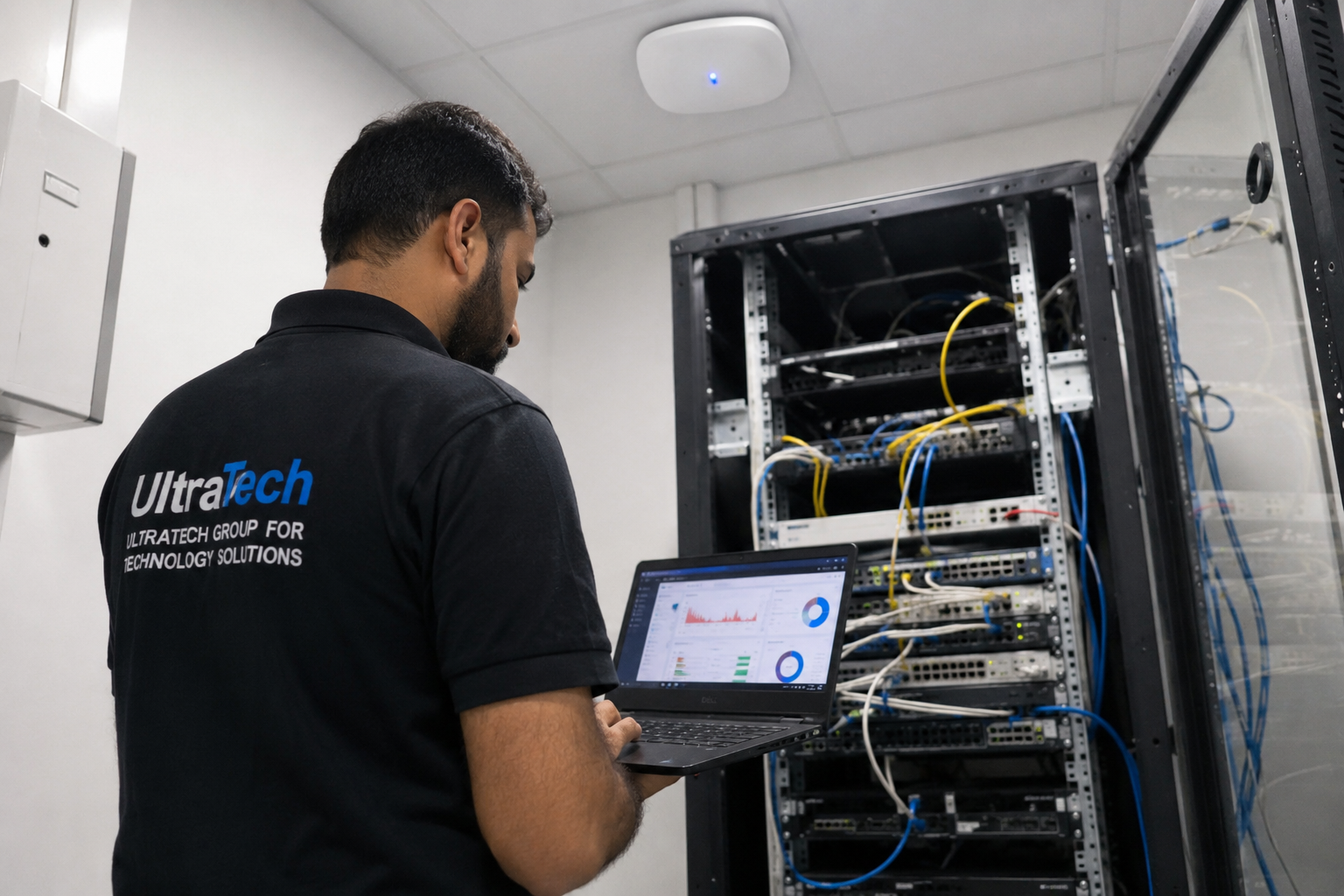 Multi-floor commercial Wi-Fi upgradeEnterprise Wi-Fi rebuilt across every floor of a commercial facility.Read the case study →
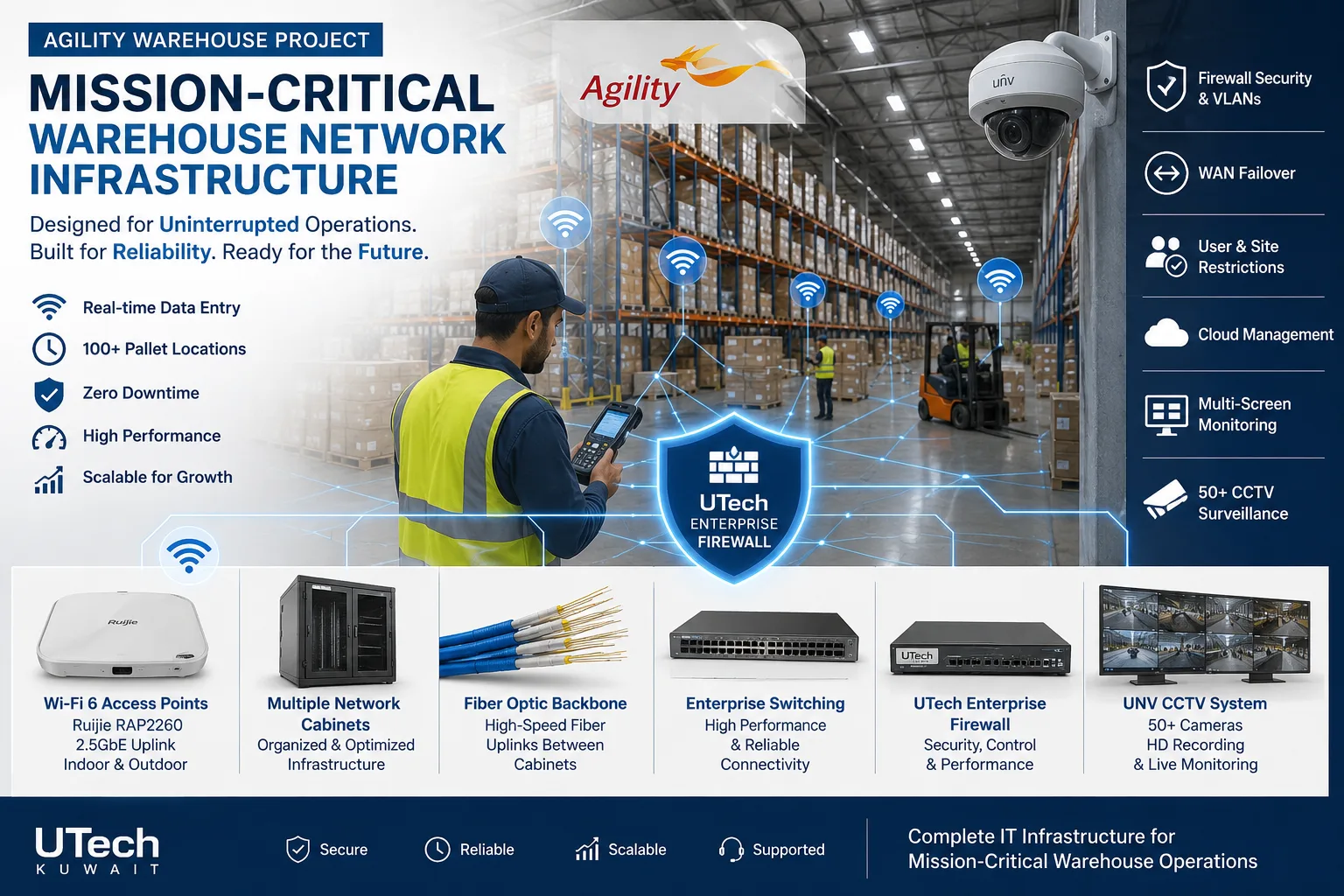 Mission-critical warehouse networkEnterprise Wi-Fi and switching for a major logistics operator's warehouse in Kuwait.Read the case study →
Who does the work
The delivery team behind every project, from our team page.
How is guest Wi-Fi kept apart from your business?
One set of access points, two separate networks.
- 01Internet line
- 02Firewall or gateway
- 03Guest VLAN with login page
- 04Staff VLAN
- 05Shared access points
- 06Guests and staff, kept apart
Standards and specifications
Isolation
Guest VLAN, client isolation, no access to staff devices.
Login
Terms page, password, vouchers or SMS, branded.
Limits
Per-device speed limits and session time limits.
Coverage
Access points sized for peak guest numbers.
Security
WPA3 or open-with-portal, as the venue needs.
Reporting
Guest counts and usage in the controller.
Which equipment do we install?
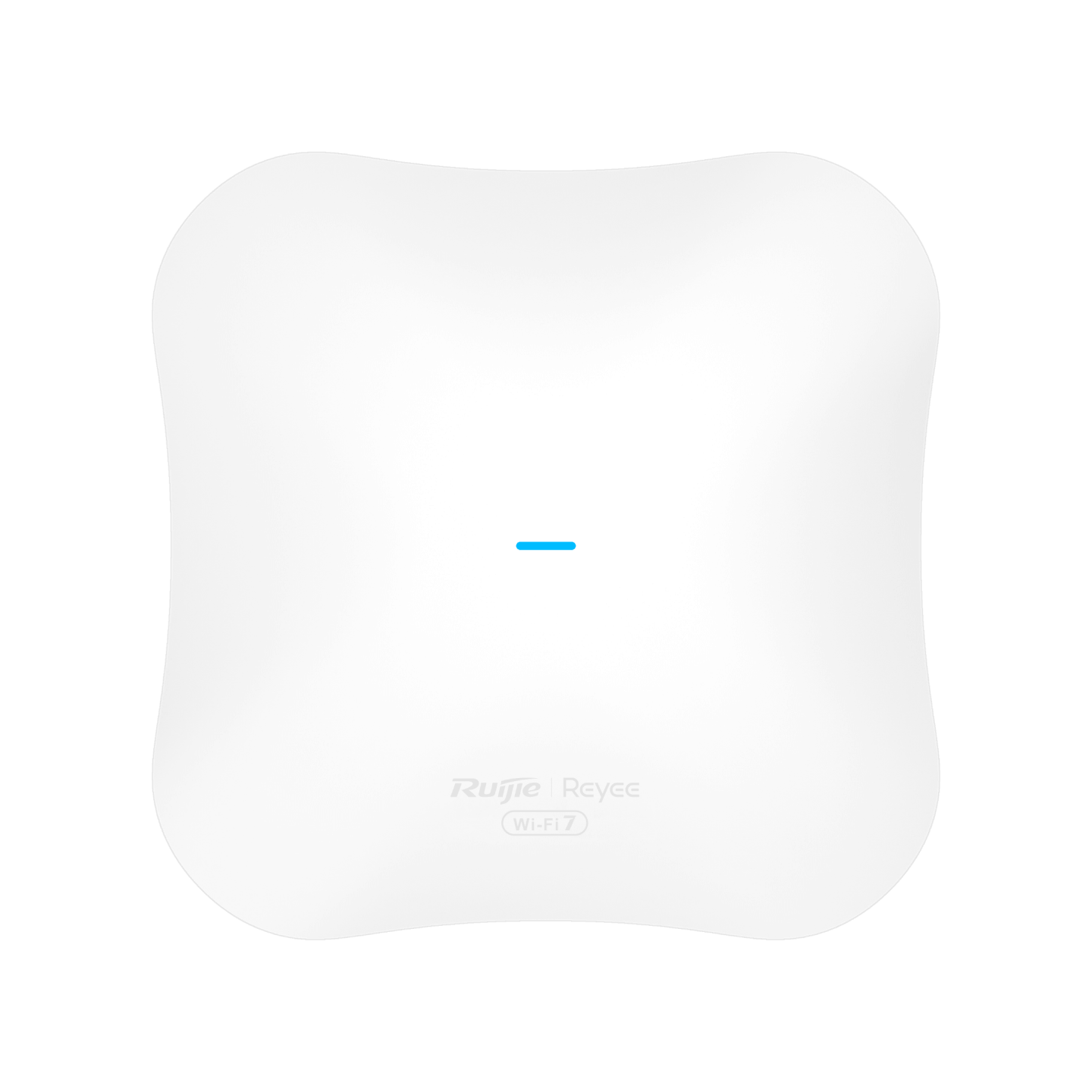 Ruijie Reyee RG-RAP72Pro WiFi 7 Dual-Band Ceiling Access PointRuijie Reeye · Indoor Wi-Fi Access PointsWe supply and install →
 Ubiquiti UniFi U7 Pro WiFi 7 Access PointUbiquiti Networks · UBNT Indoor Access PointsWe supply and install →
 Grandstream Networks In-Room Access PointGrandstream Networks · Indoor Wi-Fi Access PointsWe supply and install →
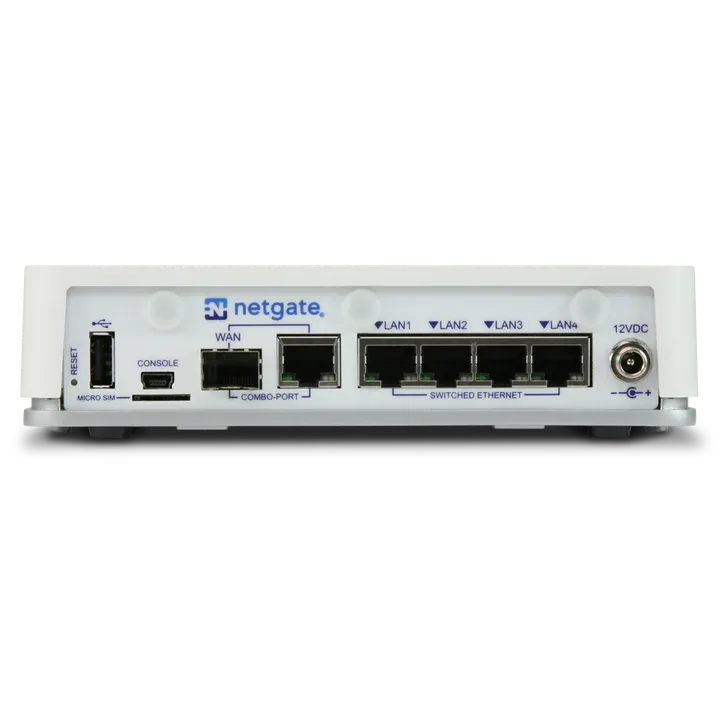 Netgate 2100 pfSense+ Security GatewayNetgate · FirewallWe supply and install →
Guest Wi-Fi terms, explained
- Captive portal
- The page guests see before they get online: terms, password, voucher or phone login.
- Client isolation
- Guests cannot see or reach each other's phones and laptops on the guest network.
- VLAN
- A separate network on the same equipment, keeping guests away from staff, cameras and POS.
- Bandwidth limit
- A speed cap per device so one guest cannot slow everyone else down.
- Voucher
- A code that gives one guest access for a set time, then expires.
Keep exploring
Book a site visit and get a written quote
20 KWD, deducted from your invoice when you go ahead. We reply within working hours.