Managed firewall
UltraTech Kuwait supplies, installs and manages business firewalls in Kuwait, mainly Fortinet FortiGate and Netgate pfSense, managed for a fixed monthly fee. We set the rules, keep firmware and security licences current, watch alerts and send a monthly report.
Reviewed by Eng. M. Ahmed, Team Leader, Network & Project Specialist · Updated
Talk to an engineer
Every managed firewall job is designed to your site and quoted in writing. Saturday–Thursday, 8 am–8 pm.
Get a quote Ask on WhatsAppAt a glance
- Where
- All six governorates of Kuwait
- Support response
- Same day for critical faults (AMC clients)
- Brands
- Fortinet FortiGate, Netgate pfSense, Ruijie
- Report
- Monthly, in plain English
More in Managed Network Security
What we size it on
Every job is designed to the site and quoted in writing after the visit.
- Internet speed the firewall must inspect
- Number of users, branches and VPN users
- Security features switched on (web filter, IPS, antivirus)
- How fast you need rule changes made
Which firewall size does your office need?
Sized on the internet line with all security features on, not the box's headline speed. The site visit confirms it.
| Office | Users | Internet line | Typical firewall |
|---|---|---|---|
| Shop, small clinic | Up to 15 | Up to 300 Mbps | FortiGate 30G / 40F or Netgate 1100 |
| Office, showroom | 15–50 | Up to 1 Gbps | FortiGate 60F / 70G or Netgate 2100 / 4200 |
| Larger office, several floors | 50–150 | 1 Gbps, two lines | FortiGate 80F / 90G or Netgate 6100 |
| Head office with branches | 150–500 | 1–10 Gbps | FortiGate 100F–200G, in a pair if needed |
| Data room, many VPN users | 500+ | 10 Gbps | FortiGate 400F / 600F |
Is your current firewall protecting you?
If you cannot tick most of these, the firewall is probably not doing its job.
Updates
- Firmware updated in the last 3 months
- Security licence active (not expired)
- Admin password changed from the default
Rules
- No 'allow all' rules left from testing
- Cameras and NVR not open to the internet
- Guests separated from staff
Access and records
- VPN users have two-factor login
- Ex-staff accounts removed
- Configuration backed up somewhere safe
Router, firewall or managed firewall: what's the difference?
Most small offices in Kuwait start with the provider's router. Here is what each step adds.
| Provider's router | Firewall, unmanaged | Managed firewall | |
|---|---|---|---|
| Blocks unwanted inbound traffic | Basic | Yes | Yes |
| Filters websites and malware | No | If licensed | Yes, licence tracked |
| Separate networks (staff, guests, cameras) | Rarely | If configured | Yes |
| Safe remote access (VPN) | Weak or none | If configured | Yes, with two-factor login |
| Firmware and security updates | Rarely | When someone remembers | Every month |
| Someone watching alerts | No | No | Yes |
FortiGate, pfSense or something else?
All three are solid when they are set up and kept updated; the choice is about features, licences and who runs it.
| Brand | Best for | Why | Cost |
|---|---|---|---|
| Fortinet FortiGate | Most offices and branches | Strong security features, one console for many sites; needs a yearly licence for full protection | $$–$$$$ |
| Netgate pfSense | Cost-conscious offices, custom setups | No per-feature licences; very flexible routing and VPN | $–$$ |
| Ruijie Reyee Z series | Small offices on Reyee networks | Managed from the same cloud app as the Wi-Fi and switches | $ |
| UTK custom firewall | Specific routing or open-source needs | Built by our team on proven open-source software | $ |
What people ask before they hire
Do we need a firewall if the internet provider gave us a router?
Yes, for a business. The provider's router blocks basic traffic but does not filter malware, separate networks properly or give safe remote access.
What happens when the FortiGate licence expires?
The firewall keeps routing, but web filtering, antivirus and intrusion prevention stop updating. We track renewal dates and remind you before they lapse.
Can you take over a firewall someone else installed?
Yes. We audit the current rules and firmware first, fix what is risky, then manage it from there.
Do you need to be on site for changes?
No. Most rule changes and updates are done remotely, outside working hours where they could interrupt anyone.
Is there a contract term?
Management is monthly or yearly, and can be part of a wider maintenance contract (AMC).
What we find on firewalls in Kuwait offices
Taken over from other installers or set up in a hurry.
01Security licence expired a year ago
Our fix: Filtering and IPS stopped silently. We track renewals and report status monthly.
02Camera NVR opened to the internet for the mobile app
Our fix: It is the most common way in. We use the vendor's cloud app or VPN instead.
03Remote desktop open directly to the internet
Our fix: A frequent ransomware entry point. Replaced by VPN with two-factor login.
04Firmware two years old
Our fix: Known holes stay open. We schedule updates outside working hours.
05Nobody has the admin password
Our fix: We recover access, document it and hand it to you sealed.
What do you get at handover?
Rule list
Every rule written down with why it exists.
Admin access
Your own admin account and the passwords, sealed.
Config backup
Saved off the device and after every change.
Licence dates
What is licensed and when it renews.
Monthly report
Threats blocked, updates done, changes made.
One contact
The engineer who built it stays your point of contact.
How does it work?
- Step 1
Site visit or remote audit
Current firewall, internet lines and needs checked. Site visitAn engineer visits the site before anything is designed or quoted; the visit is booked online and deducted from your final invoice if you go ahead with us.
- Step 2
Plan and fixed quote
Model, rules and monthly management in writing.
- Step 3
Install after hours
Cut-over outside working hours, tested before staff arrive.
- Step 4
Manage every month
Updates, alerts, rule changes and the report.
Who does the work
The delivery team behind every project, from our team page.
Where does the firewall sit in your network?
Between every internet line and everything inside, with separate zones.
- 01Internet lines (main + backup)
- 02Managed firewall
- 03Staff network
- 04Guest Wi-Fi
- 05Cameras and NVR
- 06VPN users and branches
Standards and specifications
Zones
Staff, servers, guests, cameras and IoT kept apart.
Protection
Web filter, antivirus, intrusion prevention, application control.
Two lines
Automatic failover or load sharing across providers.
VPN
Remote users and branch tunnels, with two-factor login.
Logging
Logs kept and reviewed; alerts on attacks and outages.
Updates
Firmware and signatures kept current, every month.
Which equipment do we install?
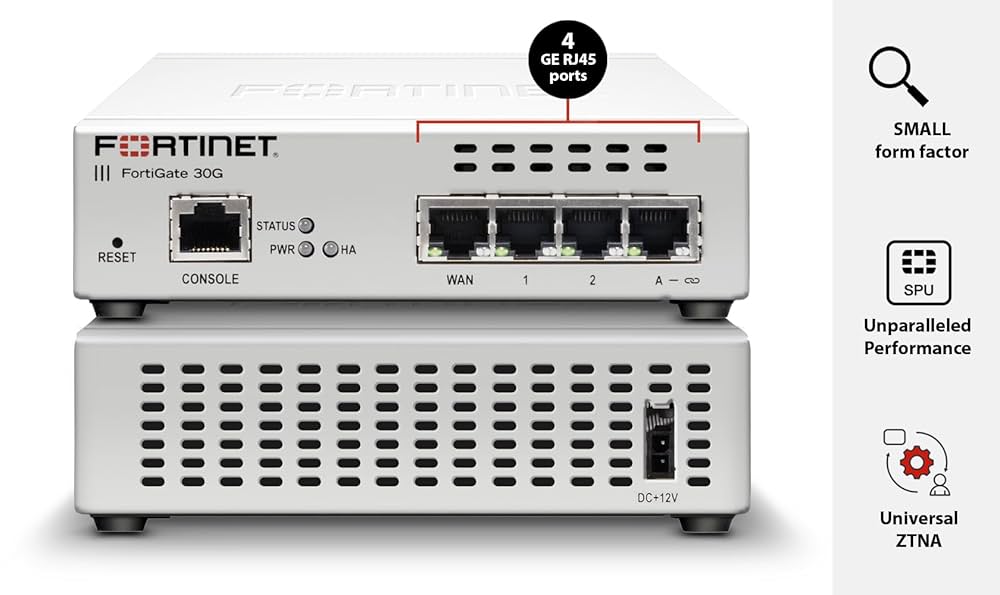 FortiGate 30G Next-Generation FirewallFortinet · Next-Generation Firewall (NGFW)We supply and install →
 FortiGate 60F Next-Generation FirewallFortinet · Next-Generation Firewall (NGFW)We supply and install →
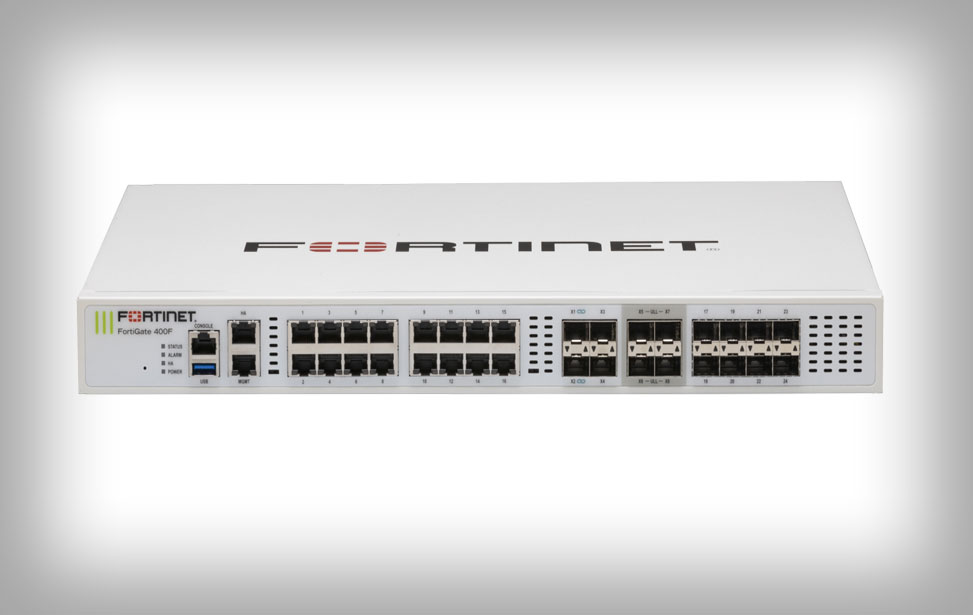 FortiGate 400F Next-Generation FirewallFortinet · Next-Generation Firewall (NGFW)We supply and install →
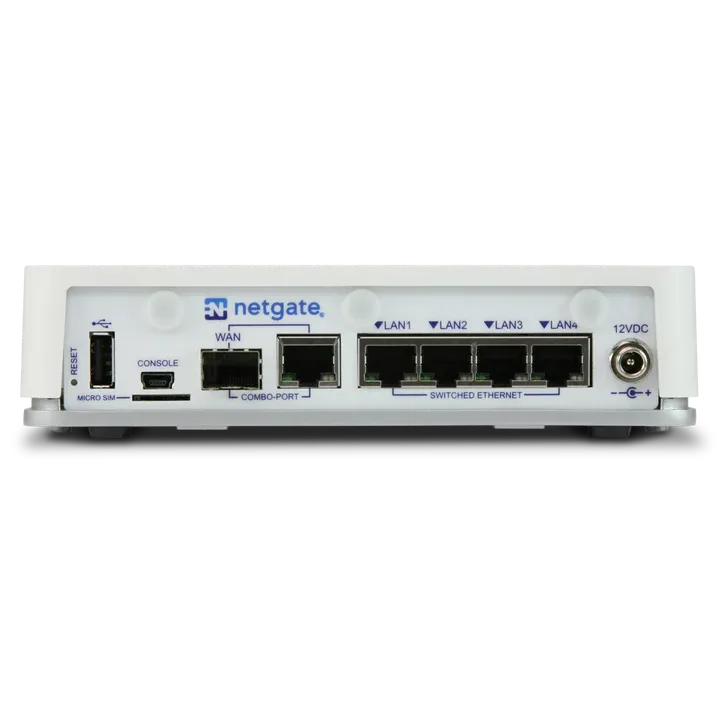 Netgate 2100 pfSense+ Security GatewayNetgate · FirewallWe supply and install →
Firewall terms, explained
- NGFW
- Next-generation firewall: inspects applications and content, not just ports and addresses.
- UTM / security bundle
- The yearly licence that keeps web filtering, antivirus and IPS updated on a firewall.
- IPS
- Intrusion prevention: blocks traffic that matches known attacks.
- Failover
- Switching to the backup internet line automatically when the main one drops.
- Port forwarding
- Opening a device inside to the internet; the usual cause of hacked cameras and servers.
Keep exploring
Tell us about your site
Every job is designed to the site and quoted in writing. We reply within working hours.