Multi-WAN & internet failover
When one internet line drops, the office carries on over the other.
UltraTech Kuwait sets up internet failover for businesses in Kuwait: two lines on different providers, such as fiber and 5G, connected to one multi-WAN router or firewall that moves traffic to the working line by itself. We test it at handover by unplugging the main line in front of you.
Reviewed by Eng. M. Ahmed, Team Leader, Network & Project Specialist · Updated
Key facts
- Lines
- Two or more, on different providers: fiber, 5G or leased line
- Switch-over
- Automatic, from continuous health checks on each line
- Equipment
- FortiGate firewalls; TP-Link Omada and Grandstream multi-WAN routers
- Priority
- Calls and card payments first on the backup line
- Proof
- Main line unplugged in front of you at handover
- Coverage
- All six governorates of Kuwait
One line means one point of failure
With a single internet line, a cut cable, a provider outage or an expired plan stops card payments, calls, email and cloud systems at the same moment.
- Card machines and POS go offline
- Cloud systems and email stop
- IP phones and video calls drop
- Staff wait and customers leave
What you get
Two providers, two paths
Main and backup lines from different providers, so one outage does not take both down.
Automatic switch-over
The router checks each line all the time and moves traffic to the working one by itself.
On a business firewall or router
FortiGate firewalls or TP-Link Omada and Grandstream multi-WAN routers, sized to your lines.
Calls and payments first
Priority rules keep IP phones and card machines working when the backup line is slower.
You know when it happens
An email alert when a line goes down, so you can chase the provider.
Written down
Line details, provider contacts and settings handed over in one document.
Built for
Shops and restaurants
Card machines and online orders keep running when the main line drops.
Clinics
Booking systems and patient records stay reachable.
Offices on cloud systems
Email, ERP and Microsoft 365 stay up for everyone.
Warehouses
Scanners and shipping systems keep talking to head office.
How it works
- 1
Line check
Your current line, the providers in the building, and what must never go offline.
- 2
Second line
We help you order the backup, usually 5G or fiber from another provider.
- 3
Router or firewall
Installed with both lines connected, health checks and priority rules set.
- 4
Unplug test
We unplug the main line in front of you and show the office staying online.
What we size it on
Every failover setup is designed to the site and quoted after the visit.
- Number of users and line speeds
- A router or a full business firewall
- VPN links to branches
- Lines already in place
- What must keep working during an outage
Firewalls and routers we install
From our catalogue, sized at the site visit to your lines and users.
 FortinetFortiGate 60F Next-Generation Firewall
 FortinetFortiGate 70G Next-Generation Firewall
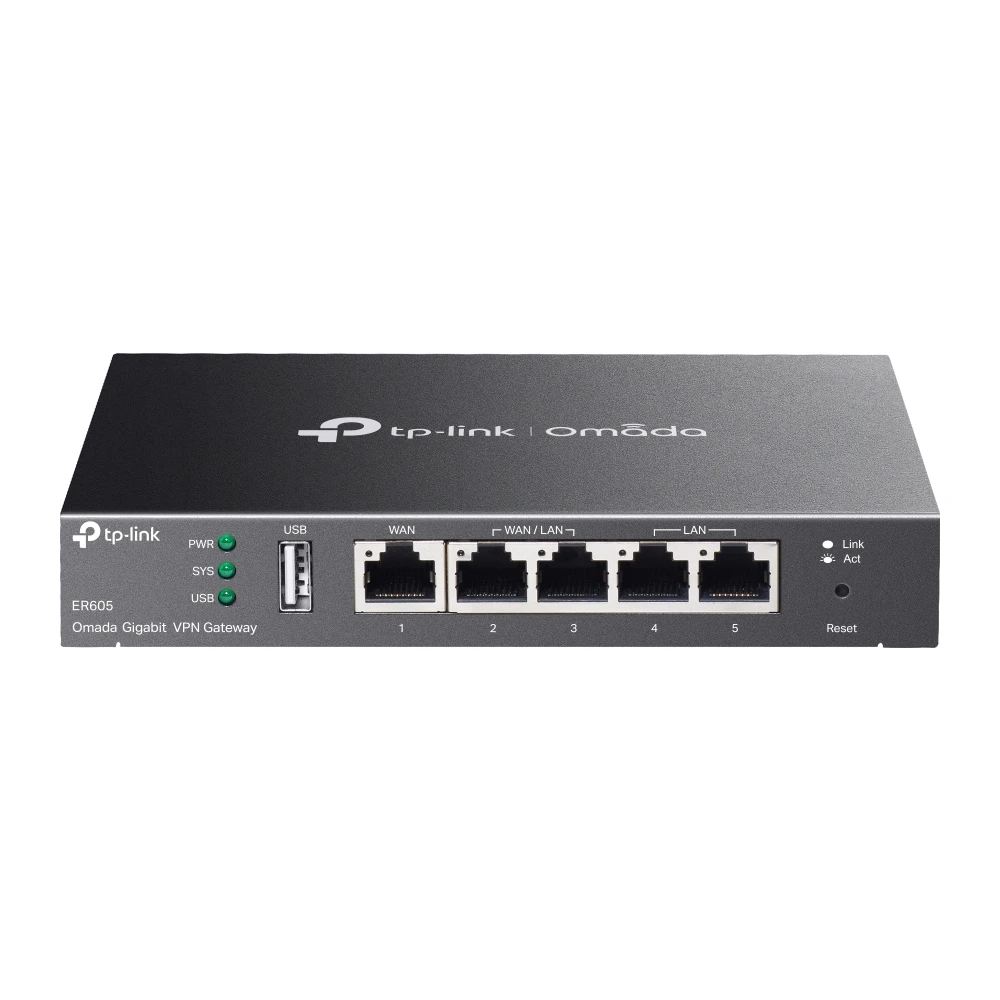 TP-LinkTP-Link ER605 SafeStream Gigabit Multi-WAN VPN Router
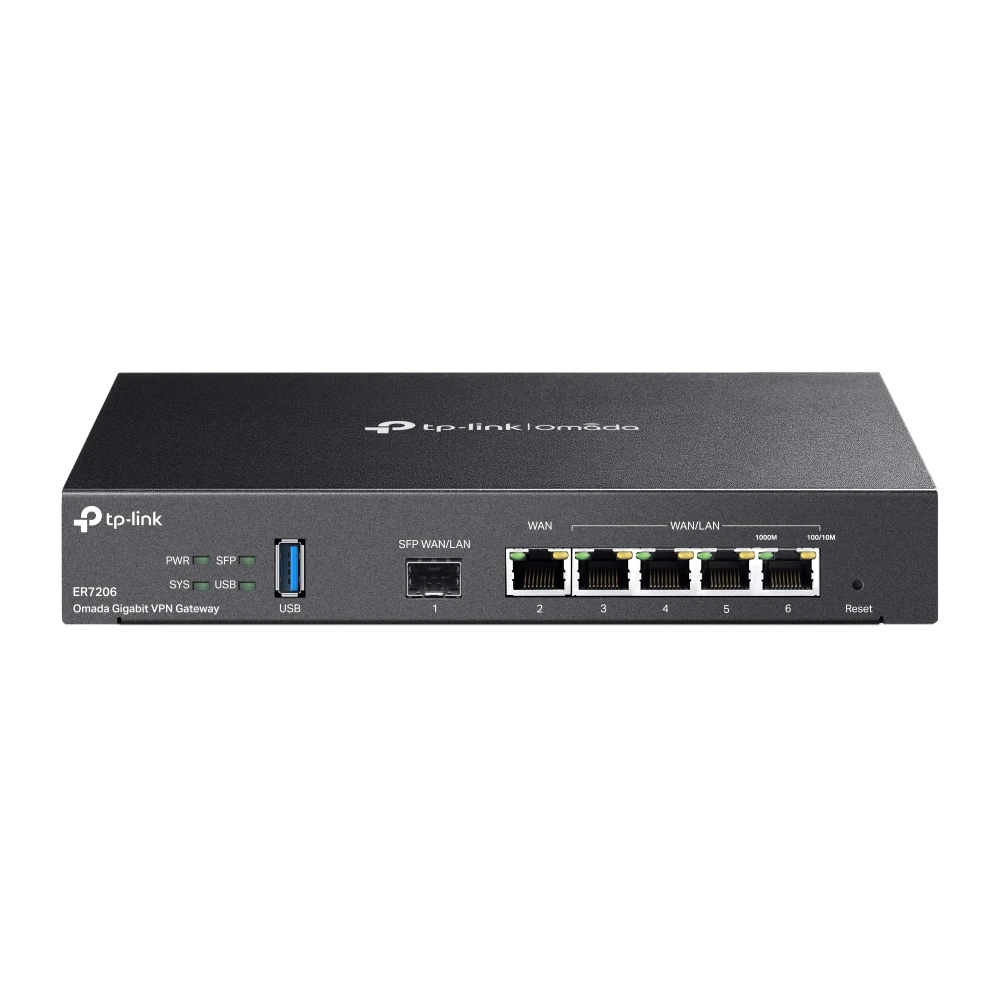 TP-LinkTP-Link ER7206 Omada Gigabit Multi-WAN VPN Router
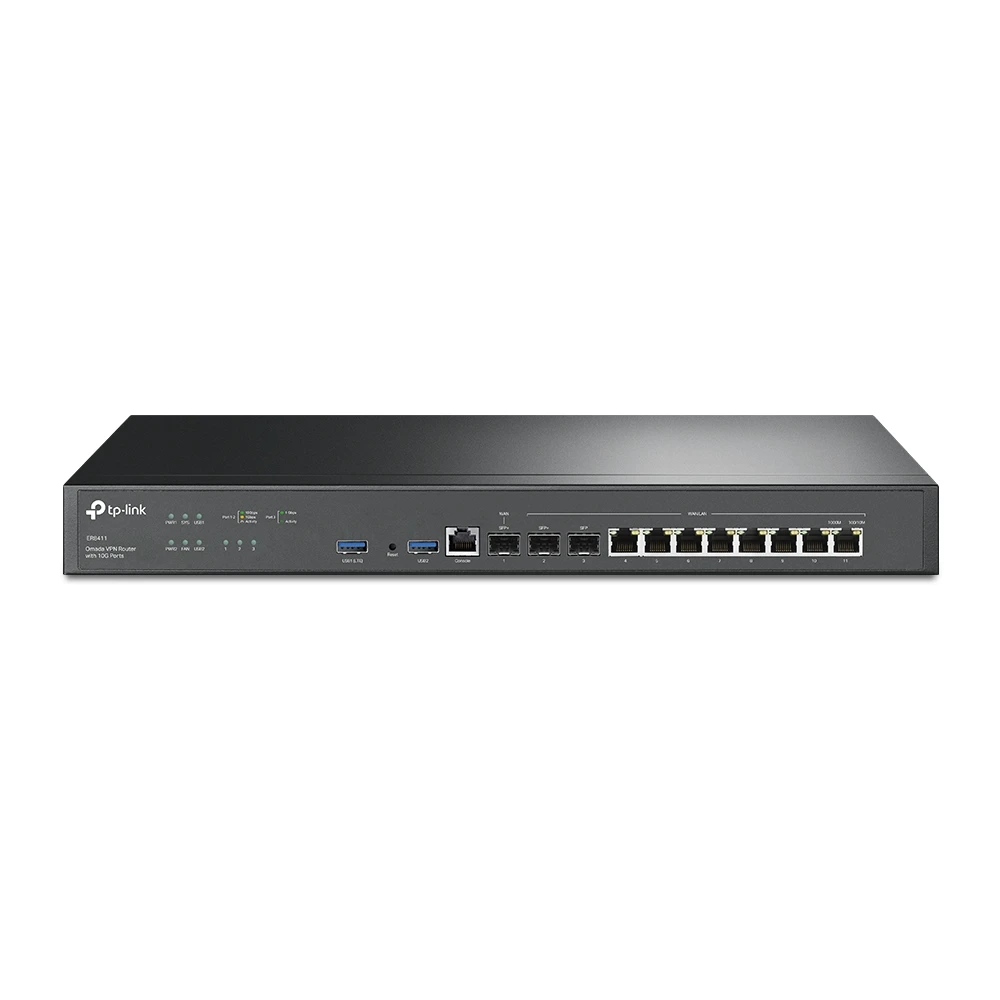 TP-LinkTP-Link ER8411 SafeStream Enterprise Multi-WAN VPN Router
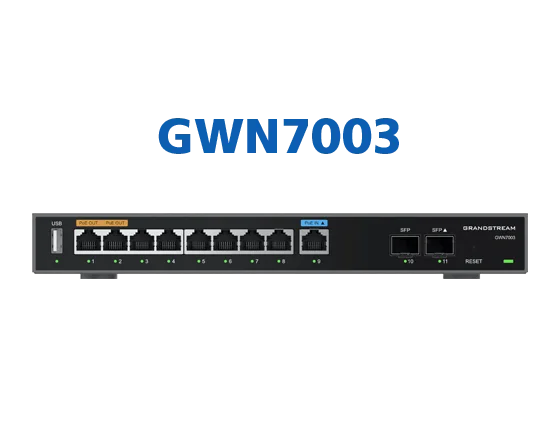 Grandstream NetworksGrandstream GWN7003 Multi-WAN Gigabit VPN Router
Specification
- Lines
- 2 or more WAN links: fiber, 5G or leased line
- Switch-over
- Automatic, by continuous health checks on each line
- Devices
- FortiGate firewalls; TP-Link Omada and Grandstream multi-WAN routers
- Priority
- Voice and payment traffic first on the backup line
- Alerts
- Email when a line goes down or comes back
At handover
- Failover test, done in front of you
- Line and provider details
- Configuration backup of the router or firewall
- Admin access and passwords
- Alert recipients set
Our work
Related services
Everything in Internet, WAN & Load BalancingTell us about your site
Every job is designed to the site and quoted in writing. Send your requirements or ask an engineer on WhatsApp.